Dateline
A website theme for newsrooms and broadcasters, in Astro and in Next.js with Sanity: a live desk with the player and timestamped updates, the latest news, section fronts and articles, most read, a programme guide, watch again, podcasts and search. 29 pages, 21 sections and 2 presets, dark and light, WCAG 2.2 AA.
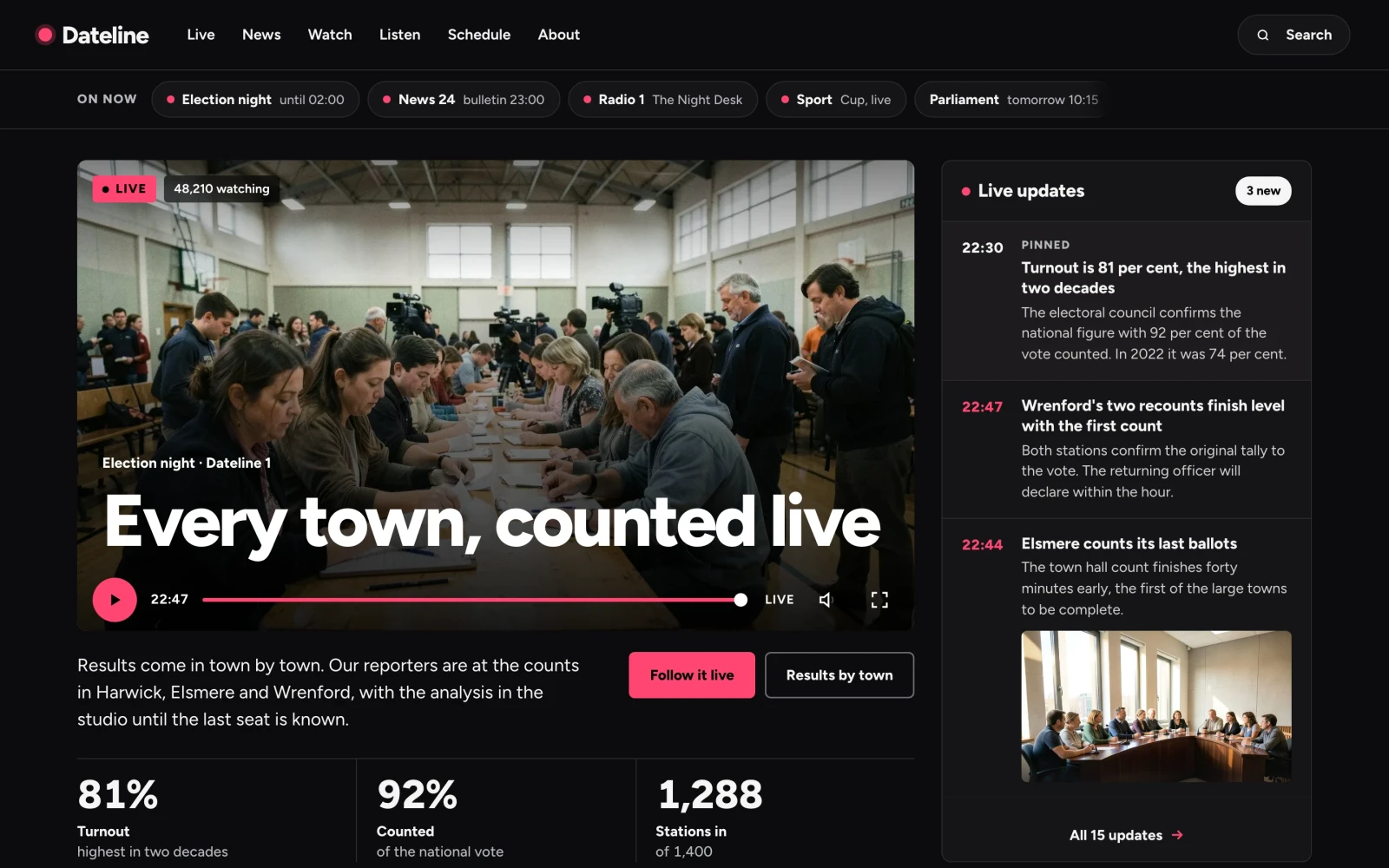
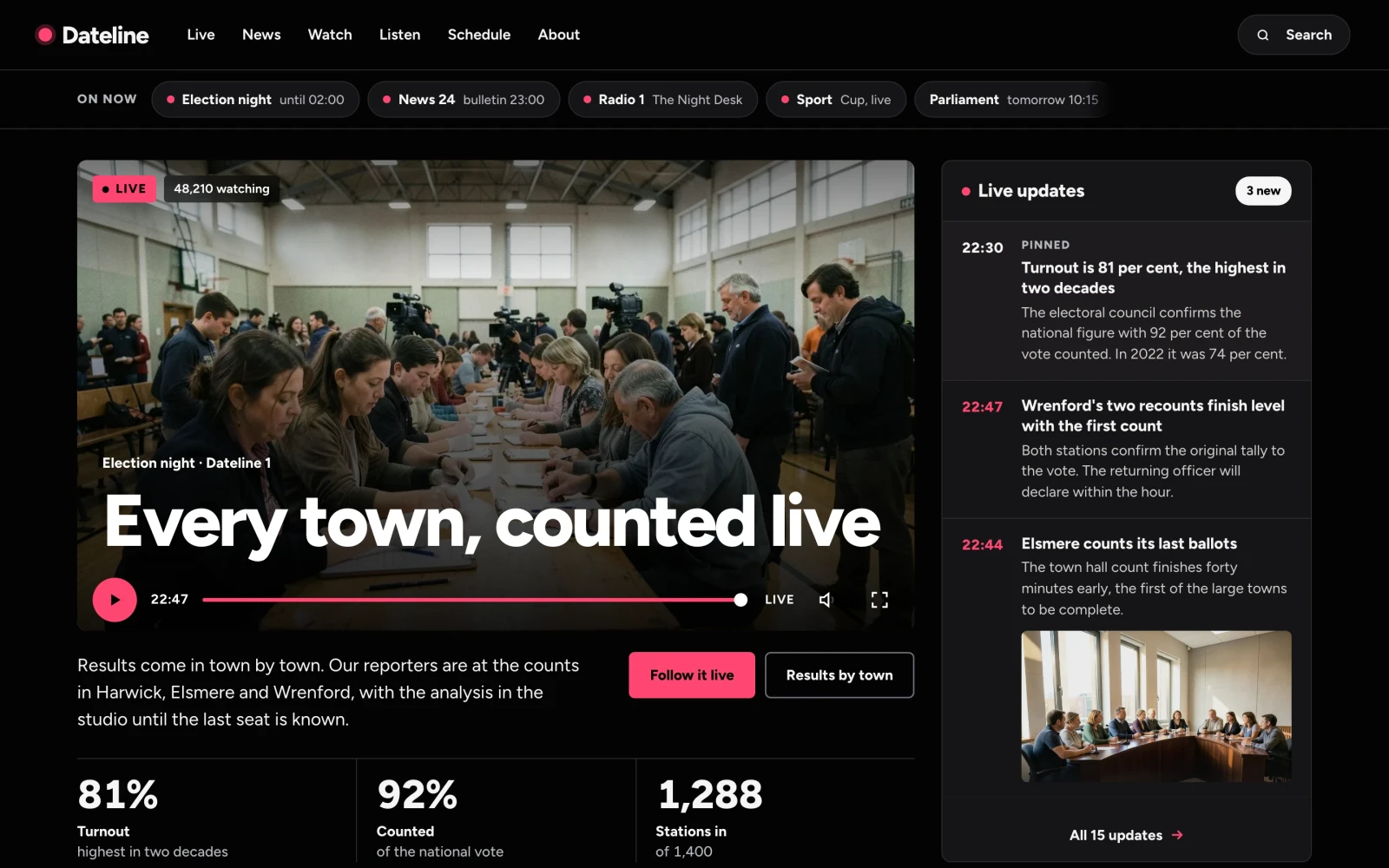
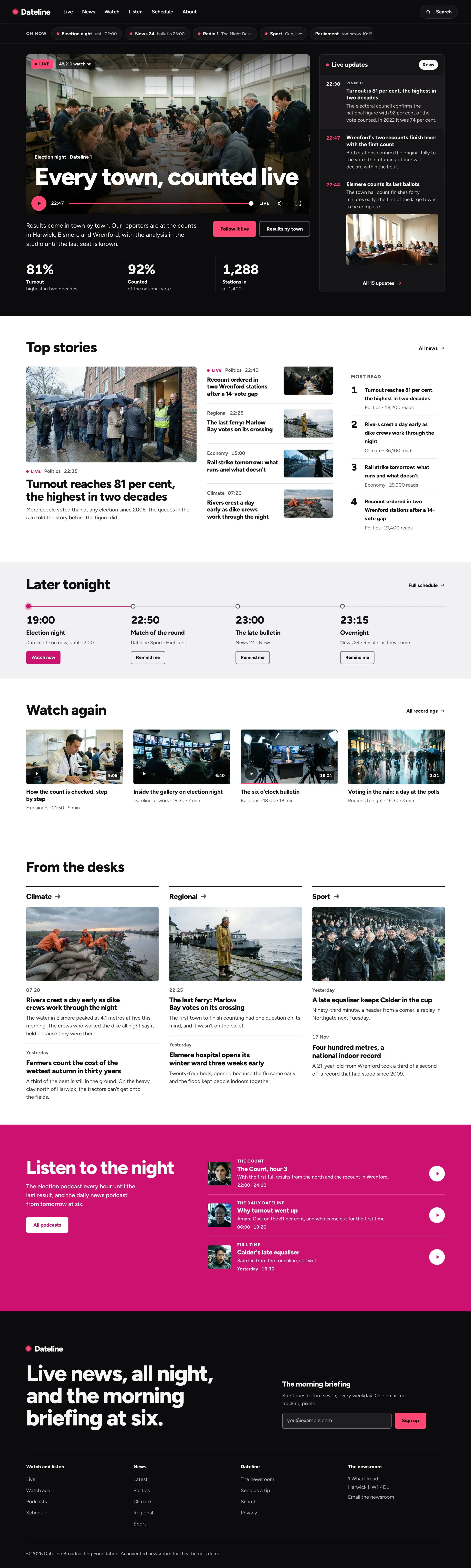
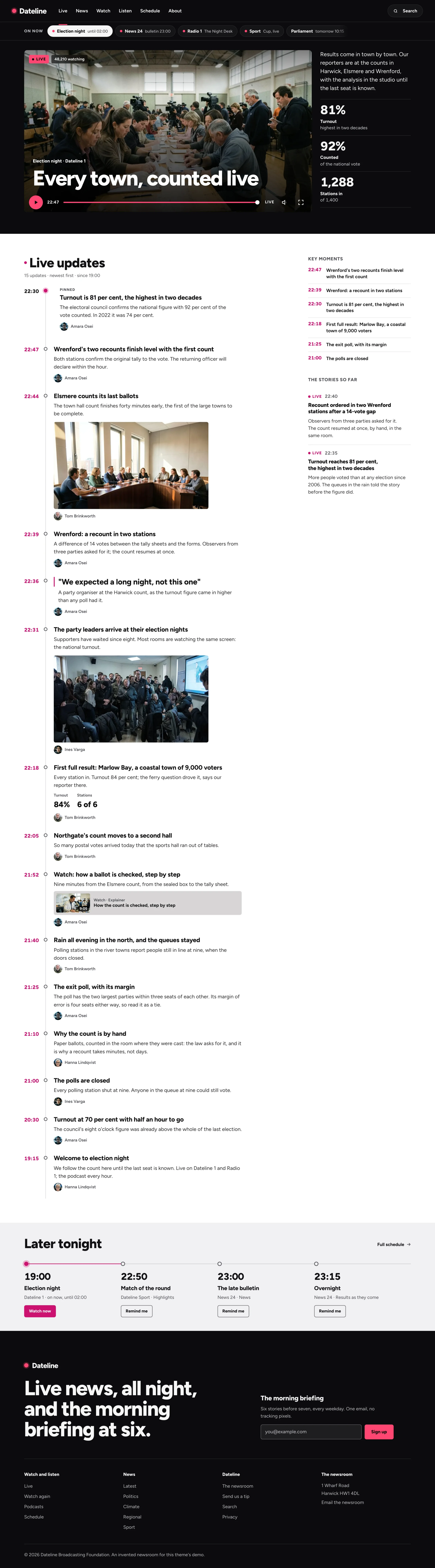
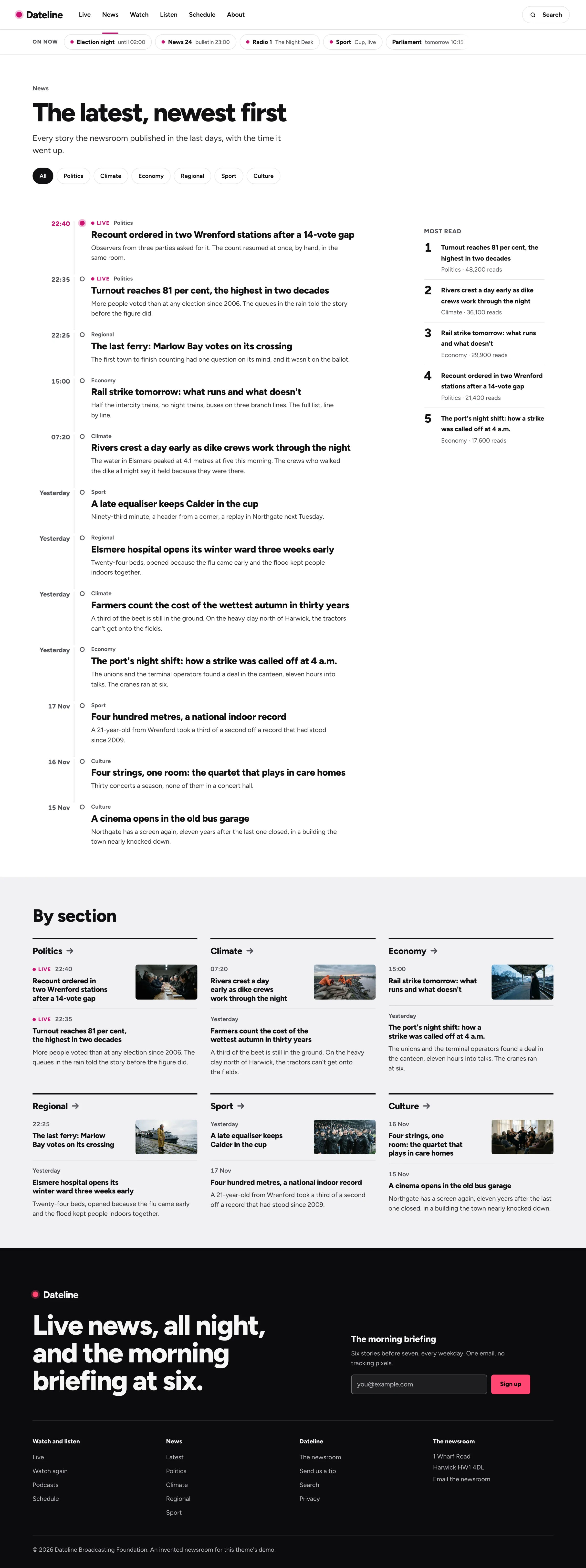
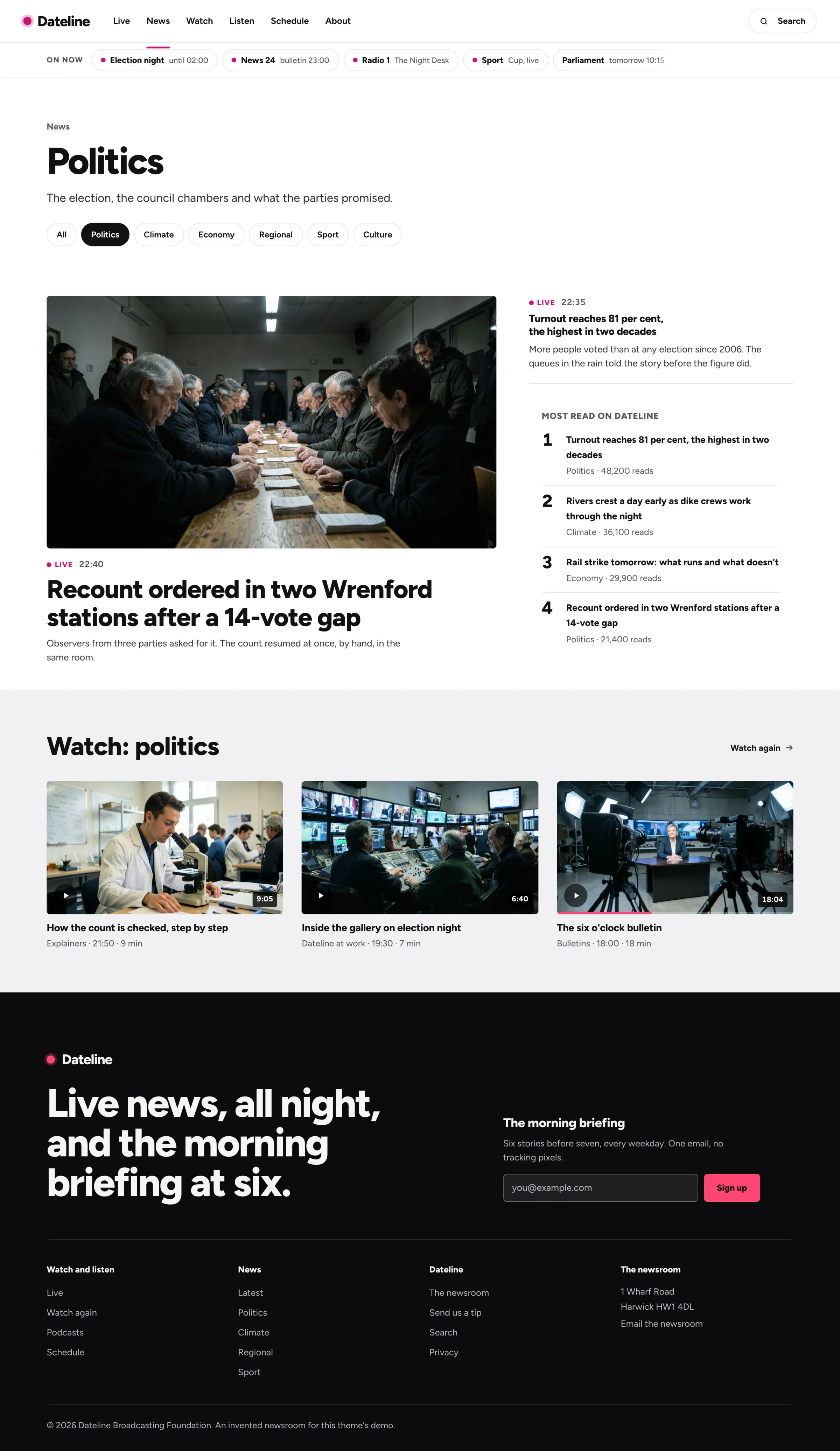
Theme for newsrooms and broadcasters, for Astro and Next.js + Sanity
What Dateline is for
The site for a newsroom or a broadcaster that opens on whatever is live: the player, the timestamped updates beside it and the channels on now, with the news, the guide, watch again and podcasts behind it, in two editions: Astro, or Next.js with a Sanity Studio. 29 pages, 21 sections and 2 presets, dark and light, WCAG 2.2 AA.
Home, live, the news, a section front, an article, the schedule, watch again and podcasts, ready for your newsroom.
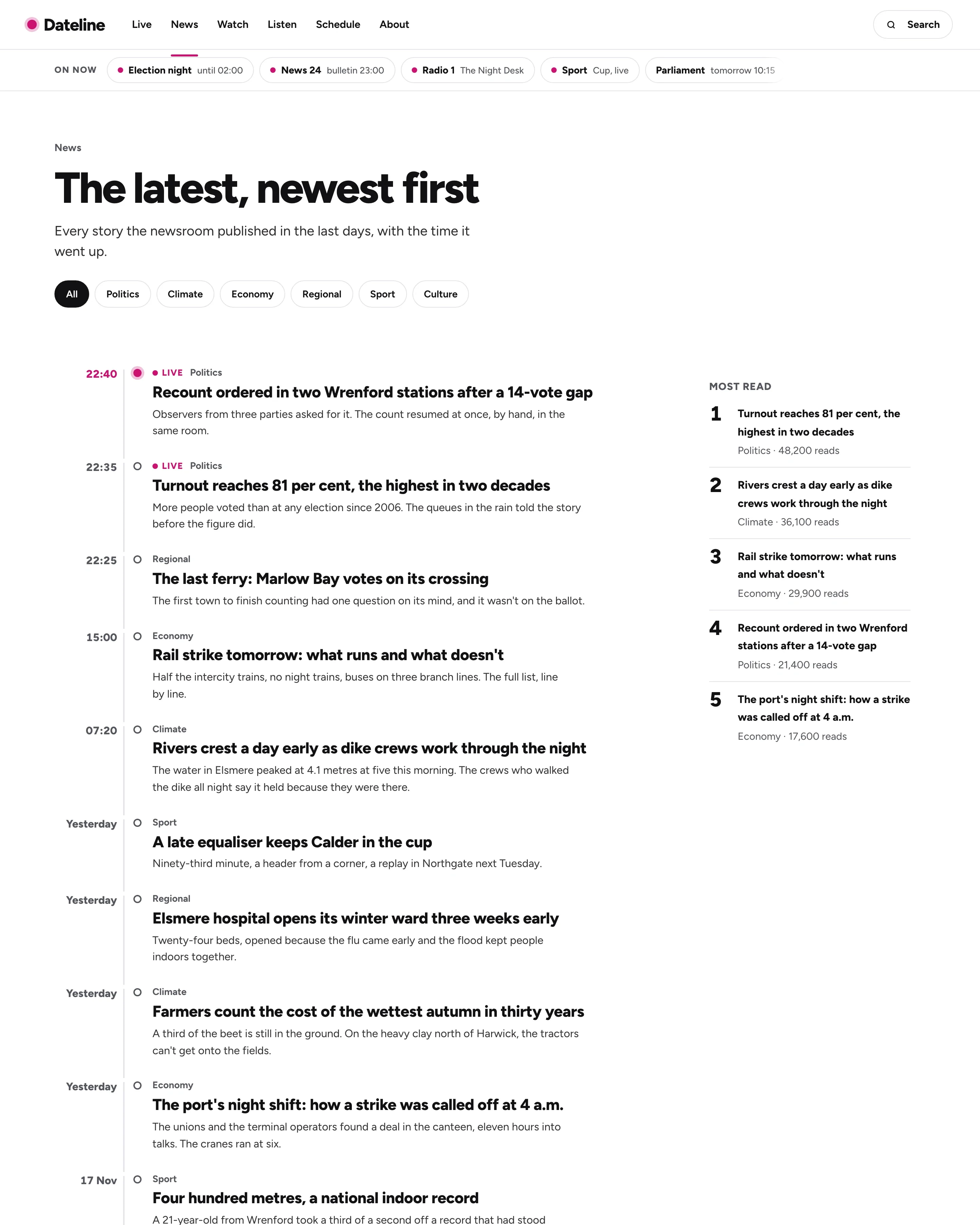
Every page as it ships, with an invented broadcaster on an invented election night. Dark is the Dateline preset, light is Daybreak: switch to see both, and click a page to see all of it.
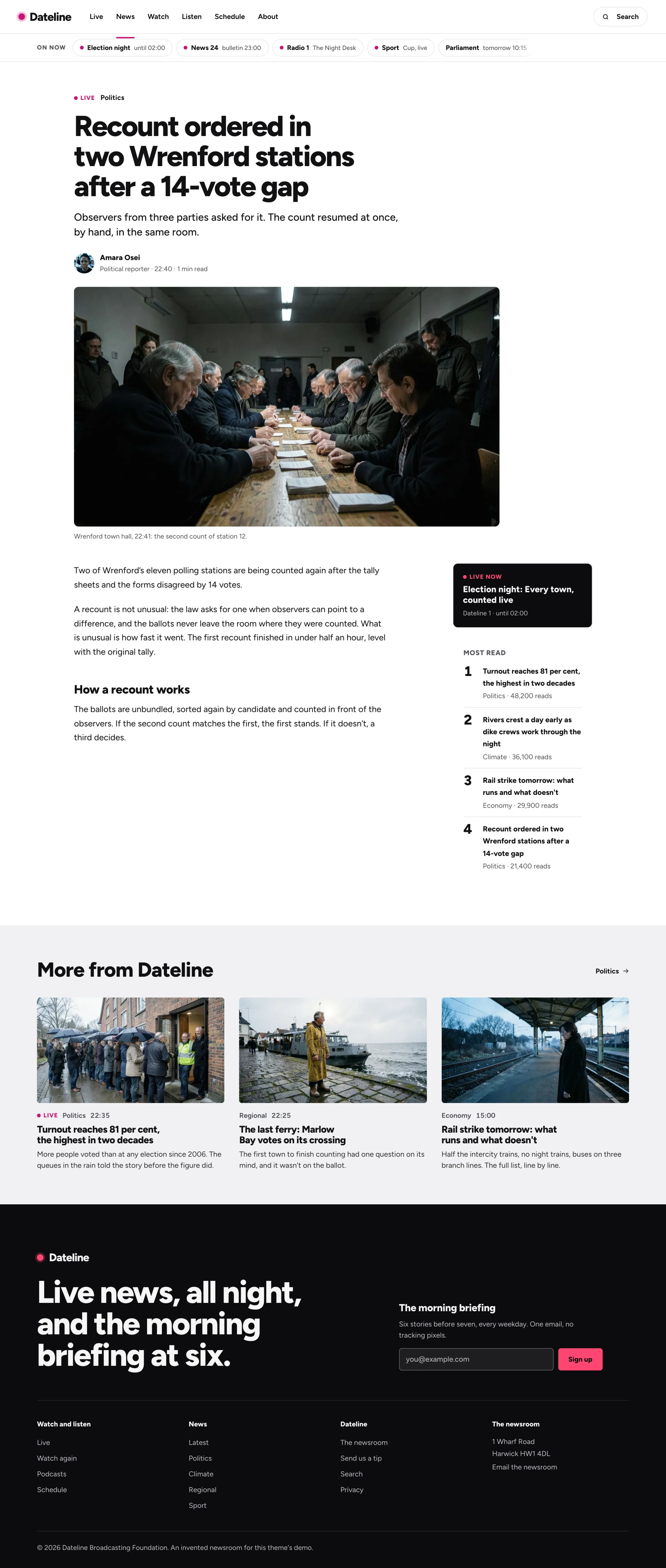
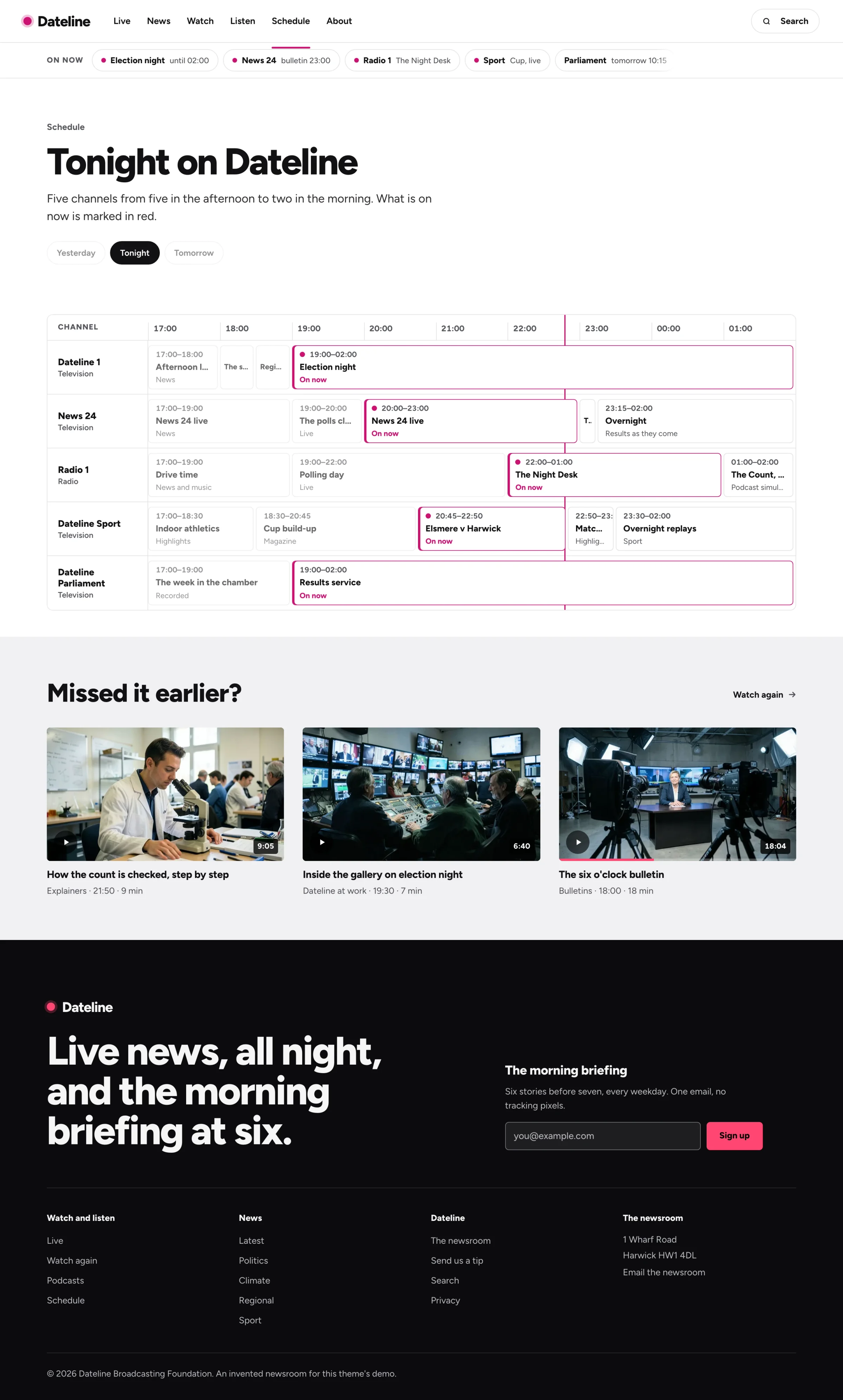
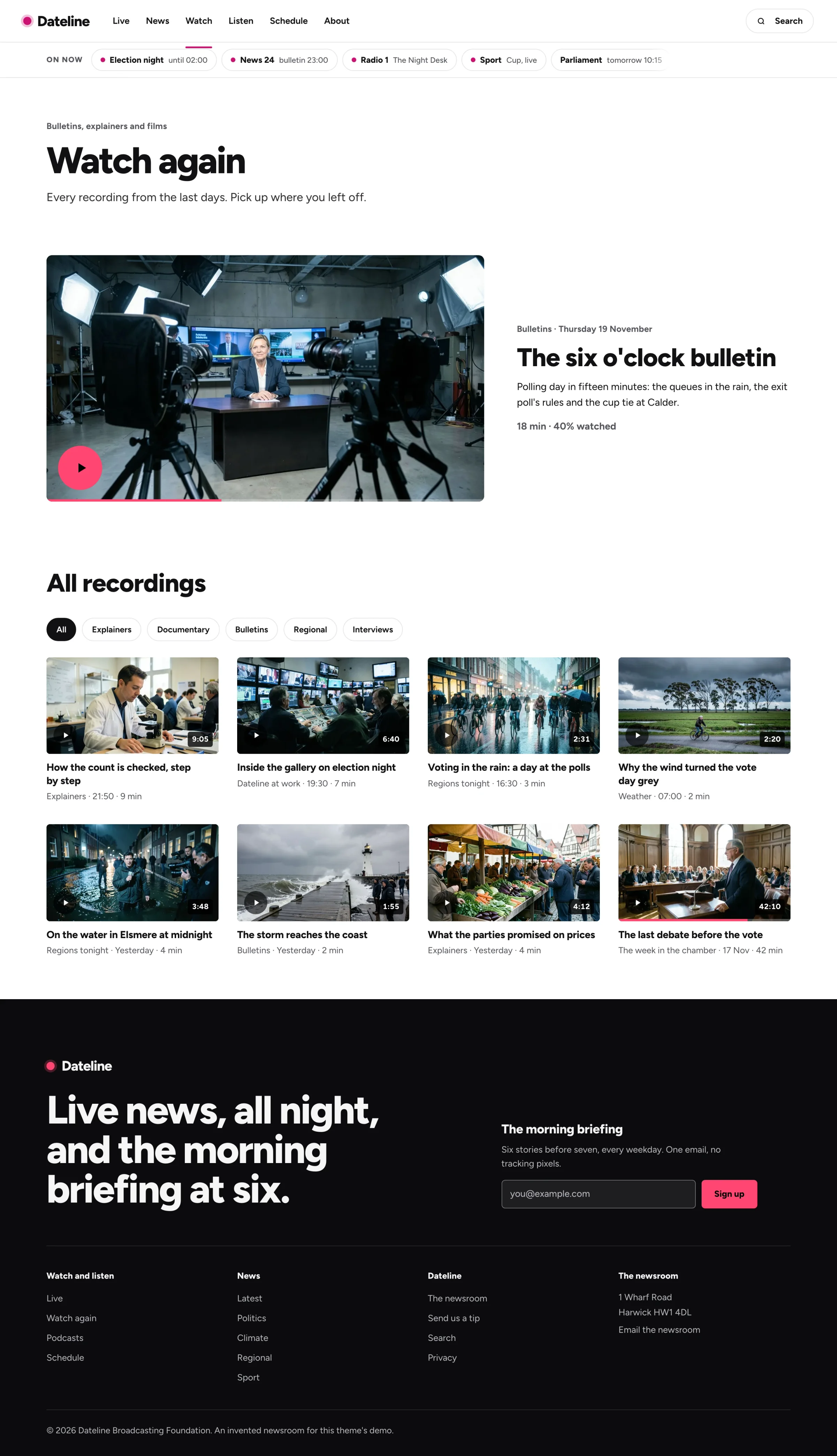
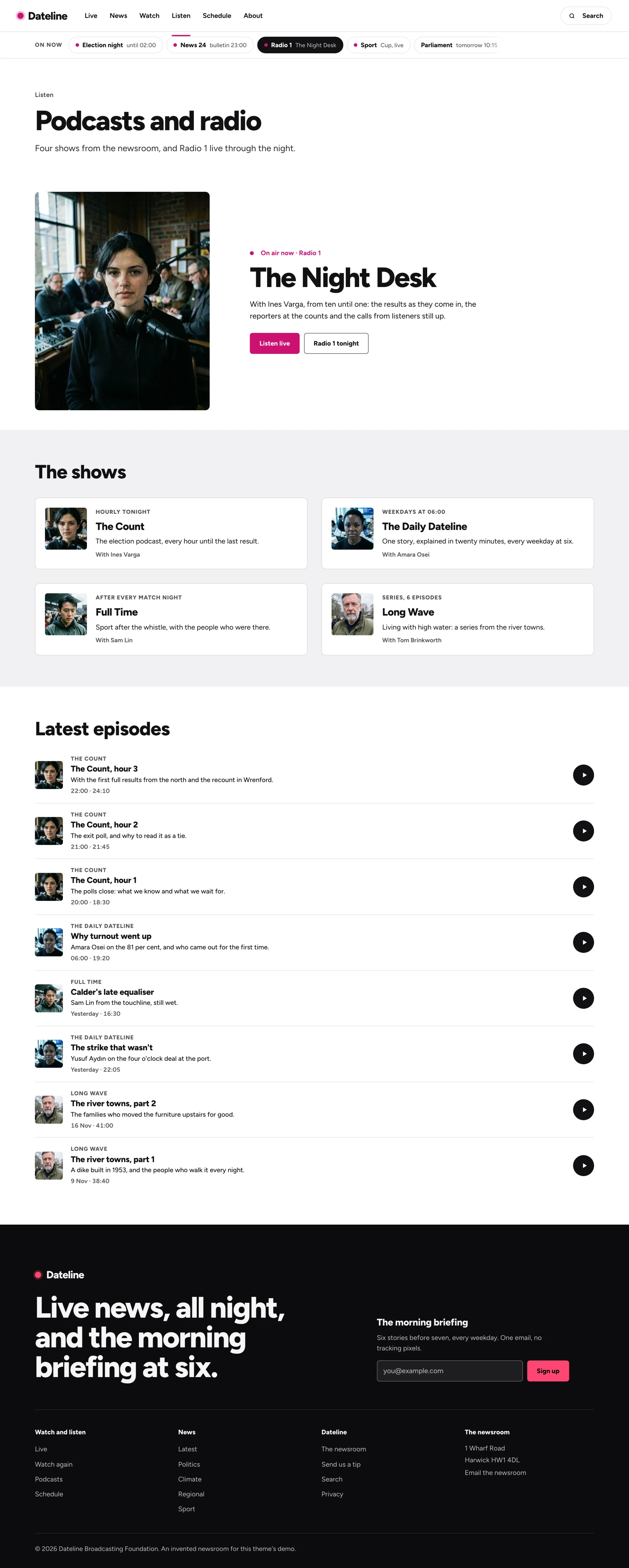
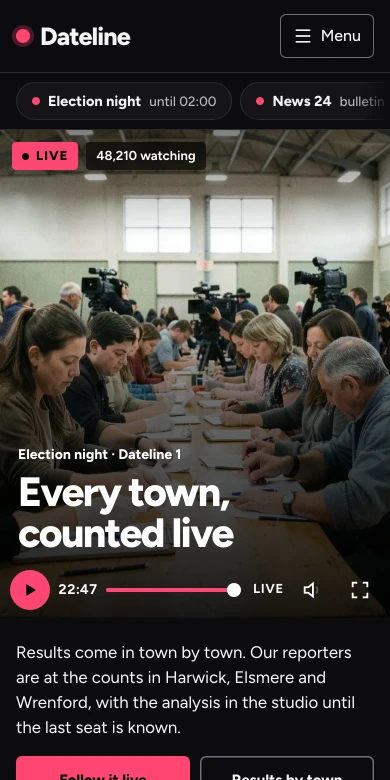
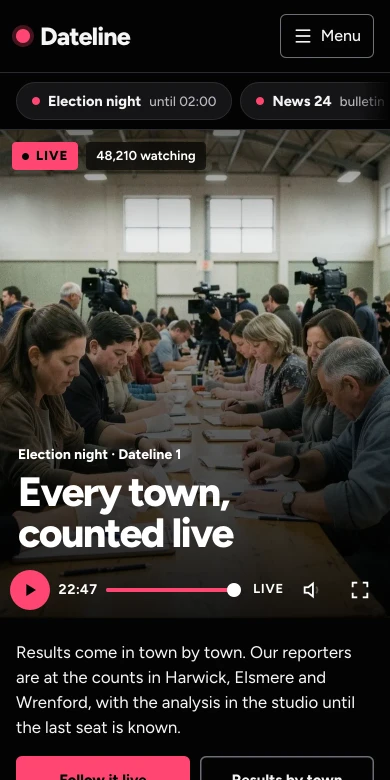
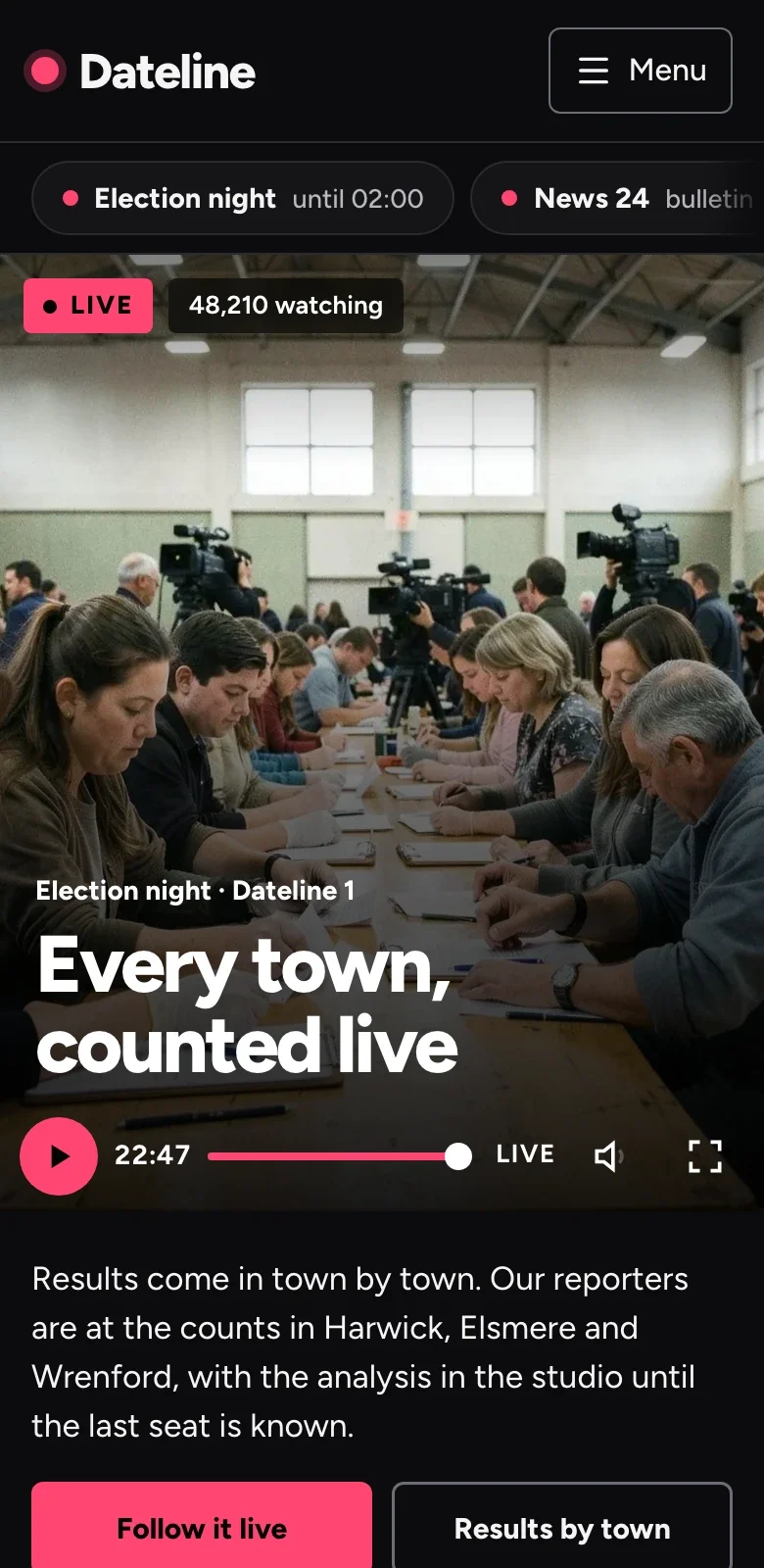
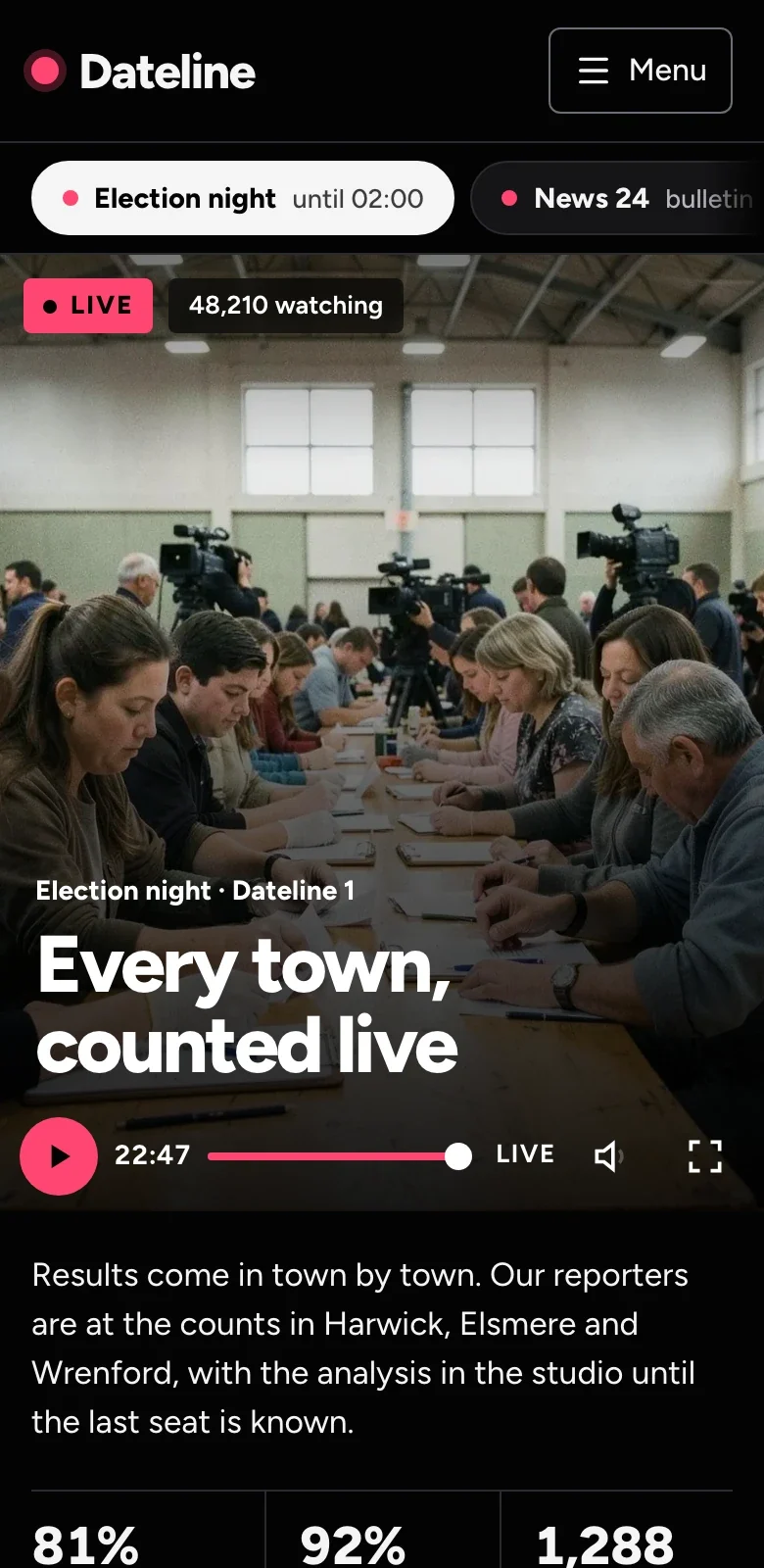
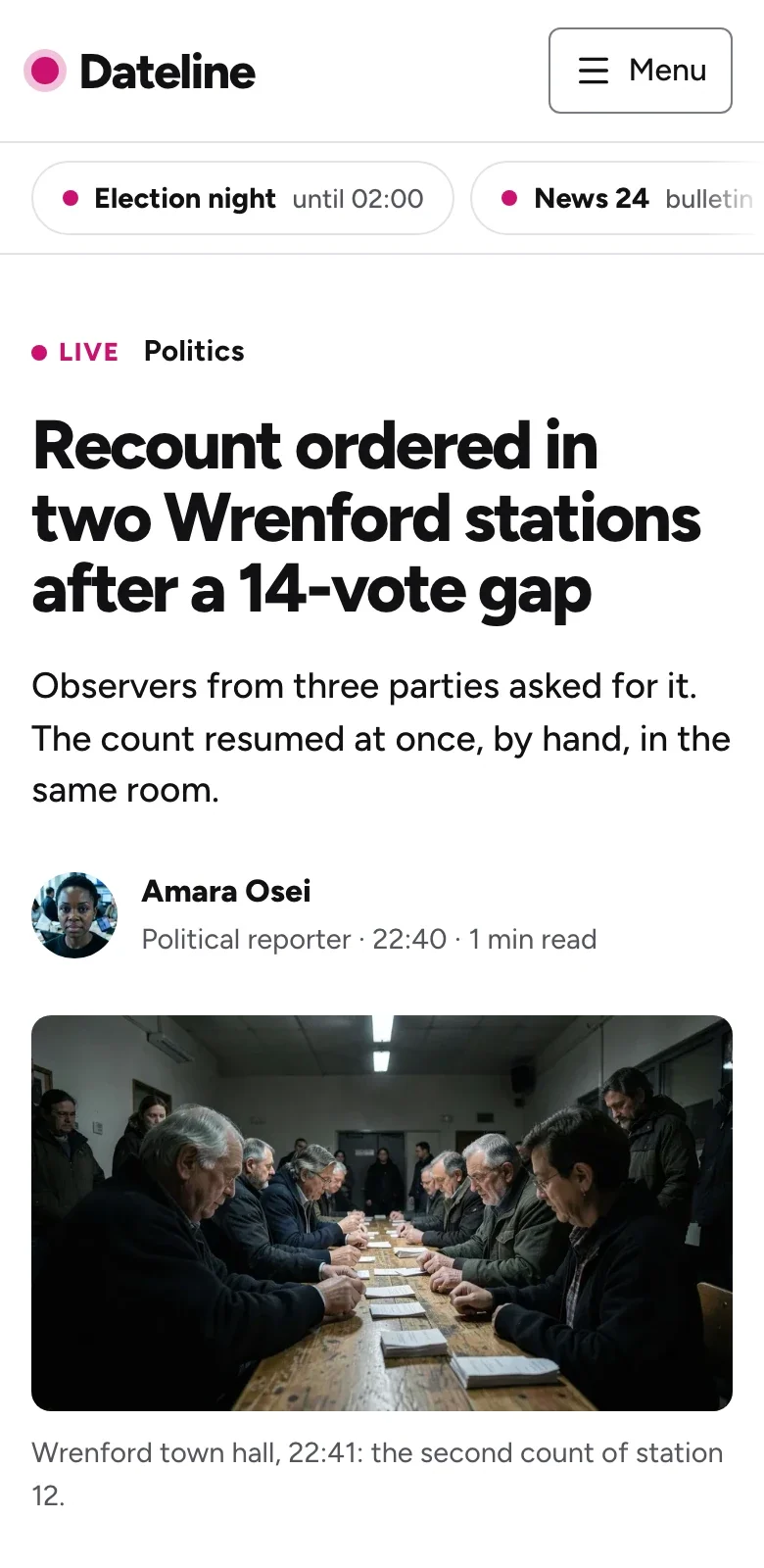
As considered on a phone.
Every page is checked at phone width. On a phone the live updates follow the player in one column, the channels on now scroll sideways, the guide shows one channel at a time, and the audio dock stays at the bottom while you read.
Two editions, one license
Static files or a Studio. Same design.
Both editions render the same pages from the same sections and presets, so you choose by who edits the site, not by how it looks. Your license includes both.
- Framework
- AstroAstro 7, static output
- Next.js + SanityNext.js 16, App Router and React Server Components
- Content
- AstroArticles in Markdown, one file each; live updates, the programme guide, videos, podcasts and reporters in typed JSON files; page copy in one typed file
- Next.js + SanitySanity Studio with documents for articles, live updates, the guide, videos, podcasts and reporters, and a Site document holding tonight’s live event
- Live
- AstroThe updates are part of the build: rebuild to publish one, or load them in the browser from your own feed
- Next.js + SanityPages refresh within a minute of a new update, or at once with the publish webhook
- Video and audio
- AstroA native video and audio player, no library; point the live event at your HLS stream or swap in your provider’s embed
- Next.js + SanityThe same
- Demo content
- AstroIn the repository
- Next.js + SanityA seed script imports every article, update, programme, video, episode, reporter and image into your dataset
- Preview
- Astropnpm dev
- Next.js + SanityDrafts beside the form in the Studio’s Presentation tool
- Forms
- AstroThe morning briefing and the tip form post to the addresses you set, or to an optional Cloudflare Worker that forwards them and fails closed without a destination
- Next.js + SanityRoute Handlers that forward to your endpoint, fail closed without one and log no field values
- JavaScript
- AstroSmall scripts: the menu on phones, the player, the audio dock, reminders, the watch filter, the guide’s channel tabs and search
- Next.js + SanityThe same small parts as client components; every page renders on the server
- Lighthouse, mobile
- Astro99–100
- Next.js + Sanity98–99
- Deploys to
- AstroCloudflare Workers, Netlify, Vercel or any static host
- Next.js + SanityVercel, or Cloudflare Workers through OpenNext
- Repository
- Astrothemesdev/dateline-astro
- Next.js + Sanitythemesdev/dateline-next
| Aspect | Astro | Next.js + Sanity |
|---|---|---|
| Framework | Astro 7, static output | Next.js 16, App Router and React Server Components |
| Content | Articles in Markdown, one file each; live updates, the programme guide, videos, podcasts and reporters in typed JSON files; page copy in one typed file | Sanity Studio with documents for articles, live updates, the guide, videos, podcasts and reporters, and a Site document holding tonight’s live event |
| Live | The updates are part of the build: rebuild to publish one, or load them in the browser from your own feed | Pages refresh within a minute of a new update, or at once with the publish webhook |
| Video and audio | A native video and audio player, no library; point the live event at your HLS stream or swap in your provider’s embed | The same |
| Demo content | In the repository | A seed script imports every article, update, programme, video, episode, reporter and image into your dataset |
| Preview | pnpm dev | Drafts beside the form in the Studio’s Presentation tool |
| Forms | The morning briefing and the tip form post to the addresses you set, or to an optional Cloudflare Worker that forwards them and fails closed without a destination | Route Handlers that forward to your endpoint, fail closed without one and log no field values |
| JavaScript | Small scripts: the menu on phones, the player, the audio dock, reminders, the watch filter, the guide’s channel tabs and search | The same small parts as client components; every page renders on the server |
| Lighthouse, mobile | 99–100 | 98–99 |
| Deploys to | Cloudflare Workers, Netlify, Vercel or any static host | Vercel, or Cloudflare Workers through OpenNext |
| Repository | themesdev/dateline-astro | themesdev/dateline-next |
What's inside
29 pages from 21 sections.
Each page is a short list of sections: the live desk, the top stories, later tonight, watch again, the desks, the podcasts and the rest. Each article is one file or document with its section, reporter and photo, so it shows on the home page, the news timeline, its section front, most read and search without being entered twice.
- Home
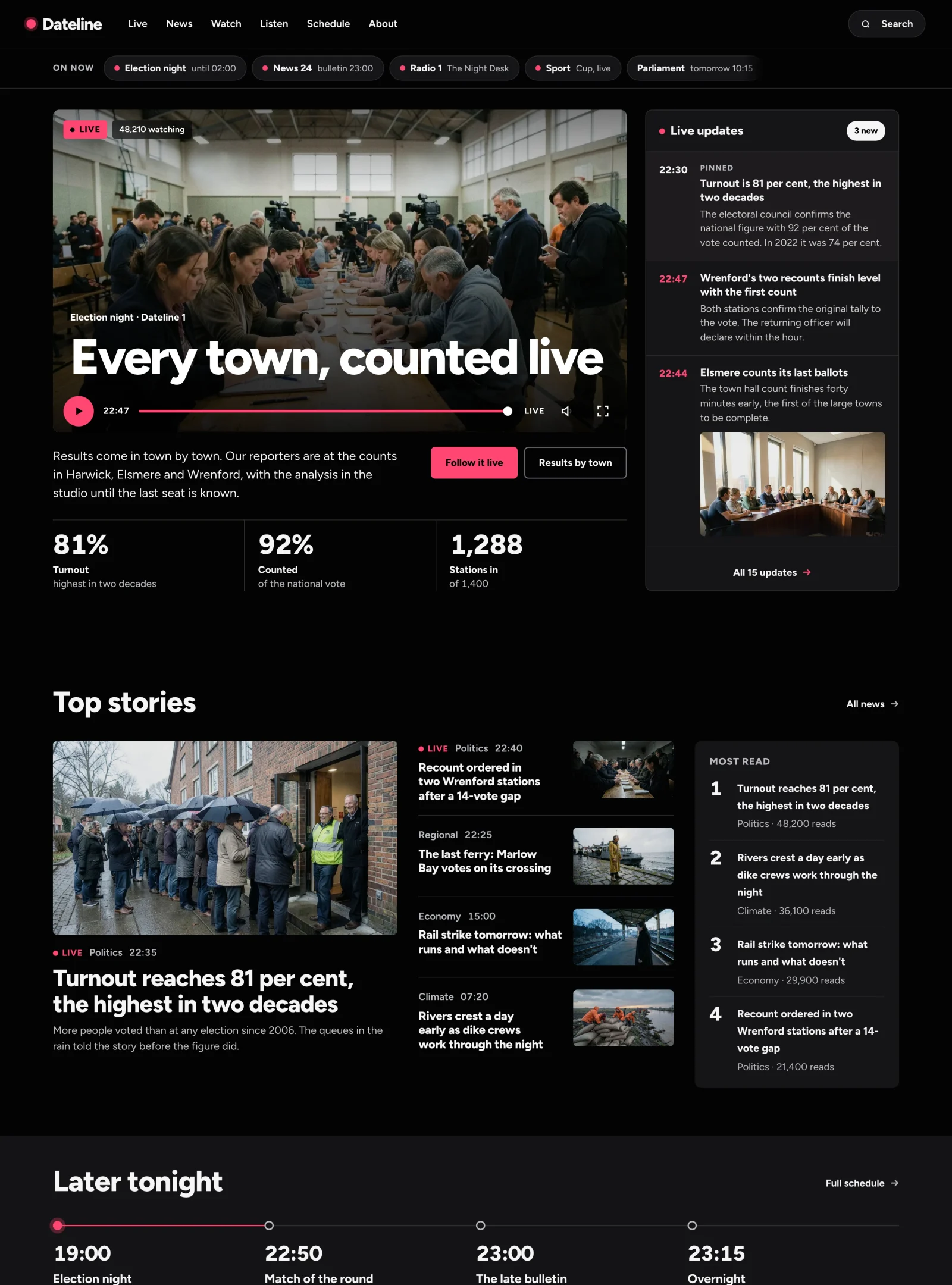
- The live desk: the player with the headline on its poster, LIVE and the viewers on top, and the timestamped live updates beside it, with the figures so far under it and the channels on now above it. Then the top stories with most read, what is on later tonight, watch again, the desks, the podcasts and the morning briefing.
- Live
- The player and every live update on one timeline, with the time in red, photos, quotes, figures and clips in the updates, and a pinned update on top.
- News and section fronts
- The latest as a timeline, and a front per section (politics, economy, climate, culture, sport, regional) with its lead story and most read.
- A page per article
- Headline, byline with a portrait, photo, the text, related stories; NewsArticle structured data and the article as Markdown. Twelve in the demo.
- Schedule
- A programme guide with five channels on one time axis and a red line at now; on a phone, one channel at a time.
- Watch again and podcasts
- Recordings with filters, played in a native video player; the radio on air, four shows and every episode through one audio dock that keeps playing as you browse.
- Search, about and the rest
- Search over every article in the browser; the newsroom with its people on air, how it works, corrections and a tip form; a sample privacy page, the thank-you page, a 404 and an RSS feed.
Two looks, one line apart.
Everything a section draws comes from the preset’s tokens: colours, type, space and corners. Dateline is a black page with signal red; Daybreak is white with the live desk on a black band and a raspberry red. One line switches between them, and contrast is checked in both.
Checked, not promised
Accessible and fast, page by page.
These checks ran on every page of both editions, in light and dark, at desktop and phone widths.
- WCAG 2.2 AA
- Zero axe violations on all 29 pages, at desktop and phone widths, in both editions and both presets.
- Fast on a phone
- Lighthouse performance on mobile: 99–100 for the Astro edition, 98–99 for Next.js, on the home page, the live page and an article. Every photo is served at twice its drawn size for sharp screens and at its own size for the rest.
- Checked at 17 widths
- The main pages measured from 320 to 5120 pixels, and looked over by reviewers in eight rounds: no sideways scrolling, no clipped text.
- No player library
- The live player and watch again are a native video element, the podcasts one native audio element. The demo media are short loops made for the theme; a real stream is one address in the settings.
- Structured data for news
- The broadcaster as a NewsMediaOrganization, every article a NewsArticle, the live page a LiveBlogPosting with its updates, the stream and the guide as BroadcastEvents, videos and podcasts, and breadcrumbs. A sitemap, RSS, llms.txt, Open Graph images and every article as Markdown.
- Design rules, checked
- Colours only from the preset, images with alt text and a size: pnpm lint holds every page to it, yours included.
Delivery
A zip, or straight from GitHub.
Download both editions from your account, or connect GitHub and get read access to the private repositories. Each release is one tagged commit, so updating is a pull.
$ git clone git@github.com:themesdev/dateline-next.git
$ cd dateline-next && pnpm install
$ pnpm dev      # the demo content, until you connect Sanity
$ pnpm seed # then import it into your own dataset- 01Buy a licensePay once. The license belongs to your organisation; owners and admins hand out the seats.
- 02Connect GitHubIn your account, sign in with GitHub once. We learn only your username, and invite it read-only to both repositories.
- 03Pull updatesUpdates are free for life. Access follows your license, and the zip stays in your account next to it.
Pay once. Both editions.
Unlimited projects, private, commercial and for clients, with every future update of both editions. Prices exclude VAT; we sell to businesses. License details
A small studio building sites for publishers and broadcasters: everyone gets their own seat.
Choose Team
A registered Dutch company, KvK 01129853. Questions before you buy? Ask me.
Paying
Through Mollie: card, Apple Pay, iDEAL, Bancontact or PayPal. A proper invoice for every order, with EU reverse charge.
Updates
Ledger 1.1.4 came out on . 26 releases across our themes in the last 30 days, all free for buyers.
Track record
400+ teams and developers have bought from themes.dev since 2020. Their licenses now live in their accounts here.
What's new
Updates for both editions, free.
v1.0.0
Latest
The first build of Dateline, for newsrooms, publishers and broadcasters.
Astro
- Home: the live desk (the player with the headline on its poster, the live updates beside it, the figures so far), the channels on now, top stories with most read, later tonight on a time track, watch again, the desks and the podcasts on the accent band.
- The live page: the stream, every update on a timestamped spine with photos, quotes, results and clips, the key moments, the stories so far and what comes next. LiveBlogPosting and BroadcastEvent structured data.
- News (the latest on a timeline, every section), a front per section, and articles with a byline face, a captioned photo, most read and a Markdown alternate.
- The programme guide (five channels on one time axis with the red line at now; a channel picker on phones), watch again with filters and a native player, podcasts with Radio 1 on air and one audio dock, search, the newsroom page with the people on air, how we work, corrections and a tip form.
Questions
Do I get both editions?
Yes. Dateline is one product: every license includes the Astro theme and the Next.js + Sanity edition, as a zip and as two private GitHub repositories. Use either or both in any project your license covers.
Which edition should I use?
The Next.js + Sanity edition for a newsroom that publishes through the day: reporters add articles and live updates in the Studio, with a live preview, and the pages refresh within a minute. The Astro edition if a developer keeps the site or it publishes less often: articles are Markdown files and the output is plain static HTML on any host.
We are a magazine or a local news site, not a broadcaster. Does it fit?
Yes. The live desk, the guide, watch again and podcasts are pages and sections you can drop. What stays is a news site: the latest, section fronts, articles with bylines, most read, search and a newsletter. Daybreak gives a white page for a publication that is not on air.
Does it stream video?
It plays what you point it at. The player is a native video element: set the live event to your HLS address and add hls.js on the live page, or replace the player with your streaming provider’s embed. The demo plays a short silent loop.
What happens to the forms?
The morning briefing sign-up and the tip form are plain forms that work without JavaScript, with a hidden field that catches bots. In the Astro edition they post to the addresses you set: a newsletter service, or the optional Cloudflare Worker that forwards them. In the Next.js edition they post to the site, which forwards the fields to the address you set; without one it accepts nothing. Neither edition stores what people send.
Do I need a paid Sanity plan?
No. Sanity’s free plan is enough for this theme. The README walks you through the project, tokens and the seed script.
How does the GitHub access work?
In your themes.dev account, connect your GitHub account once by signing in with GitHub. You then get a read-only invitation to themesdev/dateline-astro and themesdev/dateline-next. Every release is a tagged commit there. Access follows your license: a seat you lose or a refund ends it. The zip stays in your account either way.
Can I build sites for clients with it?
Yes, in unlimited projects. A site you build with Dateline for a client is theirs: they may own, host, edit and keep running it without a license of their own. They may not take Dateline out of that site to build other sites.
Can I see it before buying?
Yes. The live demo is the Astro edition with every page, and the screenshots on this page show them in both presets. The broadcaster, the election, the towns, the people, the figures and the quotes are invented. The photos are generated and show fictional people; the demo video and audio were made for the theme.
Do you charge VAT?
We sell to businesses. Dutch businesses pay 21% VAT; businesses elsewhere in the EU with a valid VAT number pay none (reverse charge); outside the EU there is no Dutch VAT. You get a proper invoice by email.
Is Dateline an official Astro, Next.js or Sanity product?
No. Dateline is made by themes.dev and builds on the open-source Astro, Next.js, Tailwind CSS and Sanity projects; it is not affiliated with them.
Put your newsroom on Dateline.
From €49 for one person to €349 for your whole company. Both editions, pay once, lifetime updates.