shadcn admin dashboard template
An admin dashboard template you install with the shadcn CLI.
Flightdeck is a shadcn-format registry with 204 screens, 62 blocks, 44 components and 6 app shells. One command puts a screen in your project with the items, styles and demo data it needs, in Astro or React. The components are Flightdeck's own, so it is not a shadcn/ui theme.
Part of Flightdeck · One-time payment
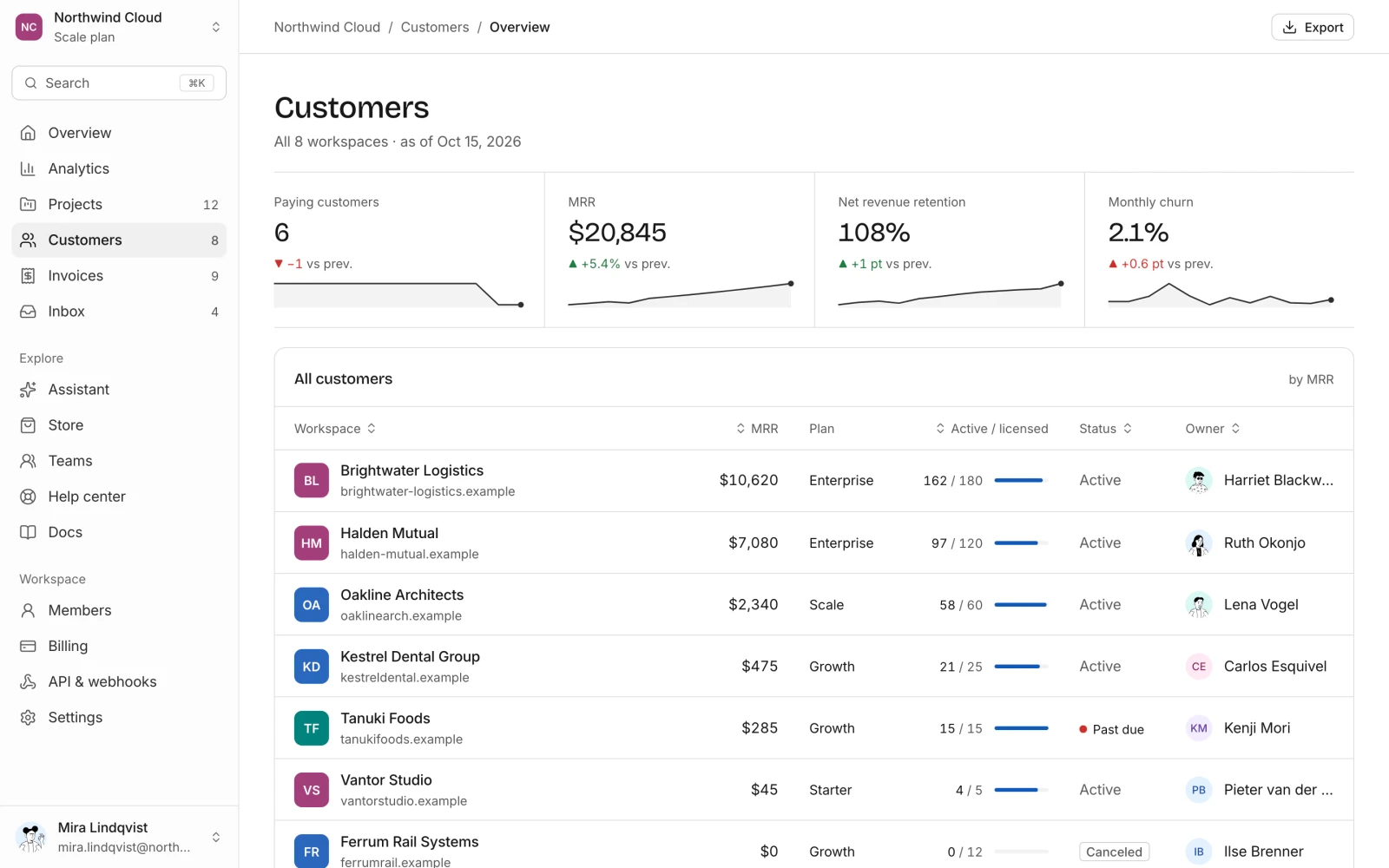
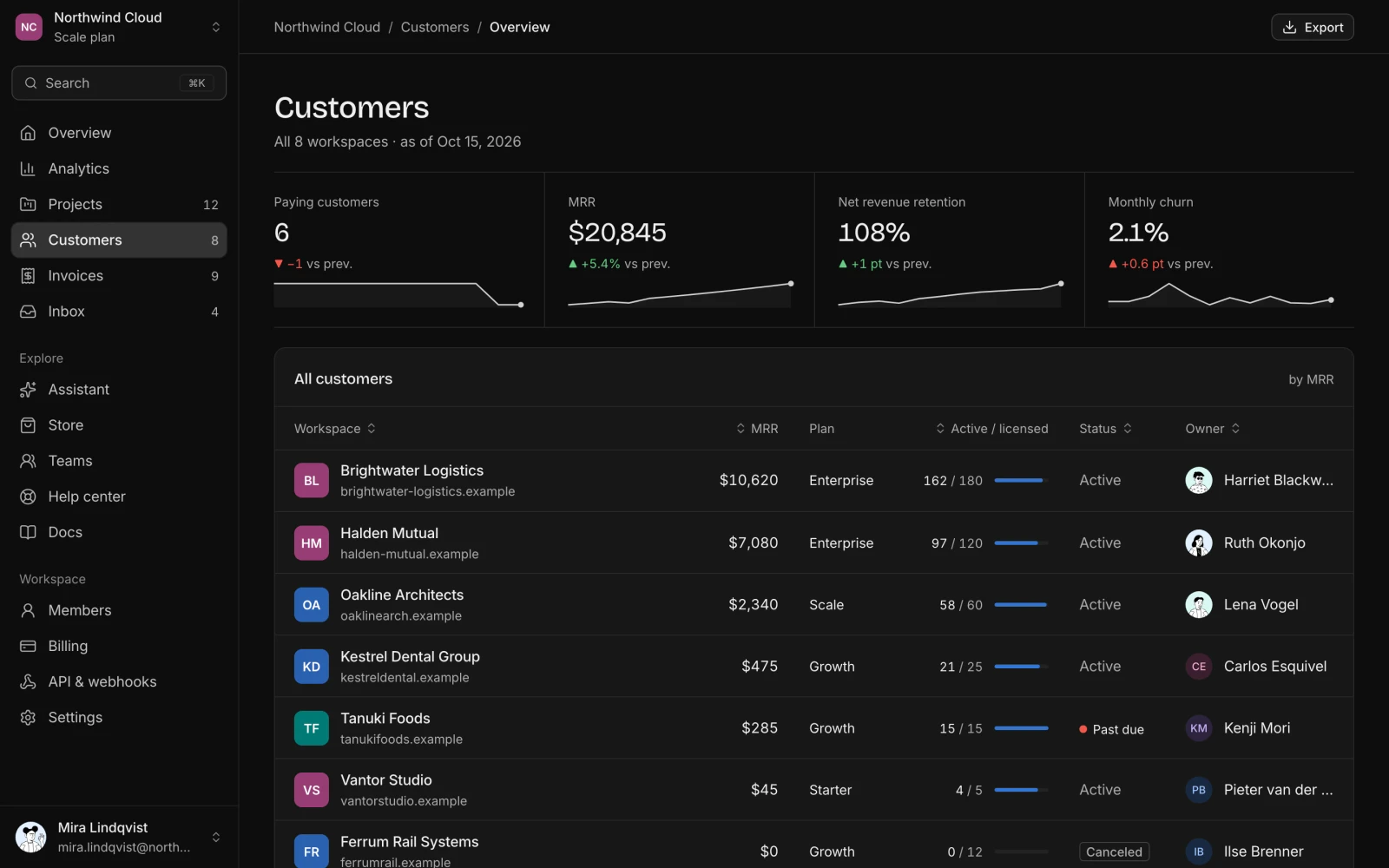
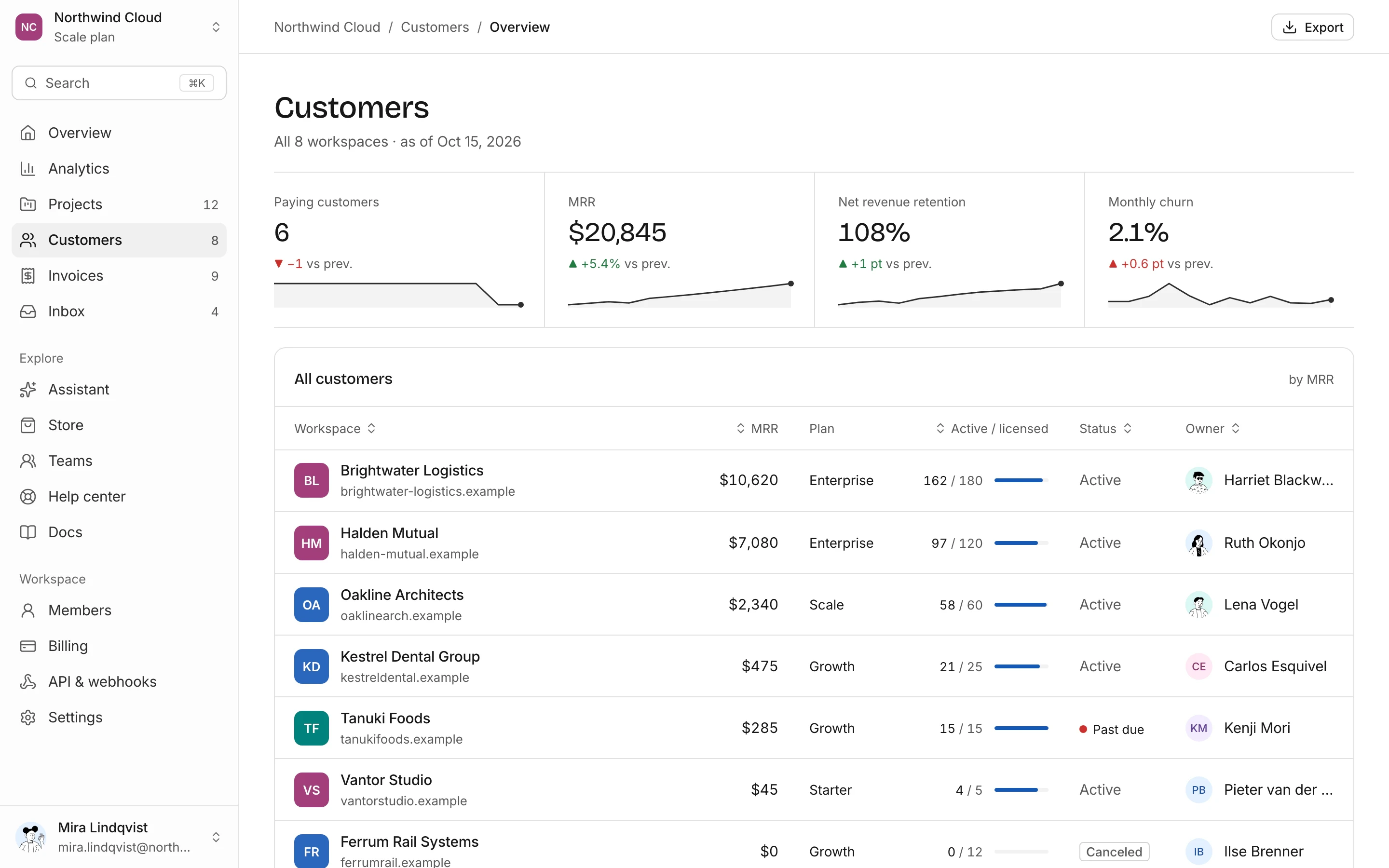
CRM dashboard. How healthy the customer base is: paying customers, MRR, net revenue retention and churn, a customer table with plan, seats used, MRR, status and owner, revenue by plan and recent customer activity.
One command per screen
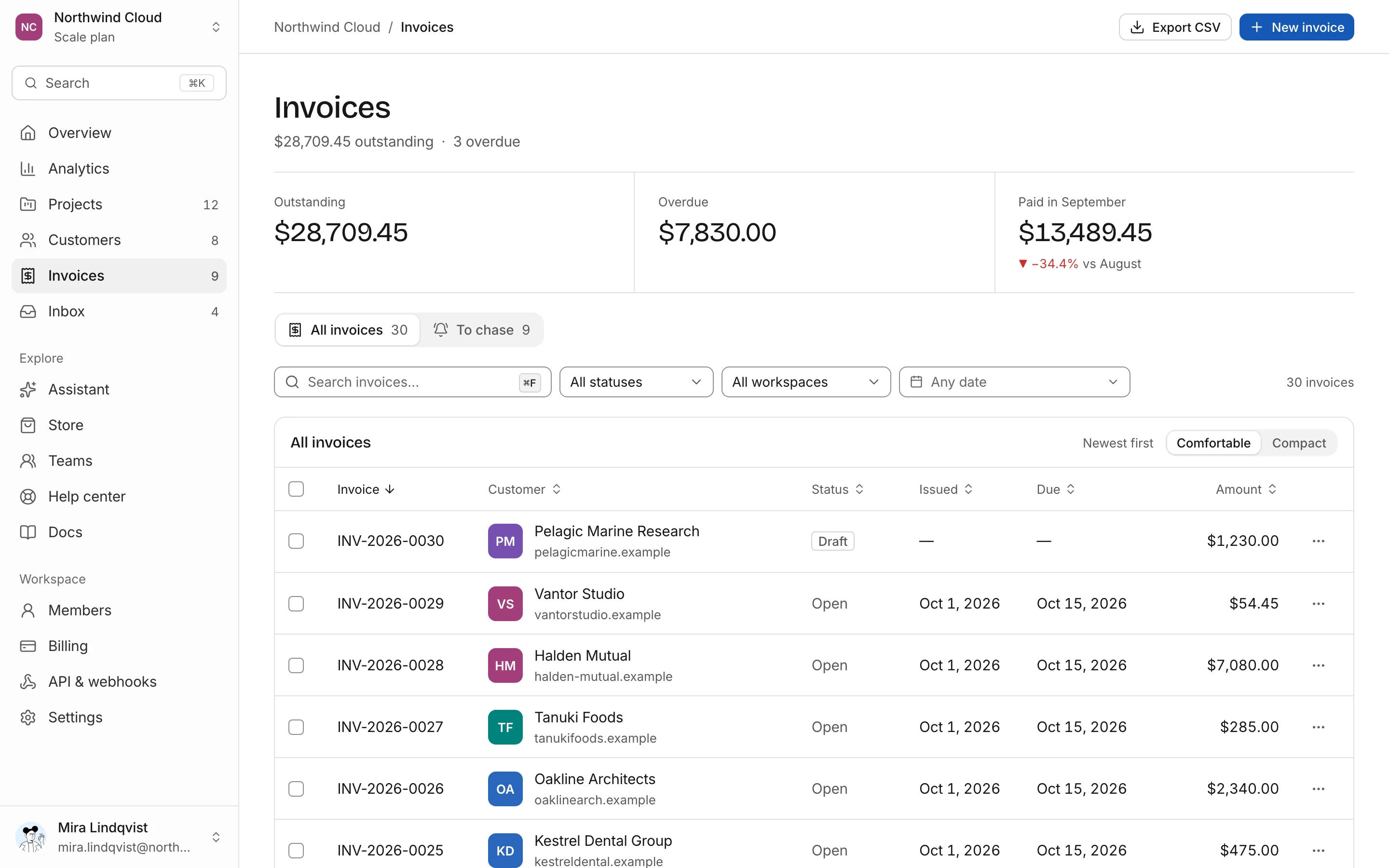
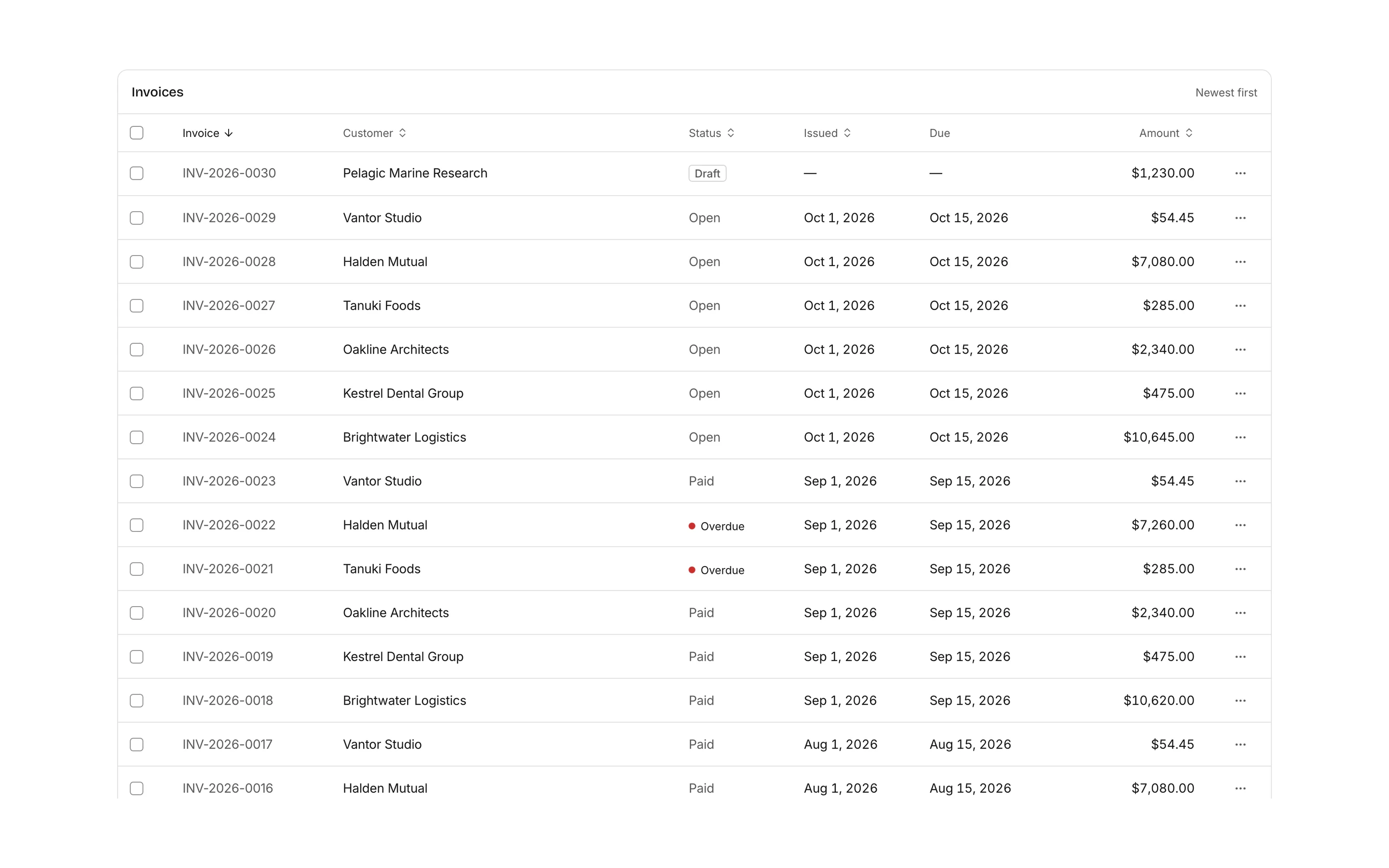
npx shadcn@latest add @flightdeck/invoices installs the screen and every item it imports. The source lands in your project, so you can change all of it.
Astro or React
Use @flightdeck for Astro or @flightdeck-react for React and Next.js. Both versions share props, markup and behavior, and are checked against each other before every release.
Ready for your agent
The shadcn MCP server reads the same settings, so a coding agent can browse and install items. Each item has a manifest with its props, data and states.
Every state
Loading, empty and error states on every dashboard, block and screen, in light and dark, with WCAG AA contrast.
The screens
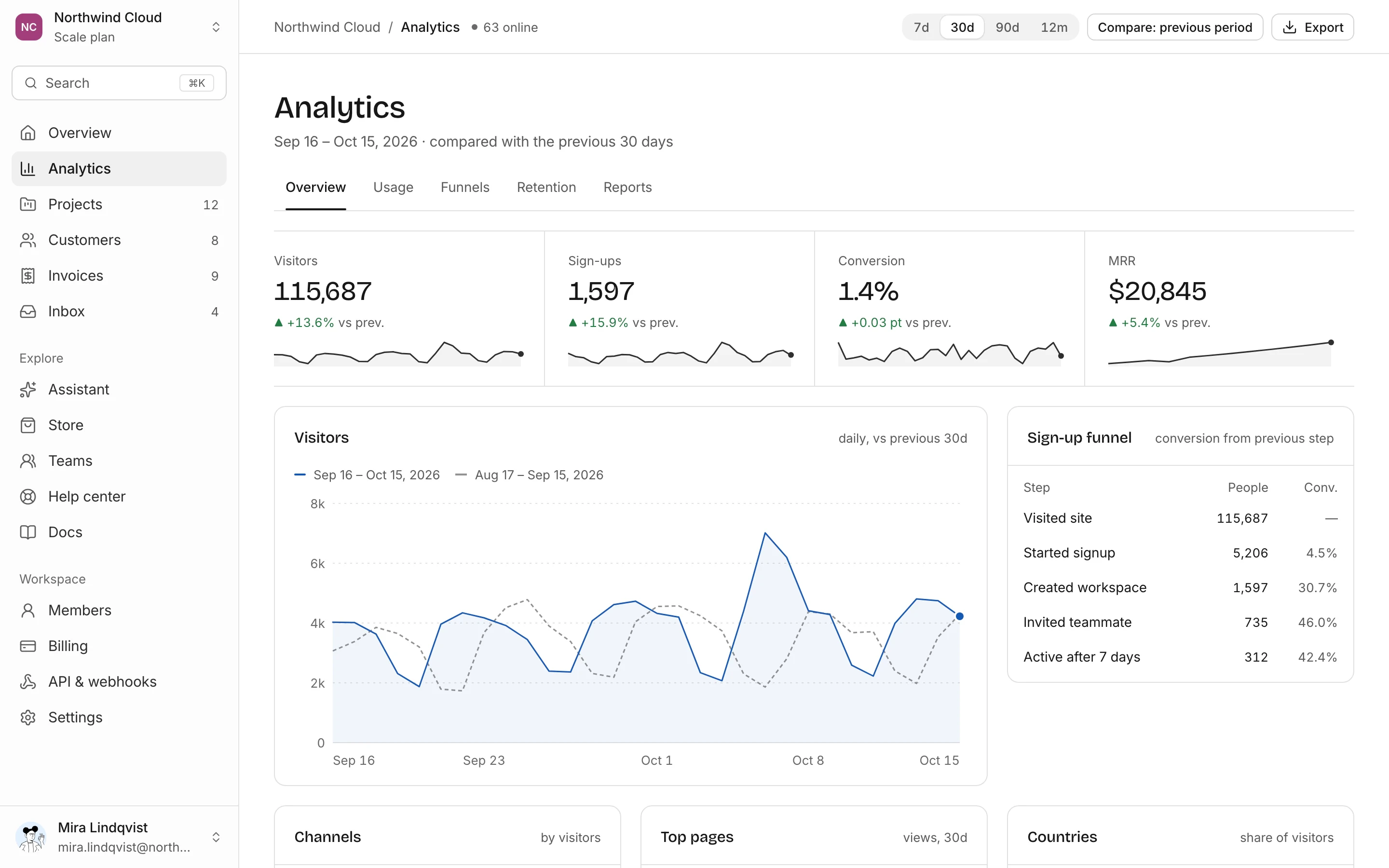
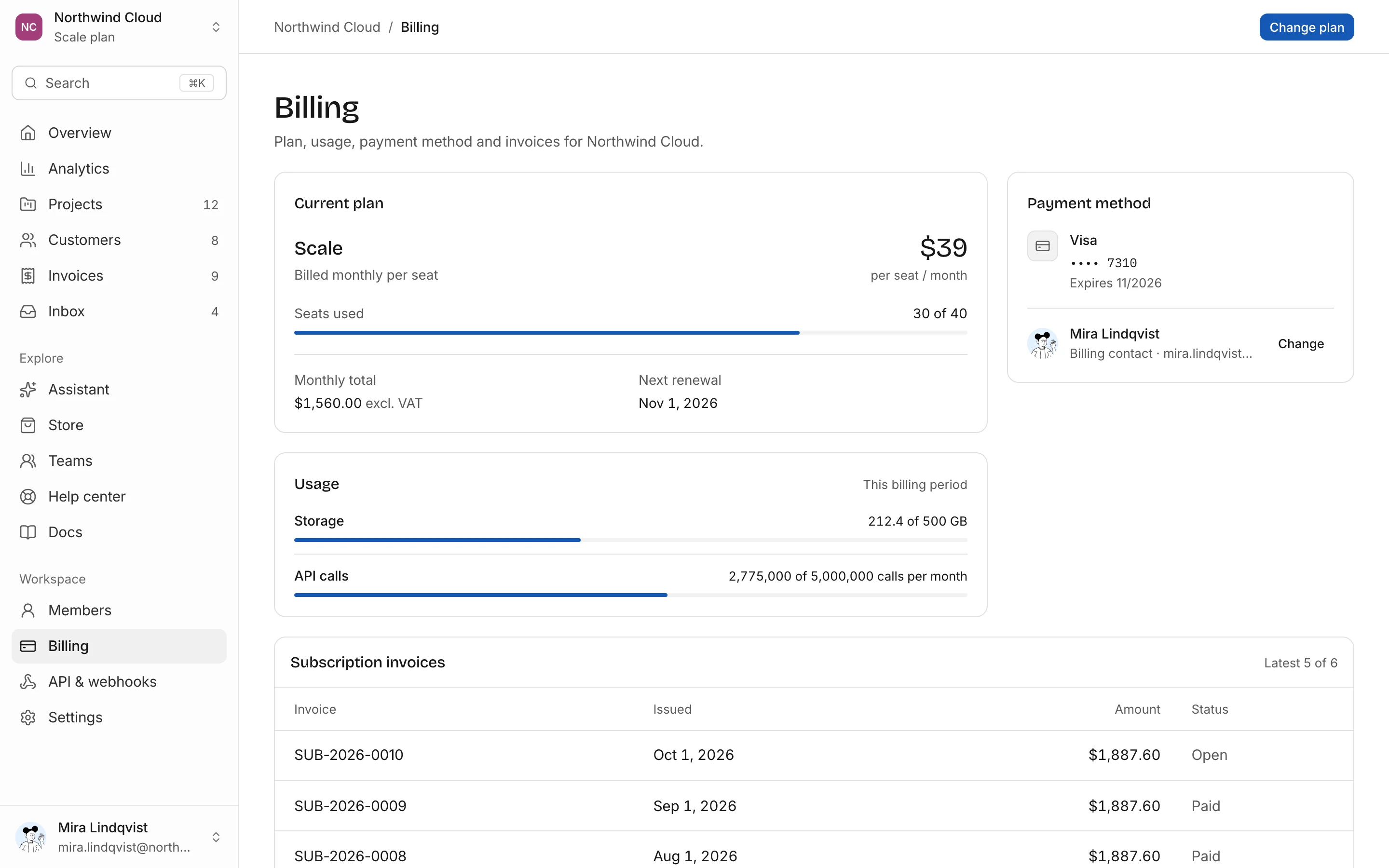
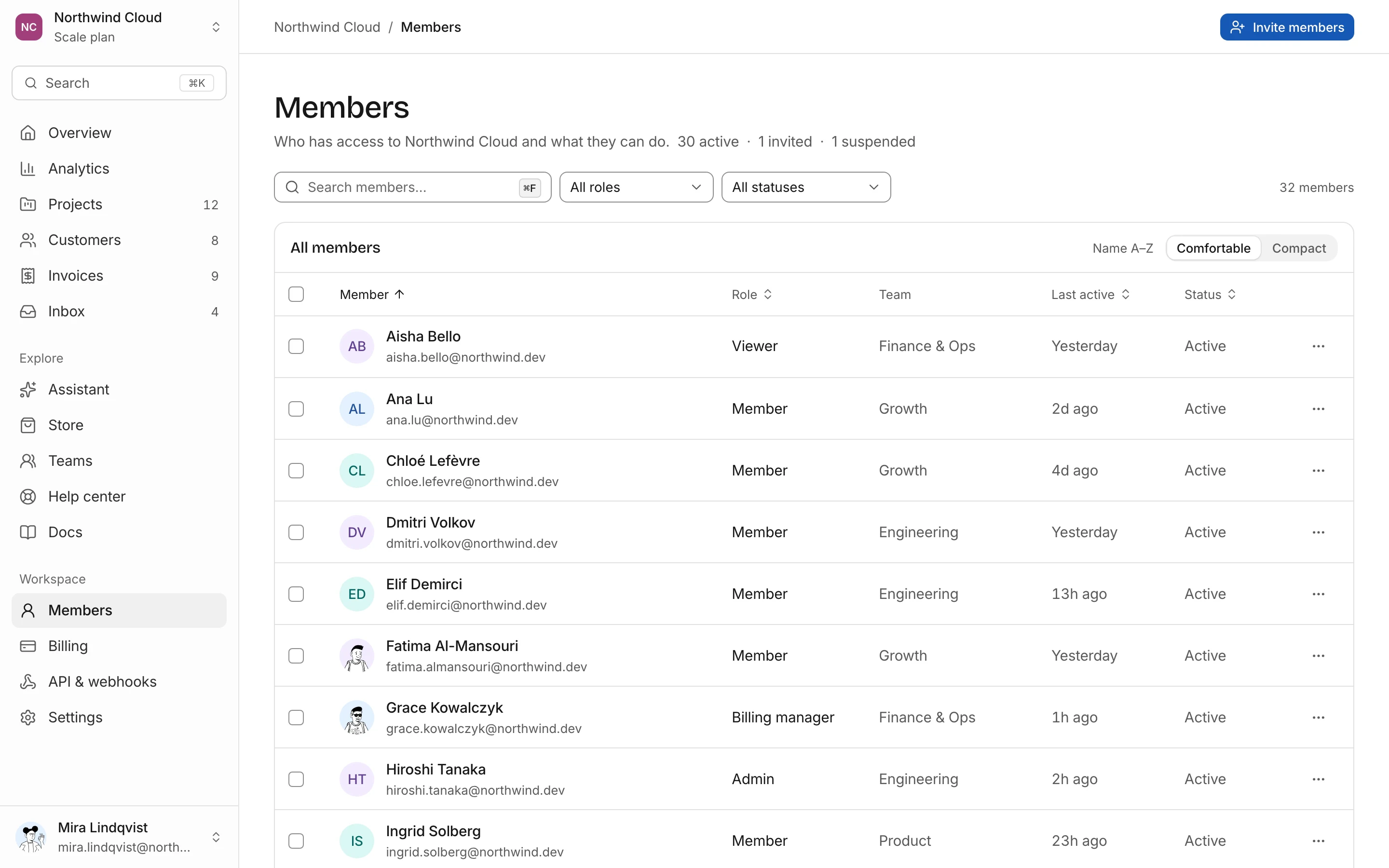
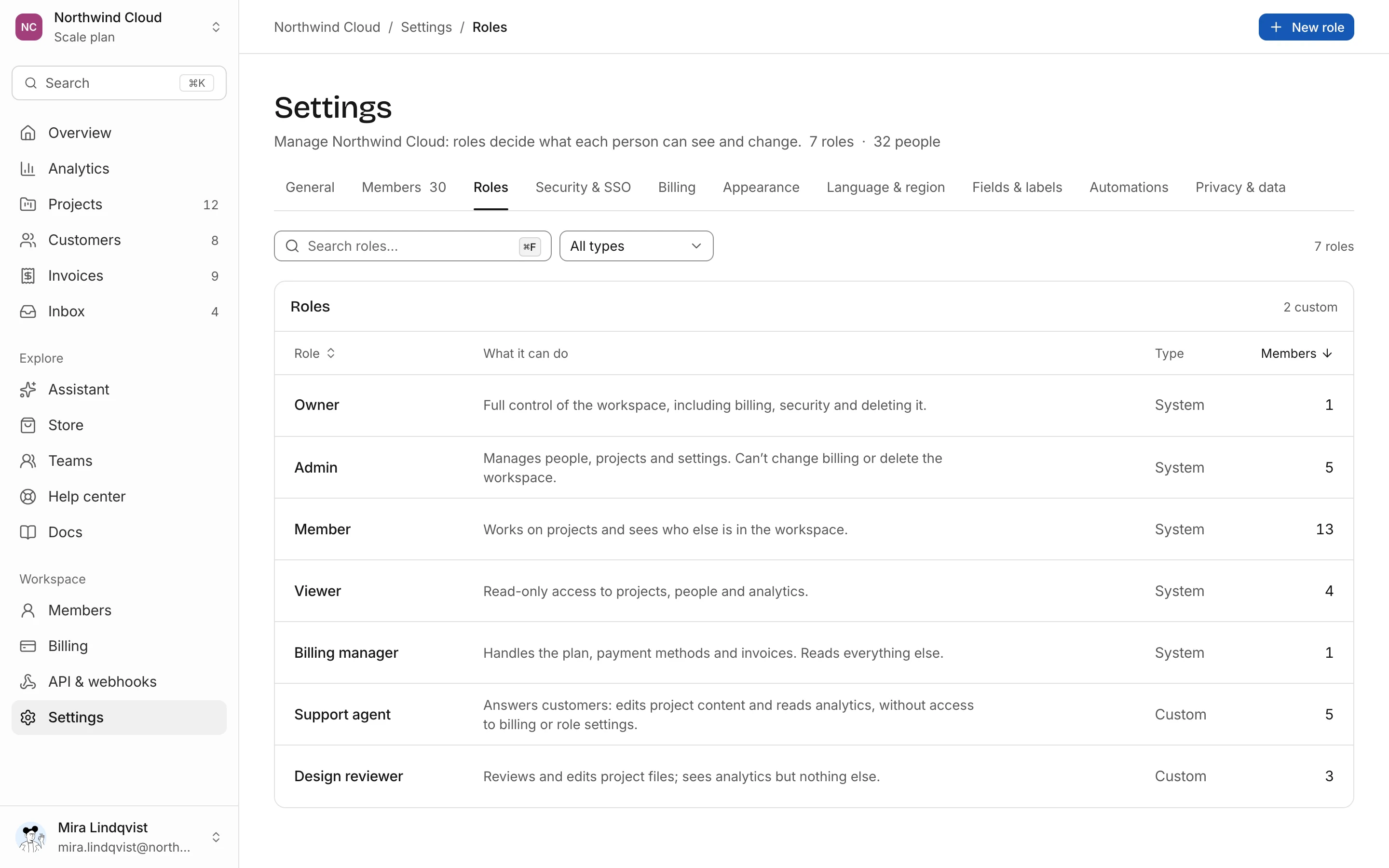
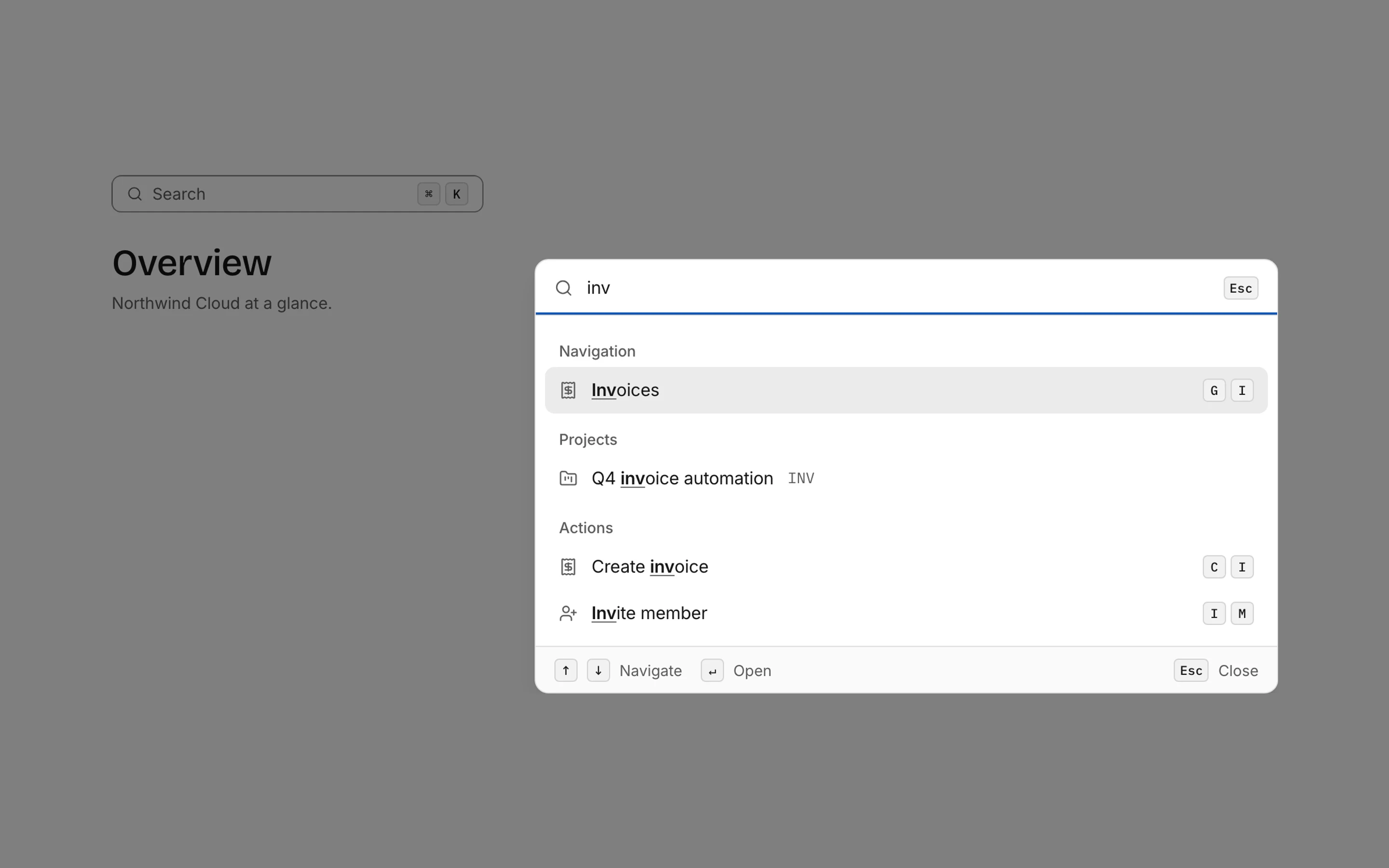
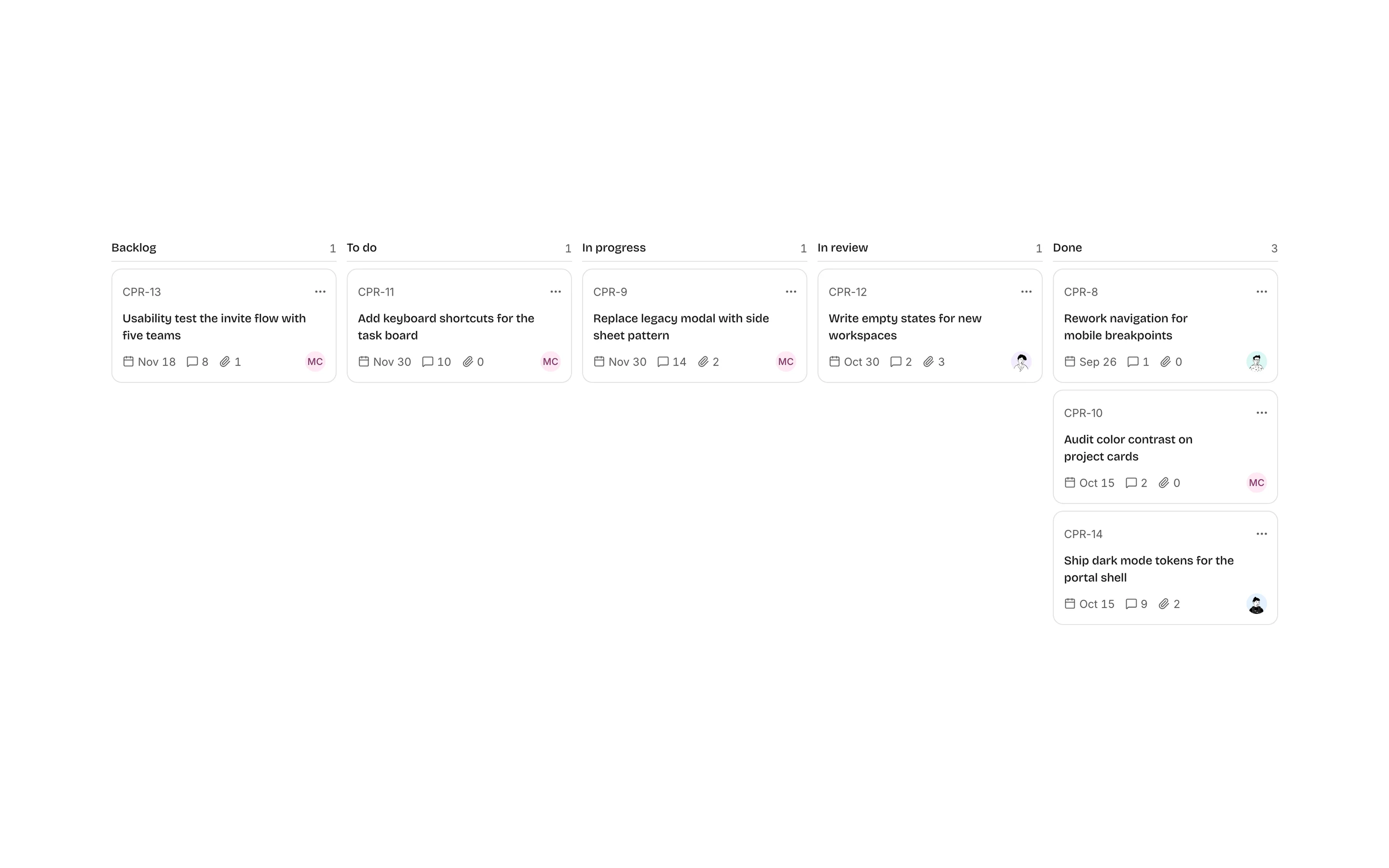
What each one is for, from its manifest. Open a screen to see it large.
Questions
Is Flightdeck built on shadcn/ui?
No. It uses the shadcn registry format and CLI, but the components are its own and do not depend on shadcn/ui or Radix. If you need shadcn/ui components specifically, this is not what you are looking for.
How do I install a screen?
Add the @flightdeck namespace to components.json with the API key from your license, then run npx shadcn@latest add @flightdeck/invoices. For React, use @flightdeck-react. The download also runs the registry offline on your machine.
Can I add it to a project that already uses shadcn/ui?
Try it on a branch first. Flightdeck brings its own stylesheet and uses the same token names as shadcn/ui, such as background, primary and card, so it can change the colors of your existing components. Its dark mode follows data-theme on the html element instead of a dark class. A new project is the simplest start.
Is this an official shadcn product?
No. Flightdeck is made by themes.dev and is not affiliated with shadcn/ui.
What else is in Flightdeck?
204 screens, 62 blocks, 44 components, 6 app shells and 18 clickable walkthroughs for admin and SaaS apps, in light and dark. These screens are one part of it.
What does it cost?
€69 once for one person, €399 for your whole company, with Team and Studio licenses in between. All include lifetime updates and unlimited projects. Free for everyone who bought AirControl.
Get these screens and the rest of Flightdeck.
€69 once for one person, €399 for your whole company. Lifetime updates included.