Figure
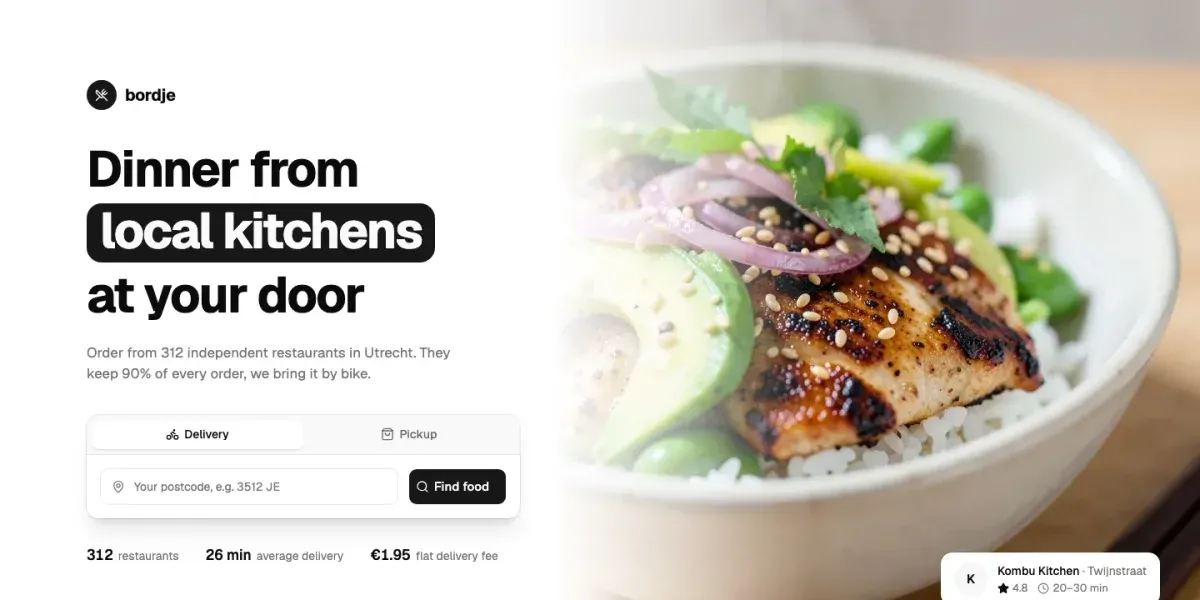
An image with a caption. Width, height and alt are required, so the page never jumps; local images go through astro:assets.
Native .astro · no React · MIT · free, no account
Install
npx shadcn@latest add https://www.themes.dev/astro/r/figure.jsonThe CLI needs a components.json (from npx shadcn init), which also writes the tokens these files use. No CLI? Copy the files below to the same paths.
Files
---// An image with an optional caption. Width, height and alt are required: the size reserves the space so the page// doesn't jump, and alt may be empty ('') when the image is decoration. Local images (imported) go through// astro:assets and get modern formats; a string src (a CMS URL) is used as it is.// <Figure src={photo} alt="The reading room at noon" caption="The reading room, rebuilt in 2024." />import { Image } from 'astro:assets';import type { ImageMetadata } from 'astro'; type Props = { alt: string; caption?: string; /** Above the fold: load it first instead of lazily. */ priority?: boolean; /** The widths the layout shows it at, for srcset: '(min-width: 768px) 720px, 100vw'. */ sizes?: string; class?: string;} & ({ src: ImageMetadata; width?: number; height?: number } | { src: string; width: number; height: number });const { src, alt, caption, priority = false, sizes, class: className } = Astro.props;const local = typeof src !== 'string';--- <figure class:list={['flex flex-col gap-3', className]}> { local ? ( <Image src={src} alt={alt} width={Astro.props.width} height={Astro.props.height} sizes={sizes} loading={priority ? 'eager' : 'lazy'} fetchpriority={priority ? 'high' : undefined} class="h-auto w-full rounded-xl" /> ) : ( <img src={src} alt={alt} width={Astro.props.width} height={Astro.props.height} sizes={sizes} loading={priority ? 'eager' : 'lazy'} decoding="async" fetchpriority={priority ? 'high' : undefined} class="h-auto w-full rounded-xl" /> ) } {caption && <figcaption class="text-sm leading-[1.5] text-muted-foreground">{caption}</figcaption>}</figure>More for content
- ProseFreeLong-form text in a 65-character measure on shadcn's tokens: headings, lists, quotes, tables, code and images, light and dark.Prose.astro · prose.css
- Code blockFreeCode highlighted at build time with Shiki, light and dark, with a file name and a copy button.CodeBlock.astro
- Portable TextFreeSanity's Portable Text as HTML through astro-portabletext, with headings that carry ids, links, images and code blocks.PortableText.astro · Heading.astro · Link.astro · Image.astro · Code.astro