shadcn/ui in Astro, with no JavaScript you didn’t ask for
shadcn/ui is React, and Astro renders React on the server by default. That is a good fit: 584 of our 831 shadcn blocks have no state at all, so in Astro they ship as plain HTML and CSS. This site is built that way. The rest you hydrate with one directive.
- of blocks need no client JS
- 70%
- complete Astro themes
- 26
- blocks to hydrate
- 247
Blocks that render as plain HTML in Astro
No state, no effects: these become static markup at build time. Drop them into an .astro page without a client directive.


Set up shadcn/ui in an Astro project
Add React and Tailwind CSS, then let the shadcn CLI write components.json and your first parts. After that, our blocks install the same way as anywhere else.
npm create astro@latest my-site
npx astro add react tailwind
npx shadcn@latest init
npx shadcn@latest add @themesdev/hero-13
Hydrate only what has state
A block with tabs, a switch or a carousel needs JavaScript in the browser. In Astro you say so where you use it, with client:visible so it loads only when it scrolls into view. Every block page on themes.dev tells you which kind it is.
---
import { HeroHalyard } from "@/components/hero/hero-halyard"
import { PricingMurmur } from "@/components/pricing/pricing-murmur"
---
<HeroHalyard title="Plain HTML, no JavaScript" />
<PricingMurmur client:visible />
How it works with shadcn
From the catalogue to your components folder
Add the registry
Once per project: the @themesdev entry in components.json, with your API key read from THEMESDEV_TOKEN. Making a key takes a UI Pro license.
components.json { "registries": { "@themesdev": { "url": "https://www.themes.dev/r/ui/{name}.json", "headers": { "Authorization": "Bearer ${THEMESDEV_TOKEN}" } } } }Install by number
Every item has a store number. This one is hero-13 (Halyard); the CLI adds the shadcn/ui parts it needs first.
terminal npx shadcn@latest add @themesdev/hero-13Edit it as your code
The file lands in components/hero/ in your project. No package, no runtime, no lock-in: change the markup, the copy and the classes like anything else you wrote.
See it on the item’s own page: hero-13 (Halyard). Set up your key in your account.
About shadcn + Astro
Asked by people who were looking for the same thing. Something missing? Send us a message; we answer every one ourselves.
Does shadcn/ui officially support Astro?
Yes. The shadcn/ui docs have an Astro installation guide, and the CLI works in Astro projects once React and Tailwind CSS are added.
Can I use the blocks in .astro files without React?
You need the React integration, but not React in the browser: blocks without state render to HTML on the server and send no JavaScript.
Are the website themes built in Astro?
Yes. All 26 themes have an Astro edition, included in UI Pro, as a complete project you clone and deploy.
Does this site use them?
It does: the home page, contact, licenses and this page are built from our own UI Pro blocks, rendered on the server. The blocks used are listed at the foot of each page.

Not sure it fits?
Tell us what you are building and we tell you honestly whether these blocks are a good fit.
UI Pro
Build it from finished shadcn/ui blocks
Every block, page template and website theme from €199, paid once, with every update and everything we add later. Not ready? The free blocks are open to everyone.
- blocks
- 860
- page templates
- 14
- website themes
- 26
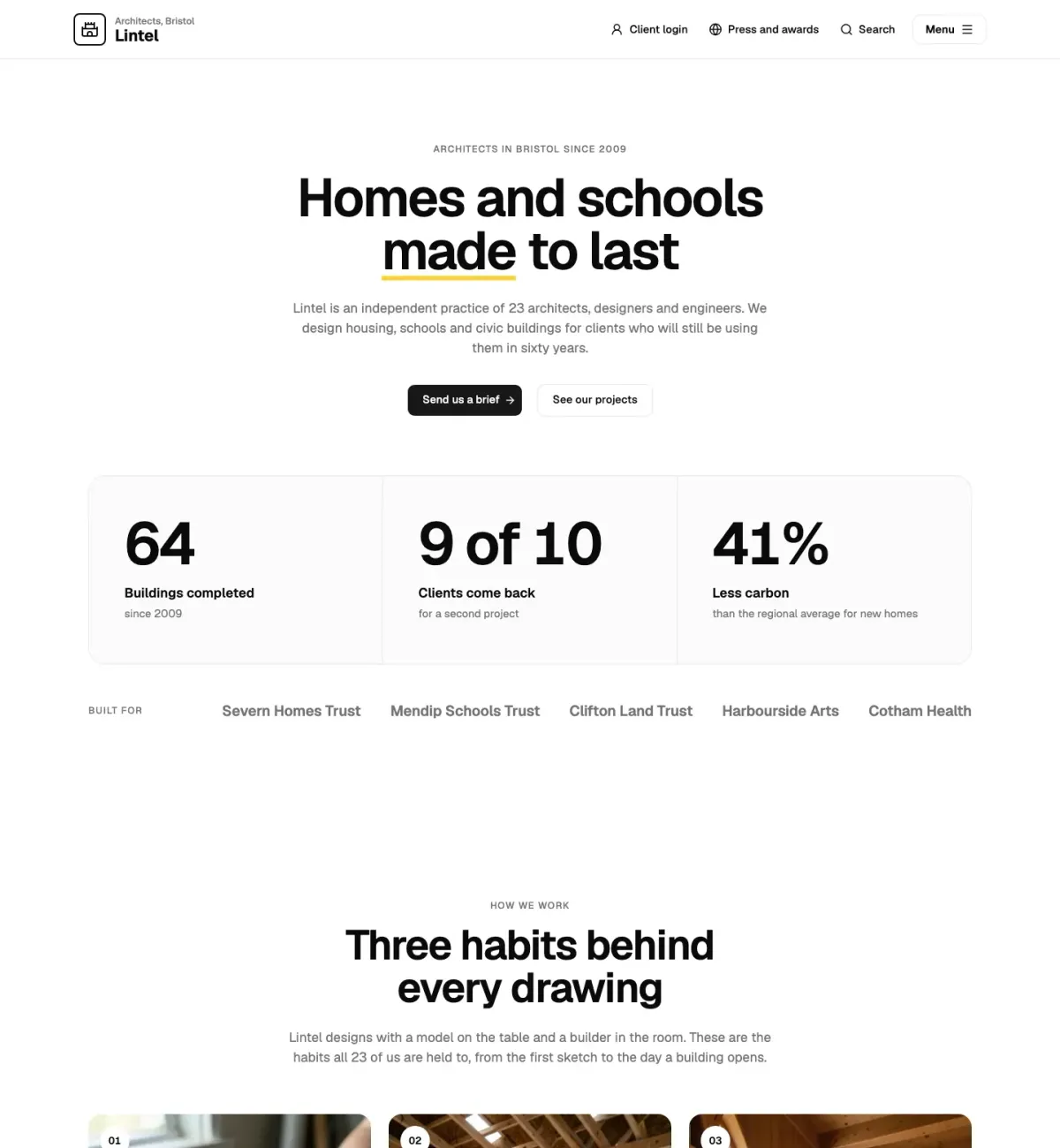
This page is built from UI Pro blocks: Straalnet (faq-10), Rooilijn (call-to-action-07).