169 shadcn dashboard and admin screens
A dashboard is rarely one screen. Behind it are orders, customers, an inbox, invoices and settings, and they have to look like one product. These 169 screens share one app shell with the shadcn sidebar, one data layer and one set of tokens, so screen 40 matches screen 1.
- app screens
- 169
- areas, from CRM to billing
- 14
- shadcn/ui parts used
- 31
A screen from nine areas
Every screen is filled with data that reads like a real company’s, not lorem ipsum, so you can judge the density of a table or a chart before you install it.
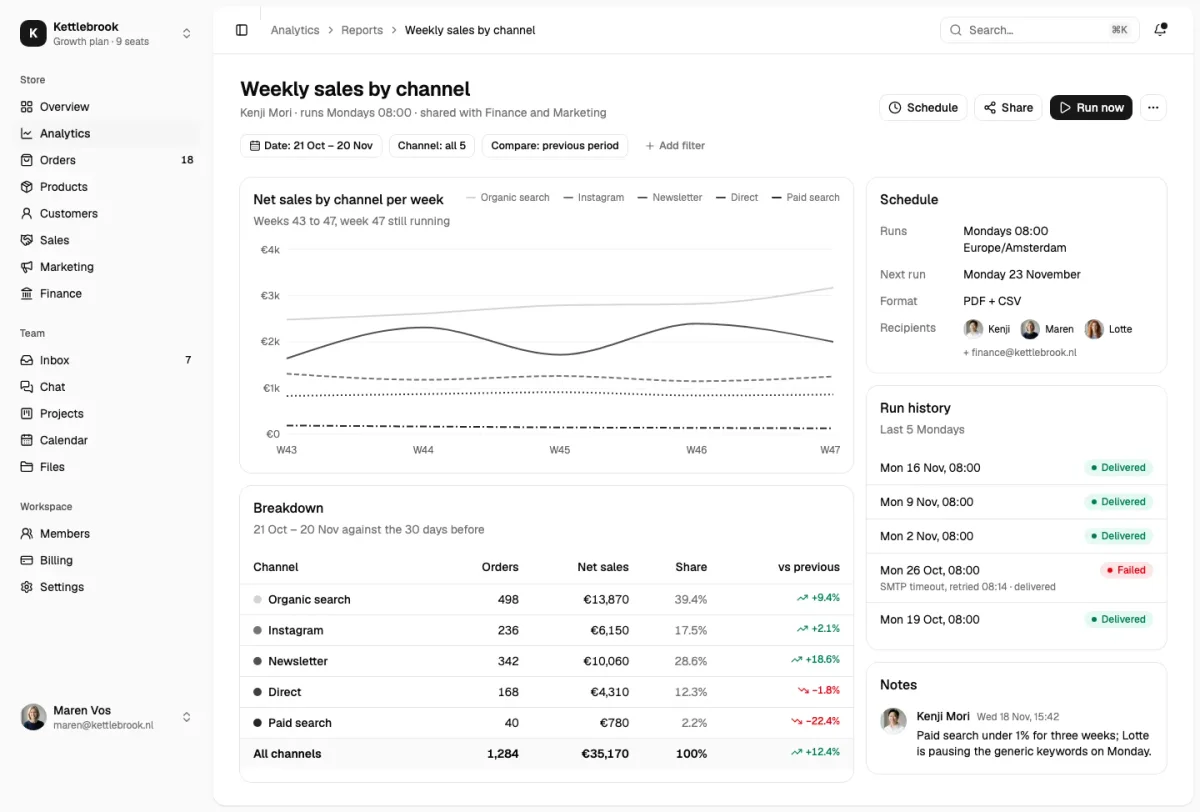
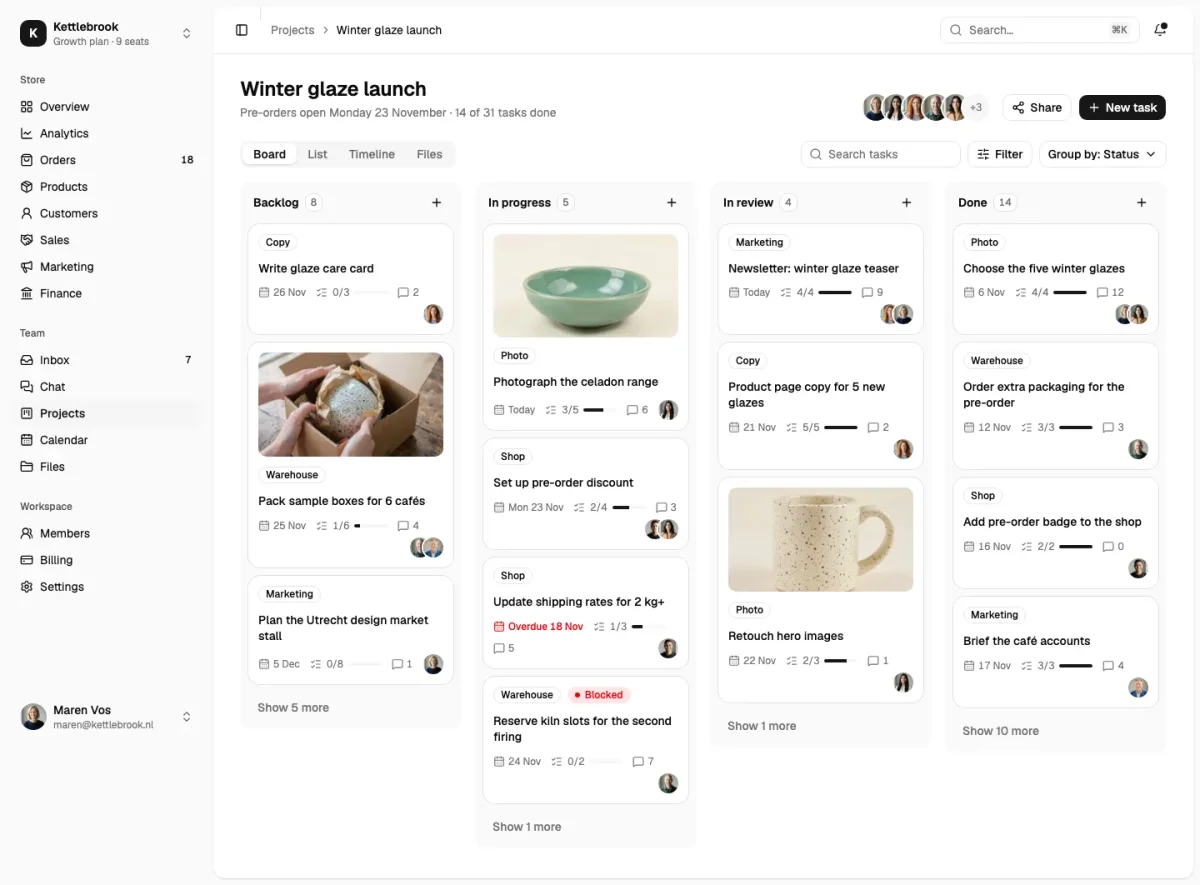
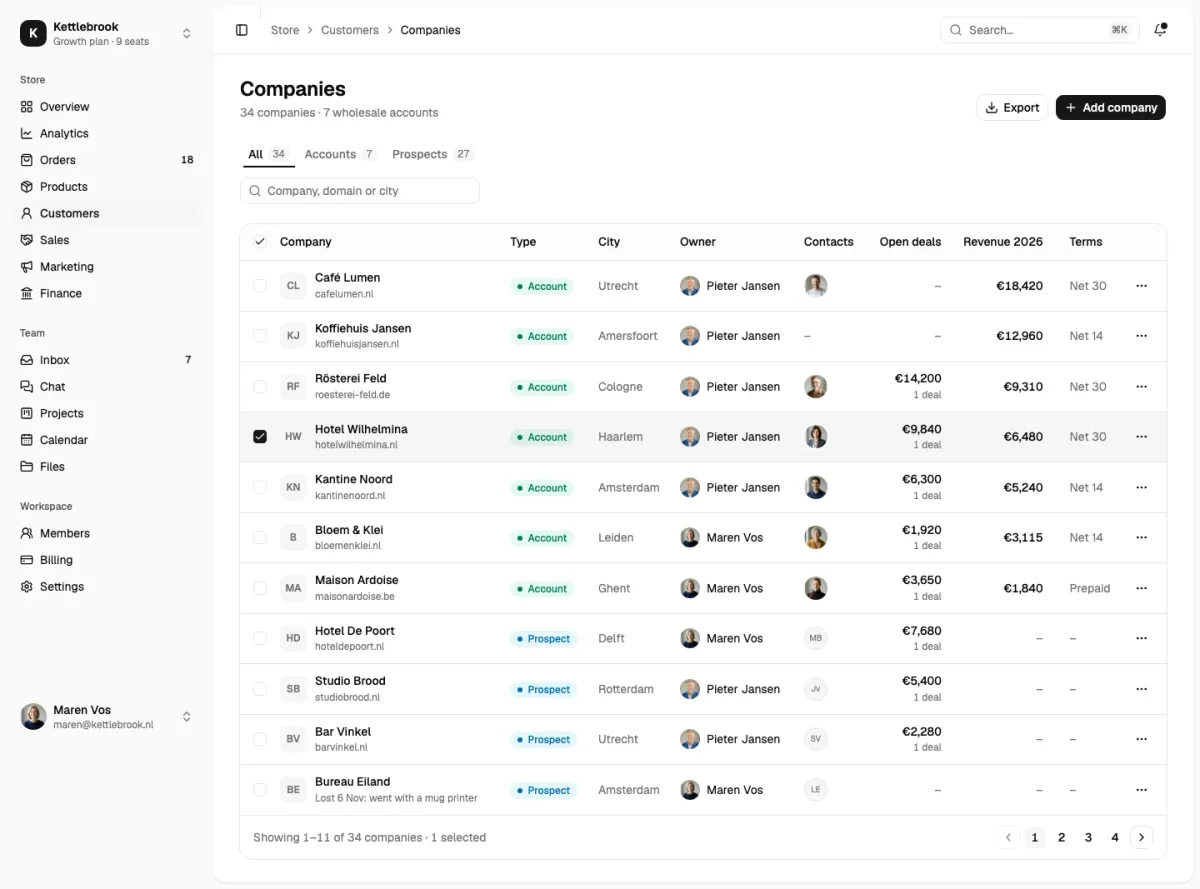
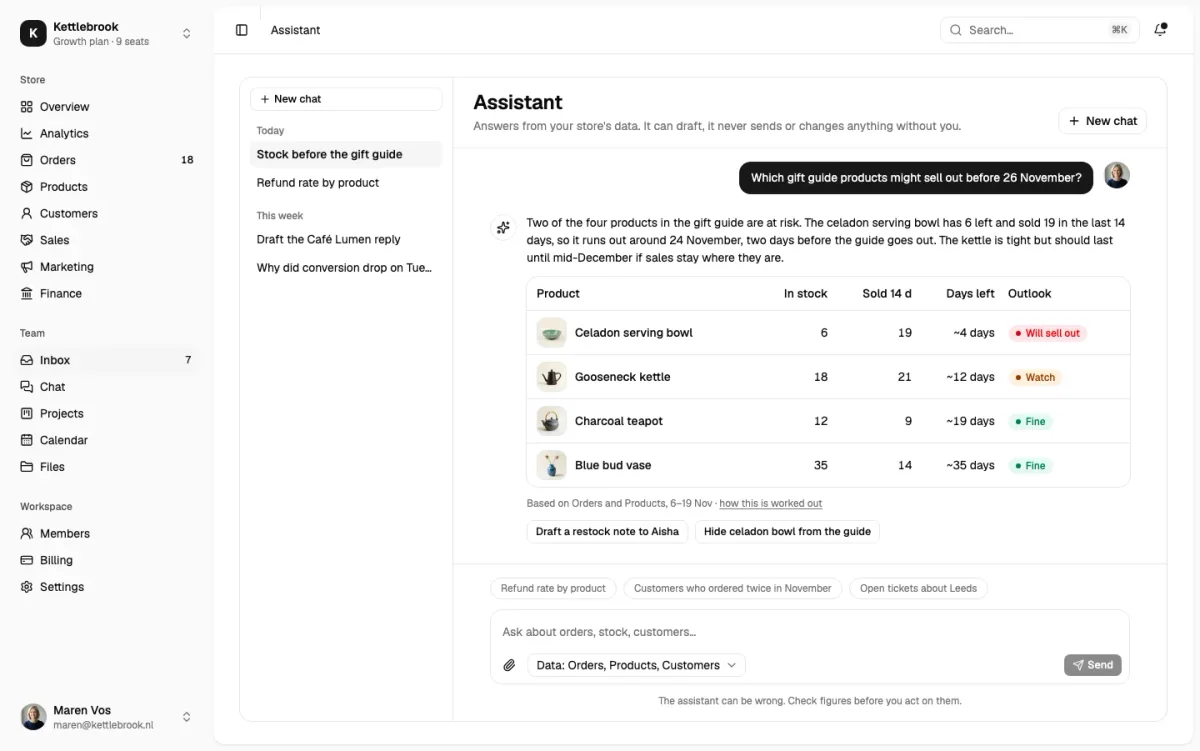
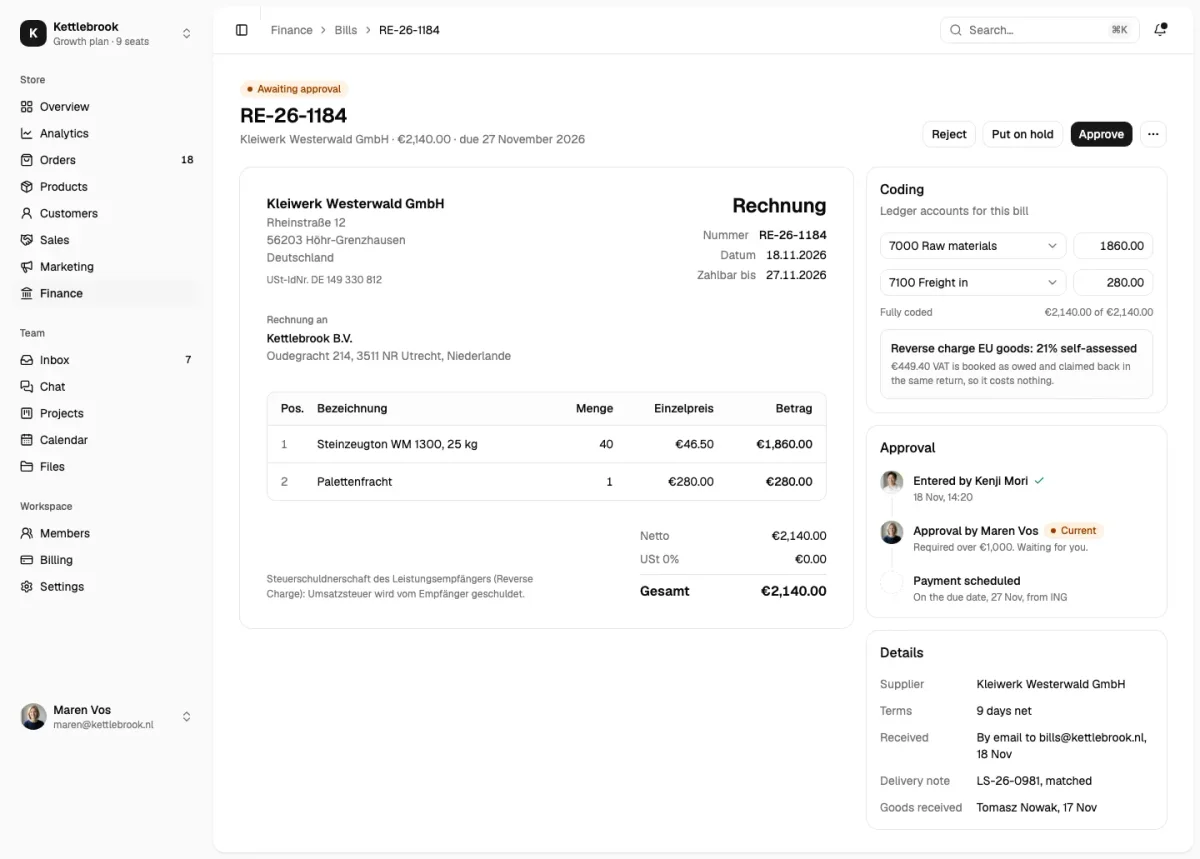
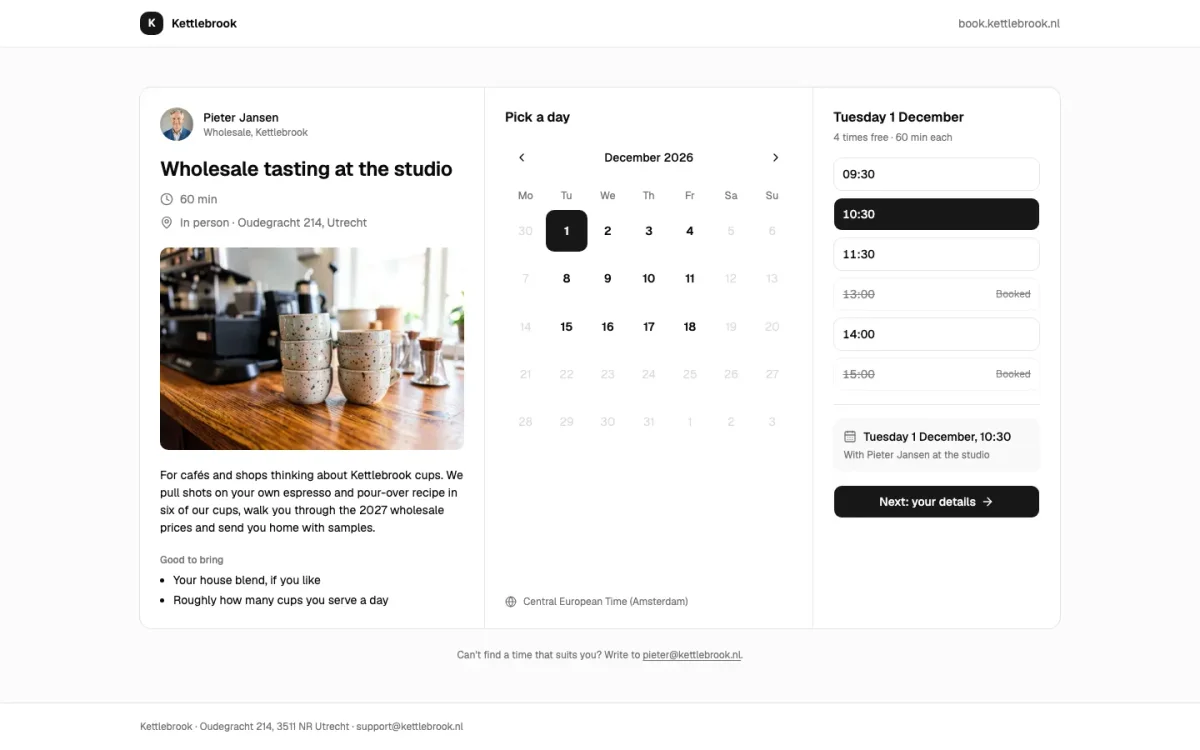
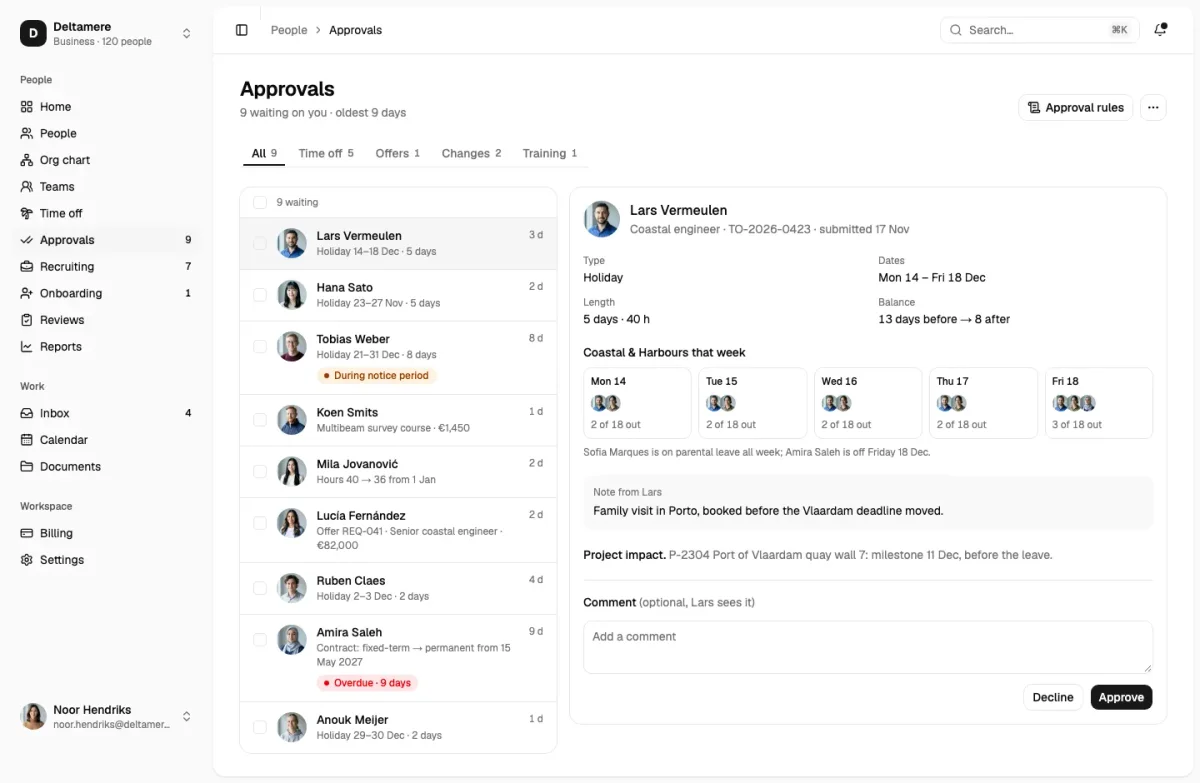
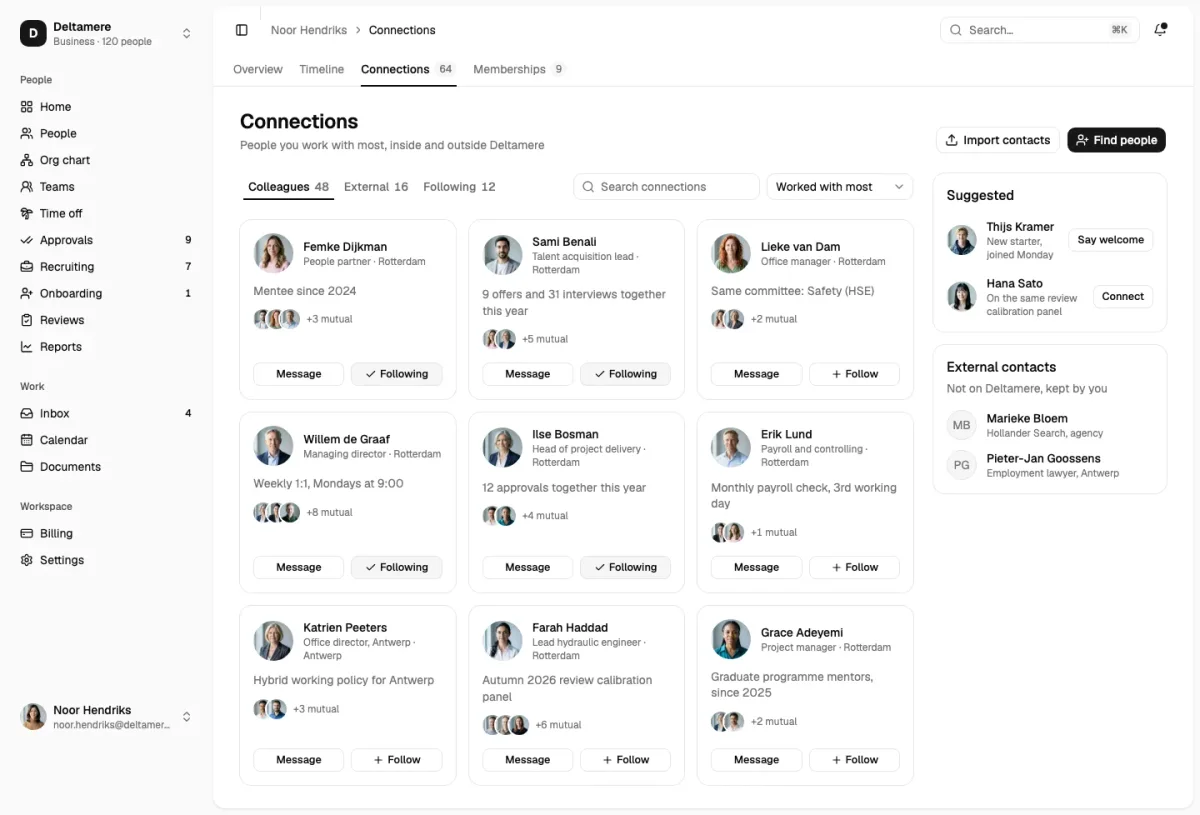
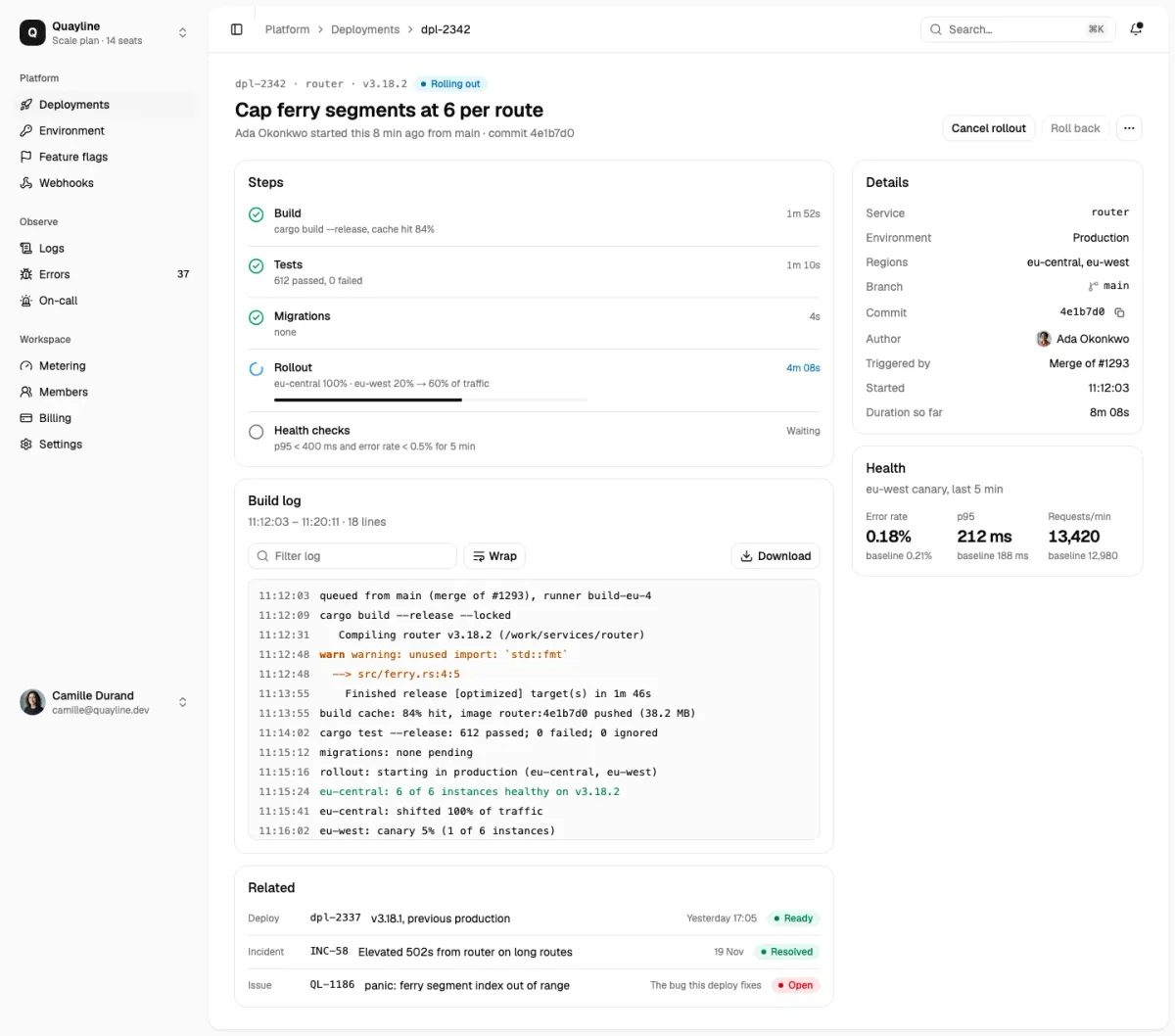
Every app area
One shell, many screens
The screens install with their shared parts as dependencies: the app shell with the shadcn sidebar, and the sample data. Install a second screen and it reuses them, so you never end up with two sidebars.
The parts they lean on most are button, card, avatar, sidebar and table. Charts use Recharts, as shadcn/ui’s own chart component does.
Bring your own backend
Every screen reads from a typed data file. Replace that file with your API calls or server actions; the screen keeps working because it only depends on the shape of the data.
How it works with shadcn
From the catalogue to your components folder
Add the registry
Once per project: the @themesdev entry in components.json, with your API key read from THEMESDEV_TOKEN. Making a key takes a UI Pro license.
components.json { "registries": { "@themesdev": { "url": "https://www.themes.dev/r/ui/{name}.json", "headers": { "Authorization": "Bearer ${THEMESDEV_TOKEN}" } } } }Install by number
Every item has a store number. This one is app-dashboards-01 (Funnels); the CLI adds the shadcn/ui parts it needs first.
terminal npx shadcn@latest add @themesdev/app-dashboards-01Edit it as your code
The file lands in components/app/ in your project. No package, no runtime, no lock-in: change the markup, the copy and the classes like anything else you wrote.
See it on the item’s own page: app-dashboards-01 (Funnels). Set up your key in your account.
About shadcn dashboard
Asked by people who were looking for the same thing. Something missing? Send us a message; we answer every one ourselves.
Is this a full admin template?
It is 169 screens on one shell, which covers what most admin templates have and more. You install the screens you need into your own Next.js or Vite app instead of starting from someone else’s project.
Do the screens include authentication?
There are 8 sign-in and account screens among them. The login logic itself is yours to wire up to Auth.js, Clerk, Supabase or whatever you use.
Are the app screens free?
No, they are part of UI Pro, from €199 once. The screenshots of every screen are open to browse.
Do they work in dark mode?
Yes, through the shadcn .dark class, like every block here.

Not sure it fits?
Tell us what you are building and we tell you honestly whether these blocks are a good fit.
UI Pro
Build it from finished shadcn/ui blocks
Every block, page template and website theme from €199, paid once, with every update and everything we add later. Not ready? The free blocks are open to everyone.
- blocks
- 860
- page templates
- 14
- website themes
- 26
This page is built from UI Pro blocks: Straalnet (faq-10), Rooilijn (call-to-action-07).