shadcn pricing sections, from three cards to a full matrix
Pricing is the section people scroll to. Our 32 pricing blocks cover the shapes it takes in 27 sectors: three plan cards with a yearly switch, a table that compares every feature, a calculator, a fee list for a service business.
- pricing blocks
- 32
- sectors designed for
- 27
- free, or free with an account
- 3
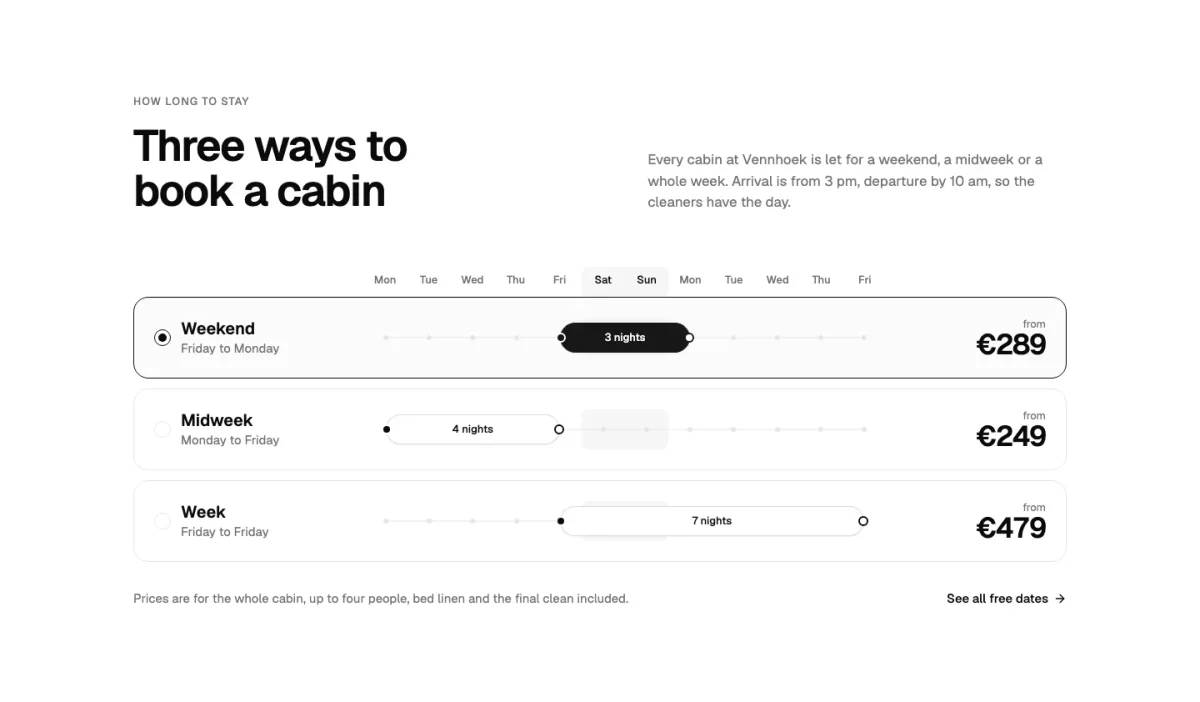
Nine of the 32
Card layouts, tables and the odd one out, each priced for its own business, so the plan names and features read like the real thing.
The shadcn/ui parts inside them
Counted across the 31 pricing blocks built on shadcn/ui. The CLI installs any part you don’t have yet, so this is also what your components/ui folder gains.
| Part | Blocks | Share |
|---|---|---|
| button | 30 | 97% |
| tabs | 20 | 65% |
| badge | 19 | 61% |
| card | 12 | 39% |
| separator | 11 | 35% |
| label | 3 | 10% |
| input | 2 | 6% |
| table | 1 | 3% |
| checkbox | 1 | 3% |
Cards, table or both
Three cards work when plans differ in a few clear ways. Once you have more than six features to compare, add a table under the cards, or use a block that has both. A service business with one price per job is better served by a fee list than by plan cards.
The billing switch is shadcn Tabs, which is why those blocks are client components: they hold the monthly or yearly choice in state.
How it works with shadcn
From the catalogue to your components folder
Add the registry
Once per project: the @themesdev entry in components.json, with your API key read from THEMESDEV_TOKEN. Making a key takes a UI Pro license.
components.json { "registries": { "@themesdev": { "url": "https://www.themes.dev/r/ui/{name}.json", "headers": { "Authorization": "Bearer ${THEMESDEV_TOKEN}" } } } }Install by number
Every item has a store number. This one is pricing-08 (Murmur); the CLI adds the shadcn/ui parts it needs first.
terminal npx shadcn@latest add @themesdev/pricing-08Edit it as your code
The file lands in components/pricing/ in your project. No package, no runtime, no lock-in: change the markup, the copy and the classes like anything else you wrote.
See it on the item’s own page: pricing-08 (Murmur). Set up your key in your account.
About shadcn pricing
Asked by people who were looking for the same thing. Something missing? Send us a message; we answer every one ourselves.
Can the pricing connect to Stripe?
The blocks show prices; the buttons are links you set. Point them at your Stripe Checkout or Payment Links, or at your own checkout route.
Can I show prices in another currency?
Yes. Prices are props, as strings, so format them however your market expects.
Is there a free pricing block?
Yes, one in the free library, with three plan cards and a monthly/yearly switch.

Not sure it fits?
Tell us what you are building and we tell you honestly whether these blocks are a good fit.
UI Pro
Build it from finished shadcn/ui blocks
Every block, page template and website theme from €199, paid once, with every update and everything we add later. Not ready? The free blocks are open to everyone.
- blocks
- 860
- page templates
- 14
- website themes
- 26
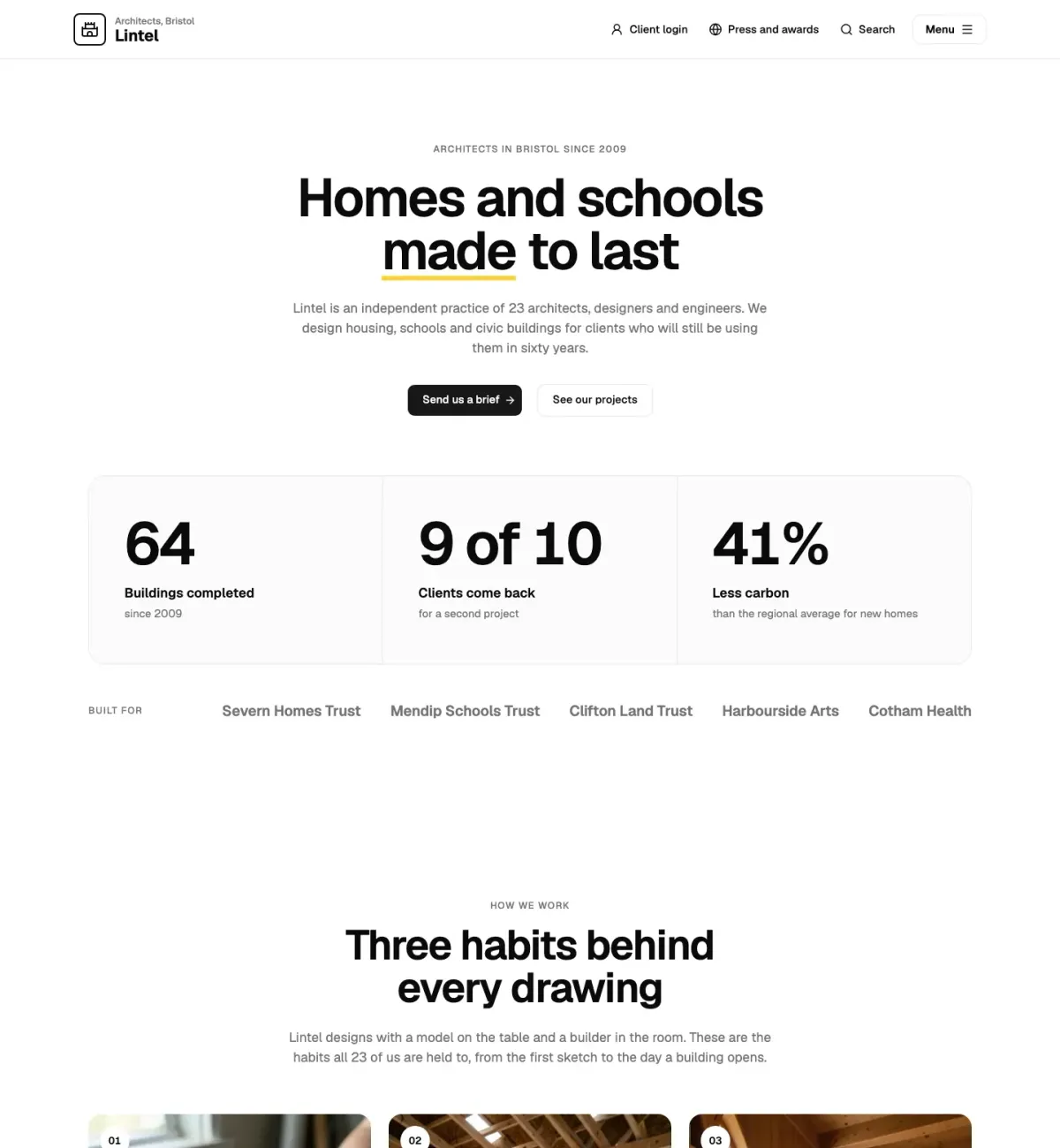
This page is built from UI Pro blocks: Straalnet (faq-10), Rooilijn (call-to-action-07).