shadcn templates for one page or a whole site
“Template” means two things here. A page template is one finished page, 5 blocks on average, put together for a made-up business. A website theme is a complete site with every page, a live demo and a repository. Both are built from the same shadcn/ui blocks, so you can mix them.
- page templates
- 14
- complete website themes
- 26
- blocks per page, on average
- 5
The page templates
Each one is a page you would otherwise assemble yourself: the blocks chosen, ordered and filled in. Open one to see the whole page and the blocks it is made of.
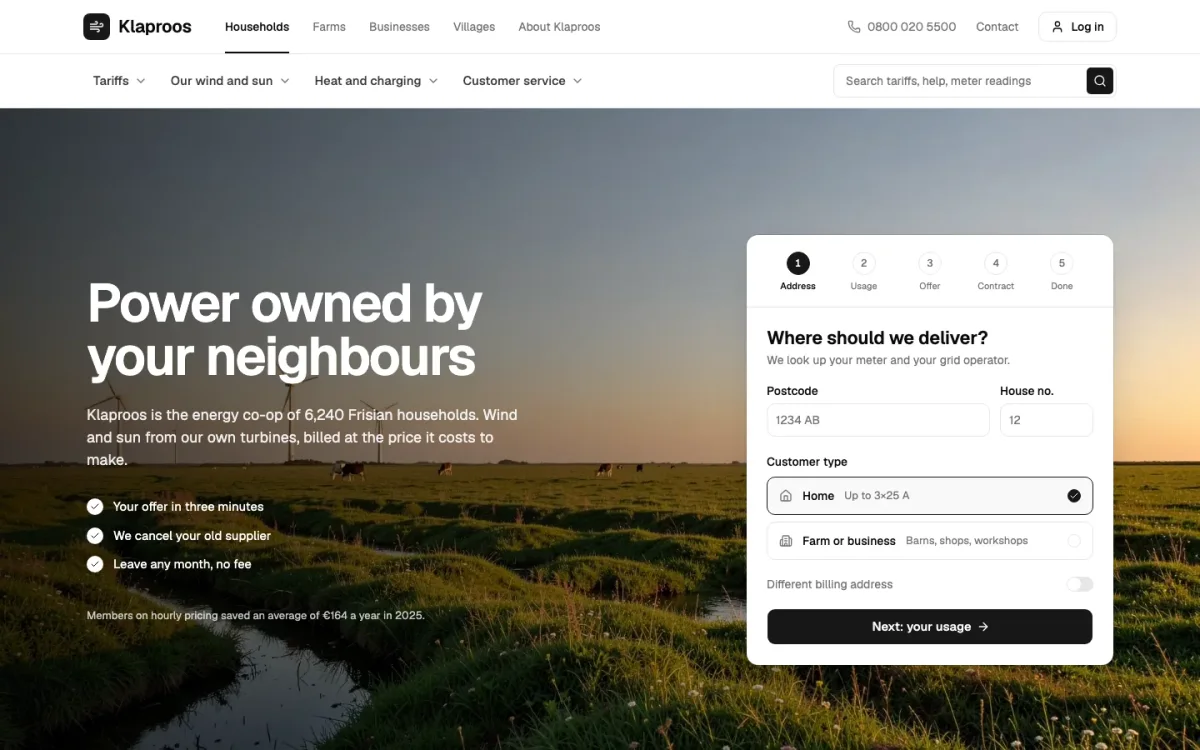
HomeKlaproos
8 blocks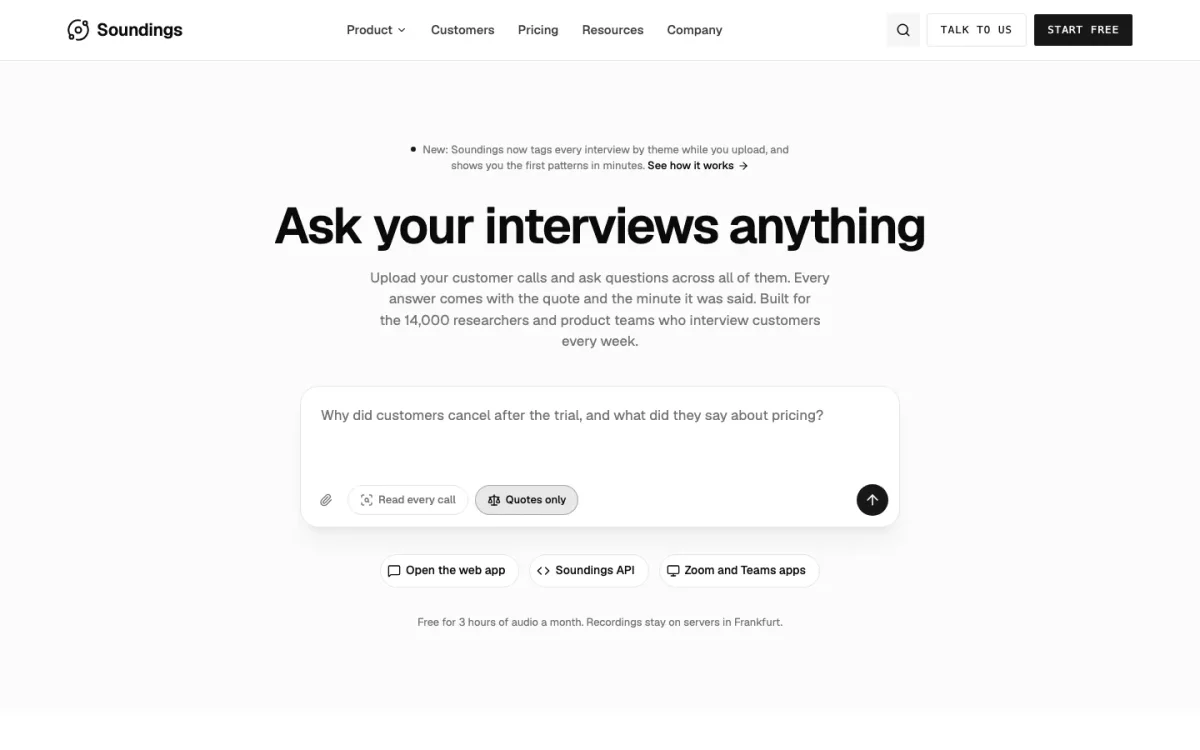
LandingSoundings
10 blocks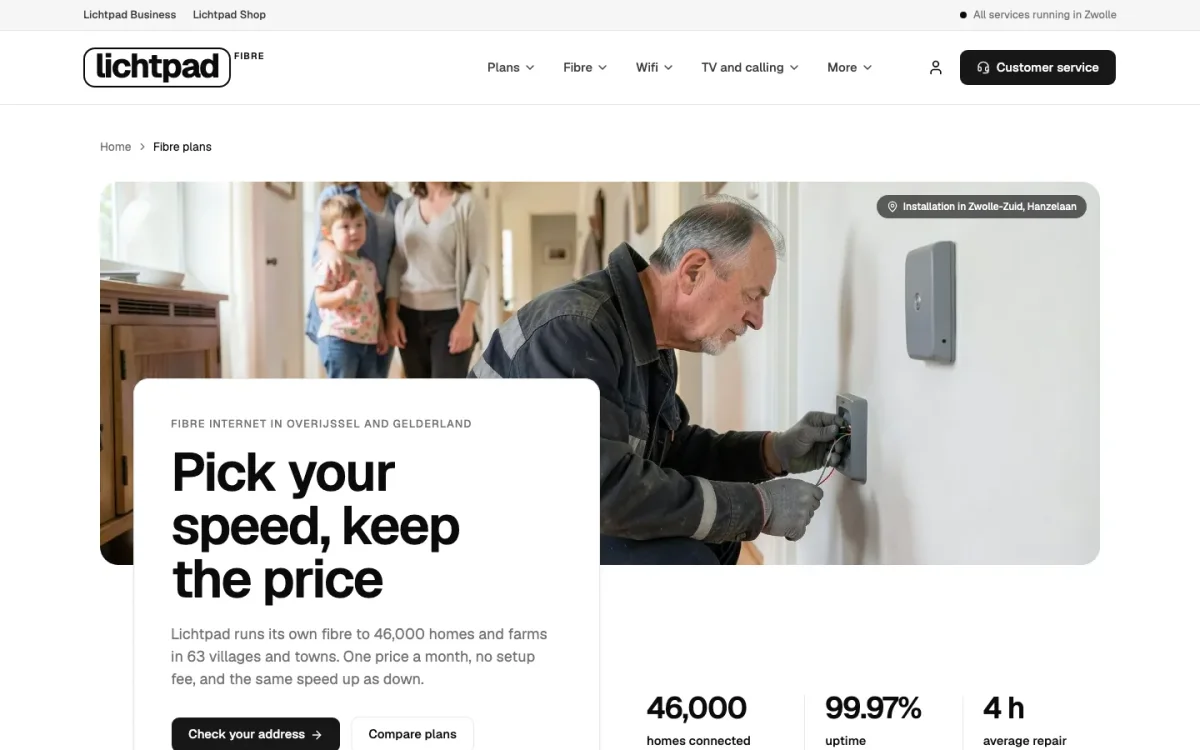
PricingLichtpad
6 blocks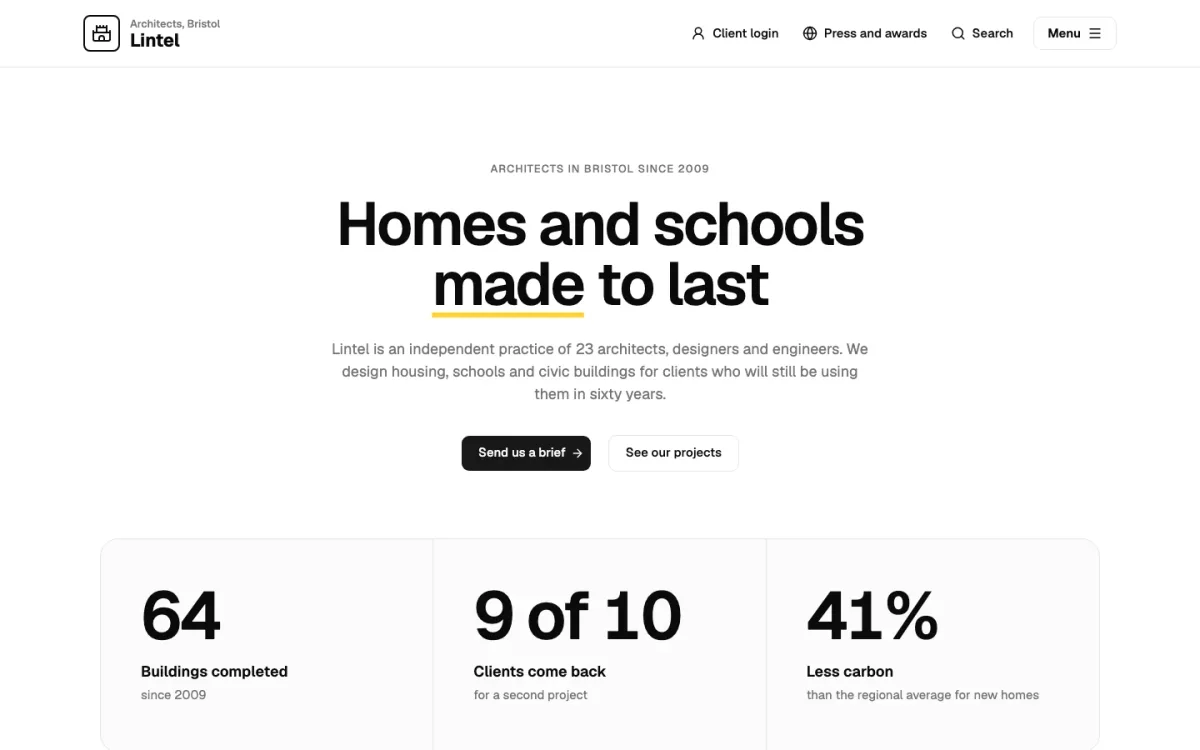
AboutLintel Architects
6 blocks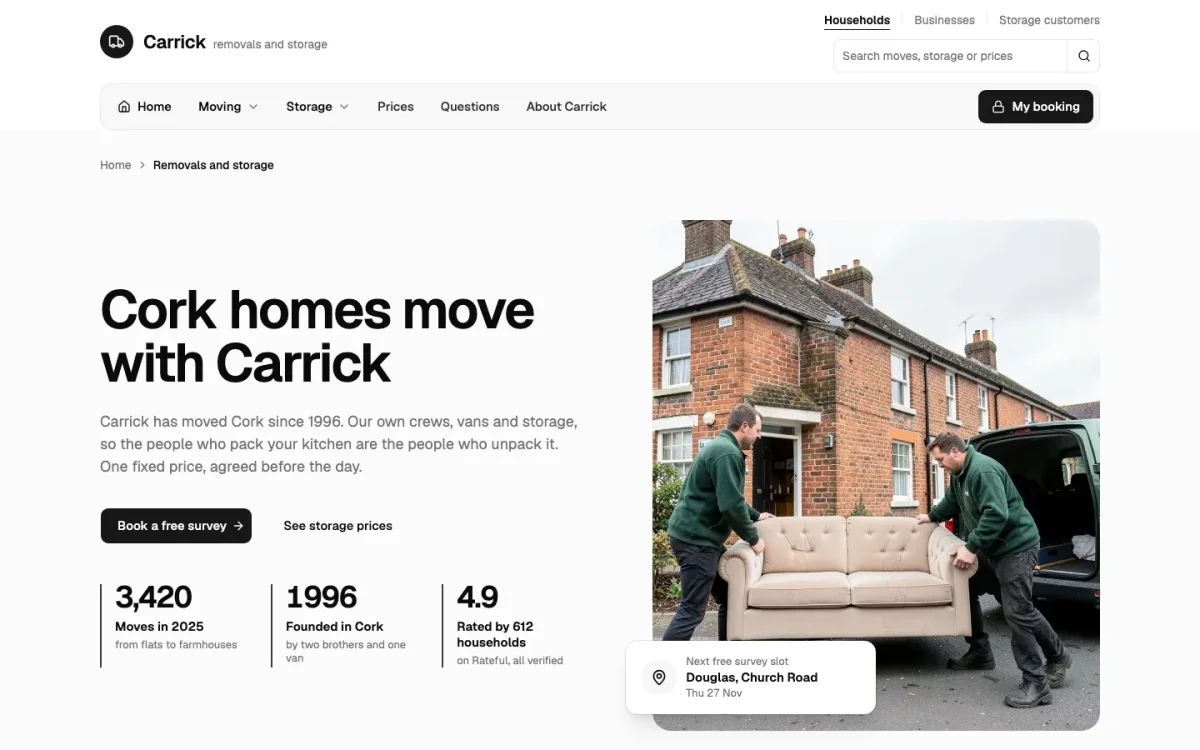
ServicesCarrick Removals & Storage
8 blocks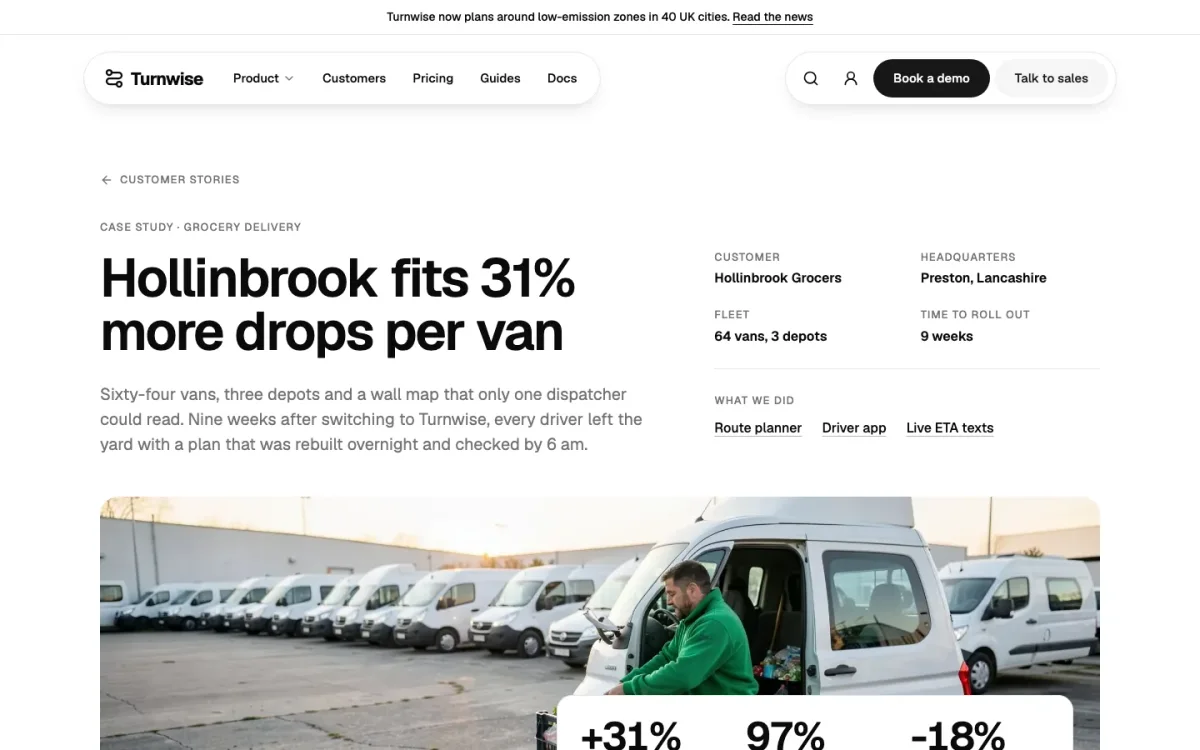
Case studyTurnwise
8 blocks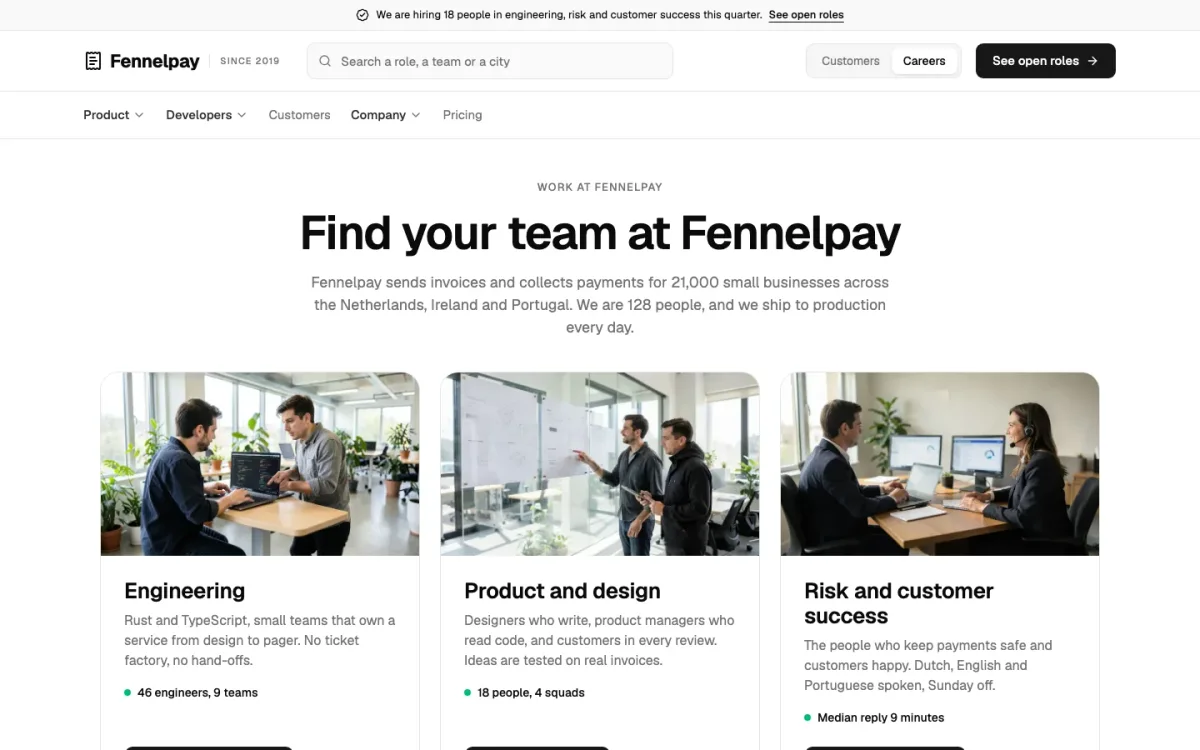
CareersFennelpay
7 blocks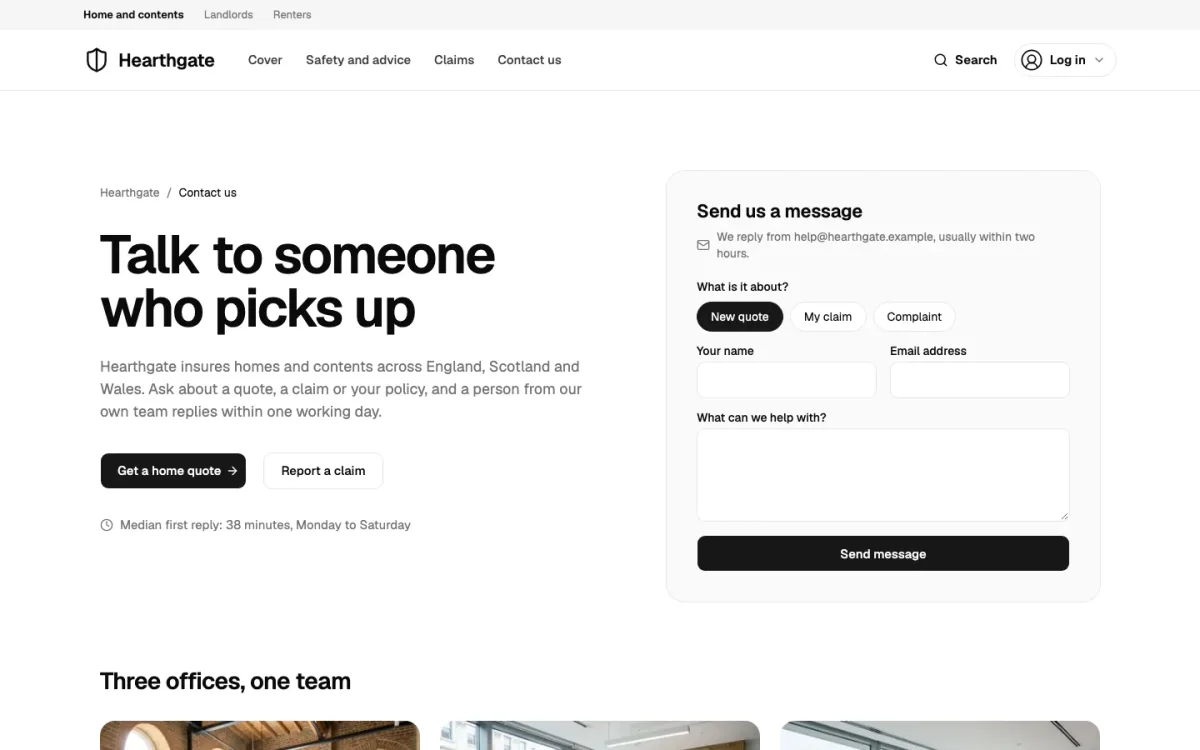
ContactHearthgate
5 blocks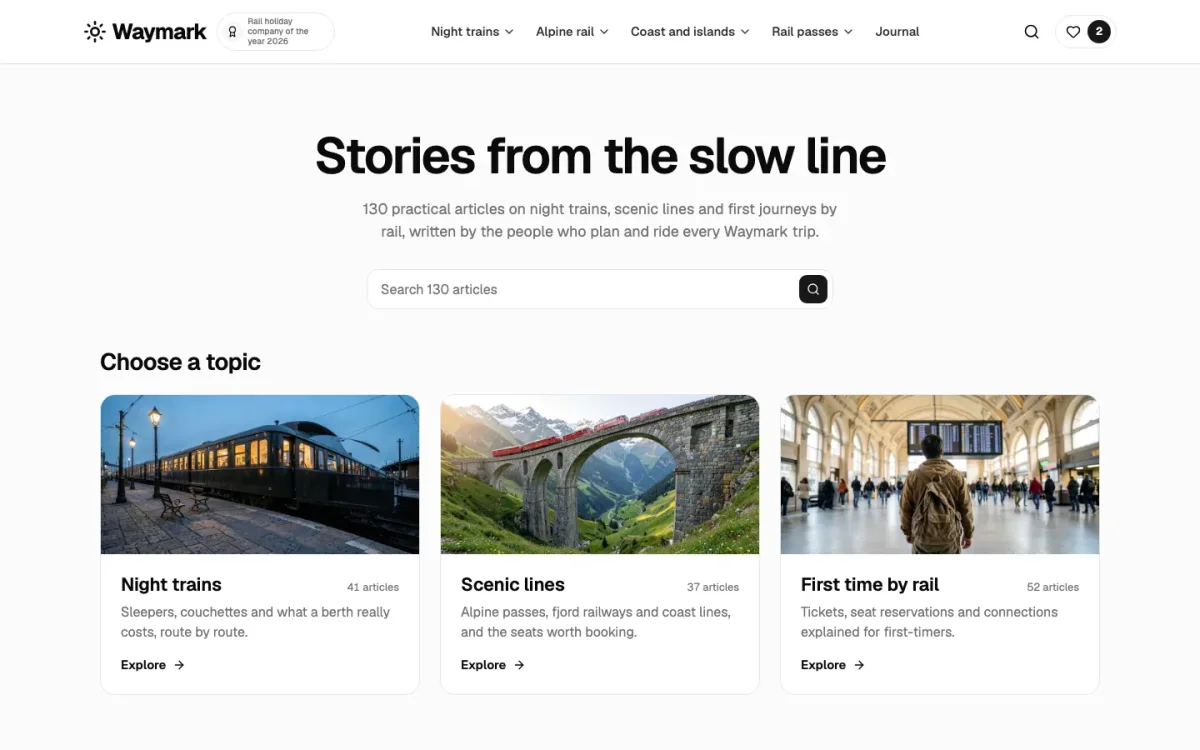
BlogWaymark
6 blocks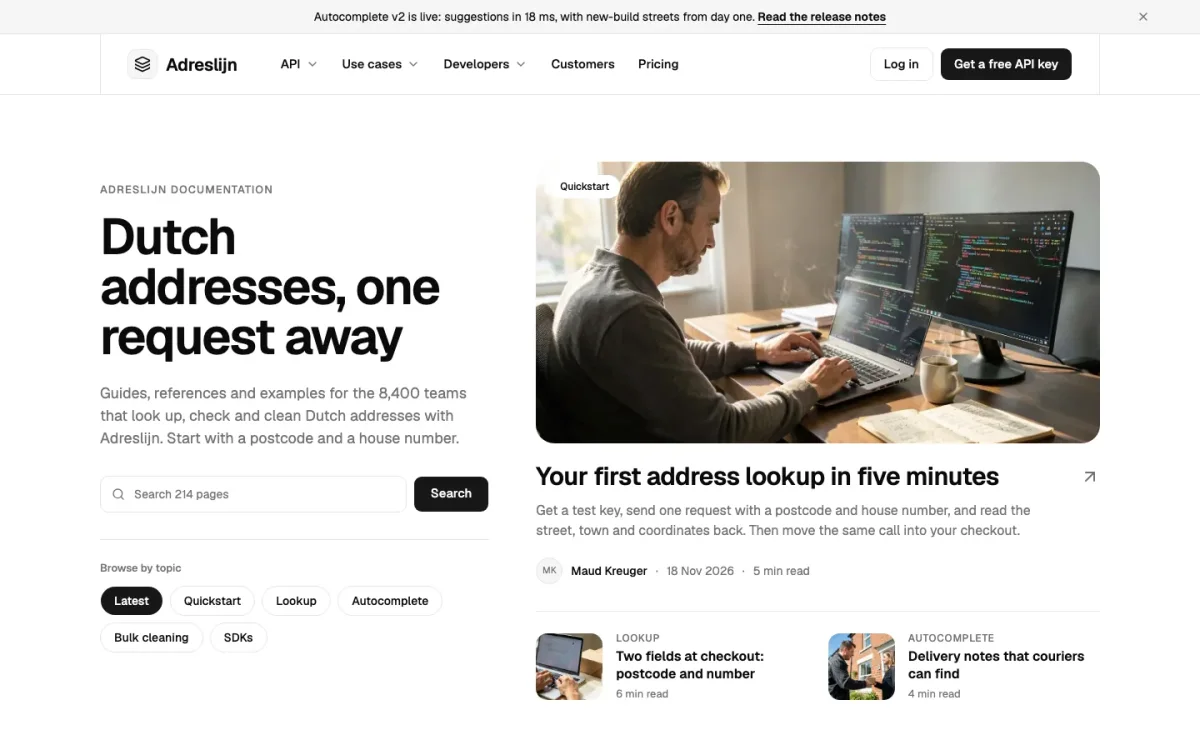
DocsAdreslijn
6 blocks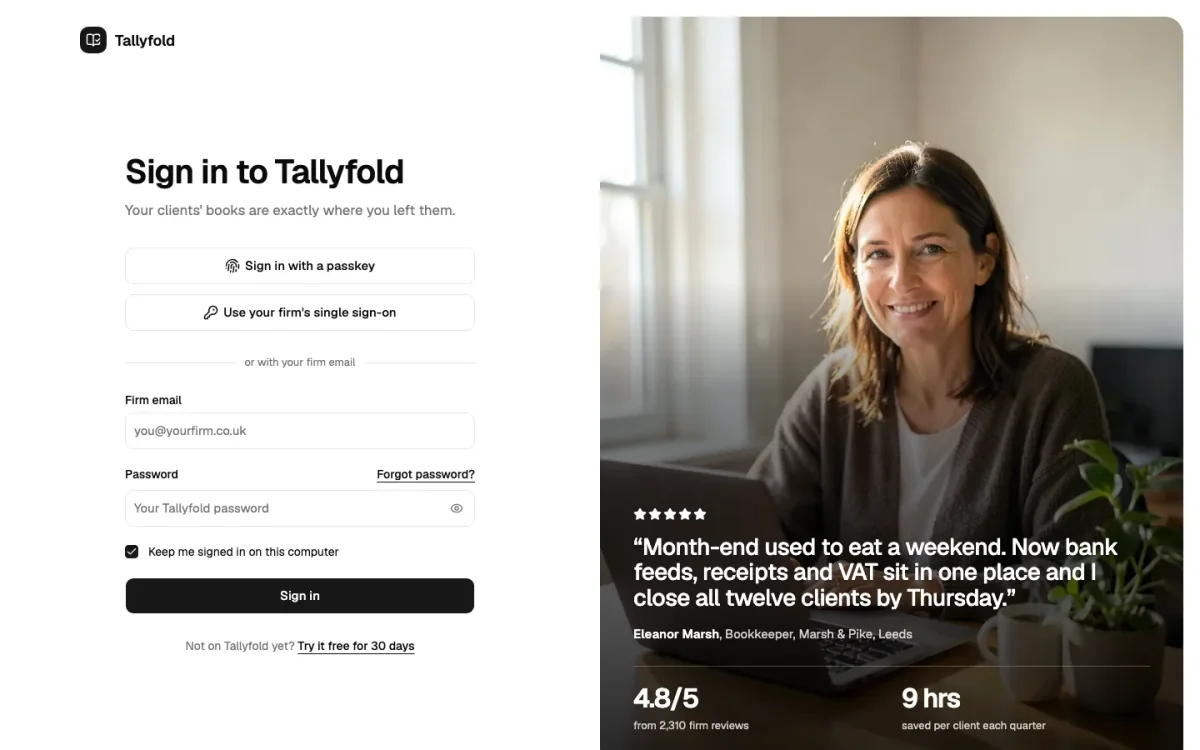
Sign inTallyfold
1 blocks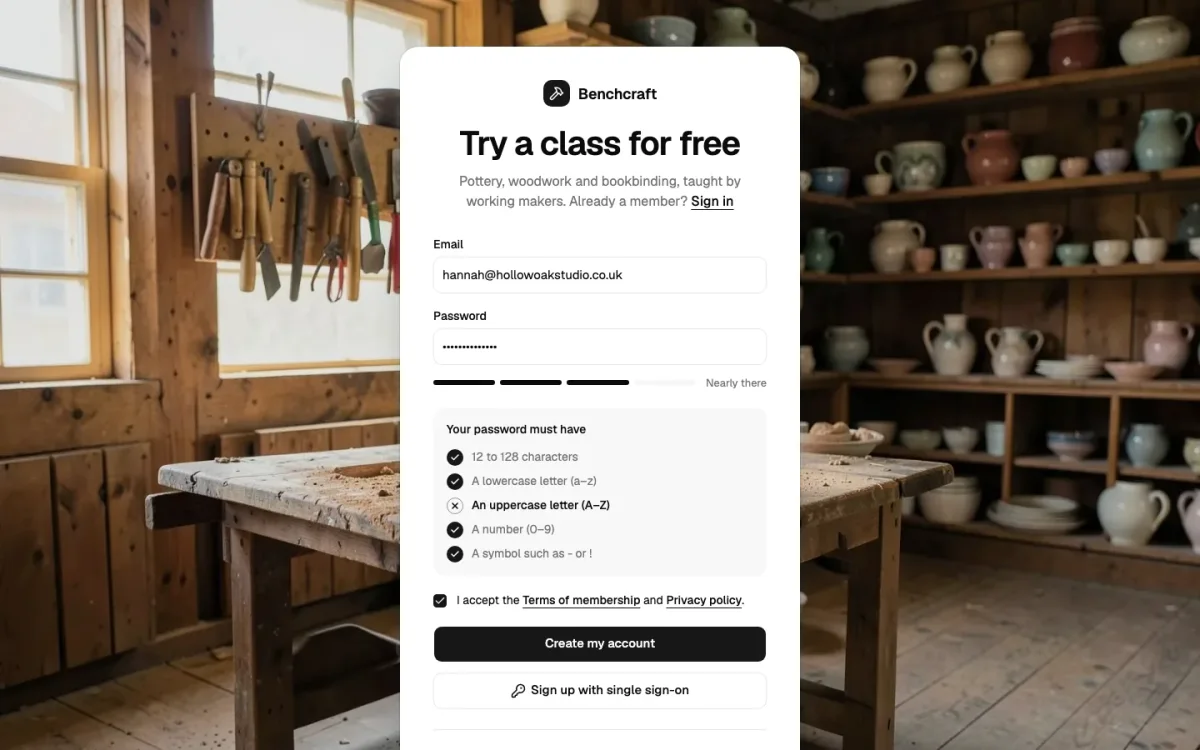
Sign upBenchcraft
1 blocks
Forgot passwordOosterhaven Water
1 blocks
VerifyKerbwise
1 blocks
Start from a page, not a blank file
The Landing template is 10 blocks: header, hero, logo wall, features, pricing, feature tabs, faq, testimonials, call to action and footer. Each one installs on its own as well, so when a client wants the pricing from Landing and the hero from Home, you take those two.
A template keeps its copy in one content object at the top of the file. Change that and the page is yours; the layout code you don’t have to touch.
When a theme fits better
If you need a whole site for one kind of business, a dentist, a venue, a SaaS, take a theme instead. It has the navigation, the inner pages, the blog and the content model already worked out. All 26 come with UI Pro.
How it works with shadcn
From the catalogue to your components folder
Add the registry
Once per project: the @themesdev entry in components.json, with your API key read from THEMESDEV_TOKEN. Making a key takes a UI Pro license.
components.json { "registries": { "@themesdev": { "url": "https://www.themes.dev/r/ui/{name}.json", "headers": { "Authorization": "Bearer ${THEMESDEV_TOKEN}" } } } }Install by number
Every item has a store number. This one is Home page template; the CLI adds the shadcn/ui parts it needs first.
terminal npx shadcn@latest add @themesdev/template-homeEdit it as your code
The file lands in components/pages/ in your project. No package, no runtime, no lock-in: change the markup, the copy and the classes like anything else you wrote.
See it on the item’s own page: Home page template. Set up your key in your account.
About shadcn templates
Asked by people who were looking for the same thing. Something missing? Send us a message; we answer every one ourselves.
Is a page template a Next.js template?
It is a React page made of shadcn/ui blocks, so it drops into a Next.js App Router page or an Astro page alike. The website themes come as complete projects: Astro with UI Pro, and Next.js + Sanity as well with UI Pro Complete.
Do templates include the photos?
Yes. The installed code points at our hosted copies so the page looks right at once; swap in your own photos when you have them.
Can I see a template before I buy?
Every template has its own page with a full-length shot of the whole page and a list of the blocks in it.
What do templates cost?
They are part of UI Pro, with every block and theme, from €199 once.

Not sure it fits?
Tell us what you are building and we tell you honestly whether these blocks are a good fit.
UI Pro
Build it from finished shadcn/ui blocks
Every block, page template and website theme from €199, paid once, with every update and everything we add later. Not ready? The free blocks are open to everyone.
- blocks
- 860
- page templates
- 14
- website themes
- 26
This page is built from UI Pro blocks: Straalnet (faq-10), Rooilijn (call-to-action-07).