A shadcn landing page, section by section
Most landing pages are the same nine sections in roughly the same order. The work is in getting each one right for your product. Here is that order, with how many finished blocks we have for each step, and a whole landing page template if you would rather start from one.
- sections on a typical landing page
- 9
- blocks for those sections
- 266
- blocks in the Landing template
- 10
One block for every step
A first pick for each section, top to bottom. Swap any of them for another from its category; they all share the same tokens, so they sit together.
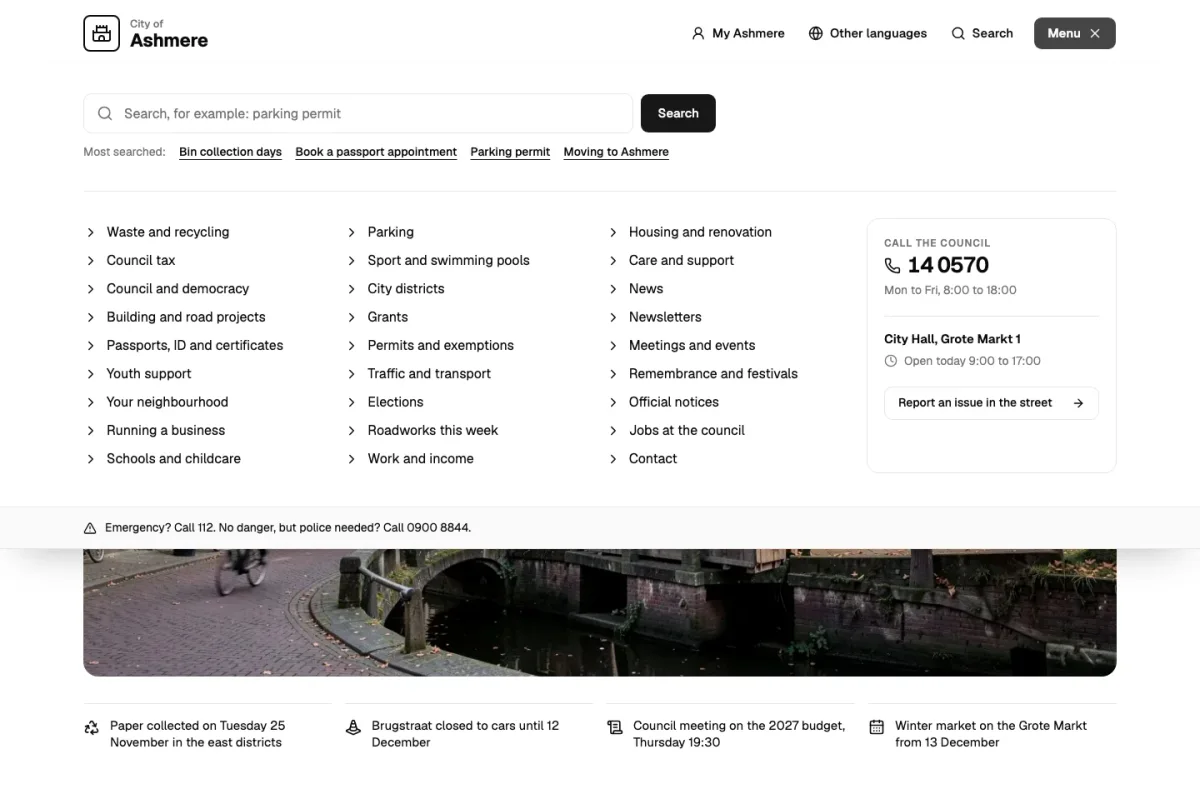
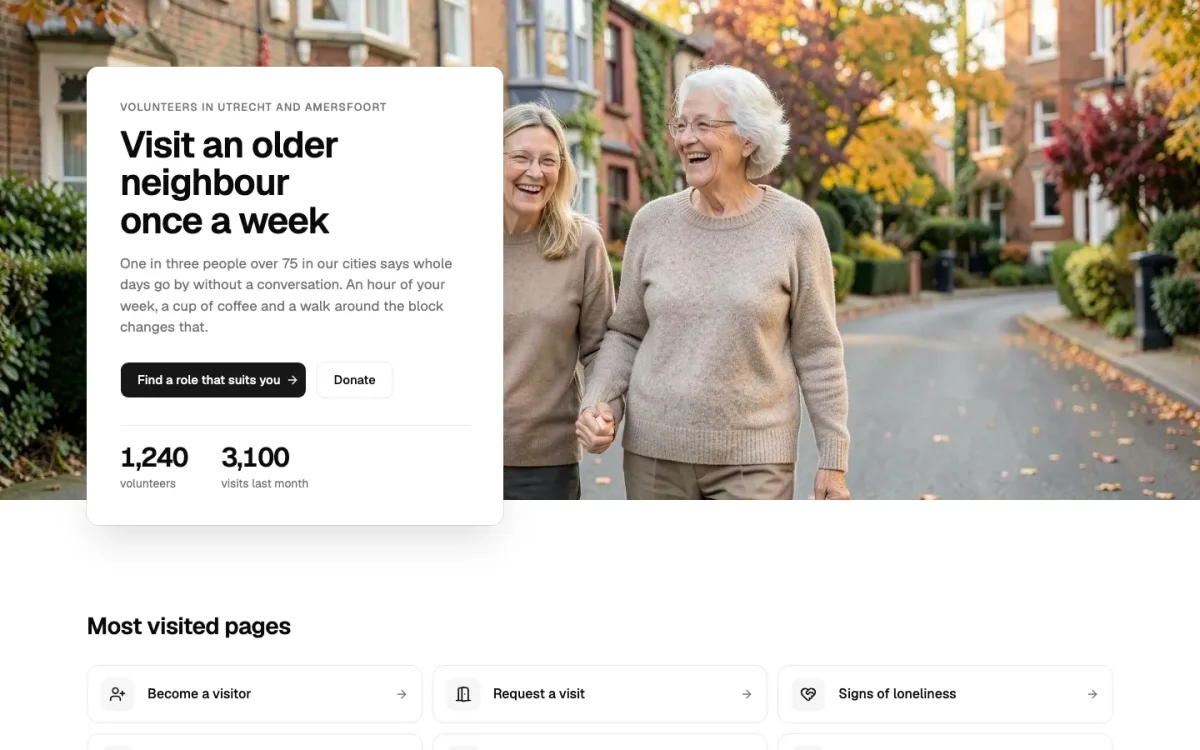
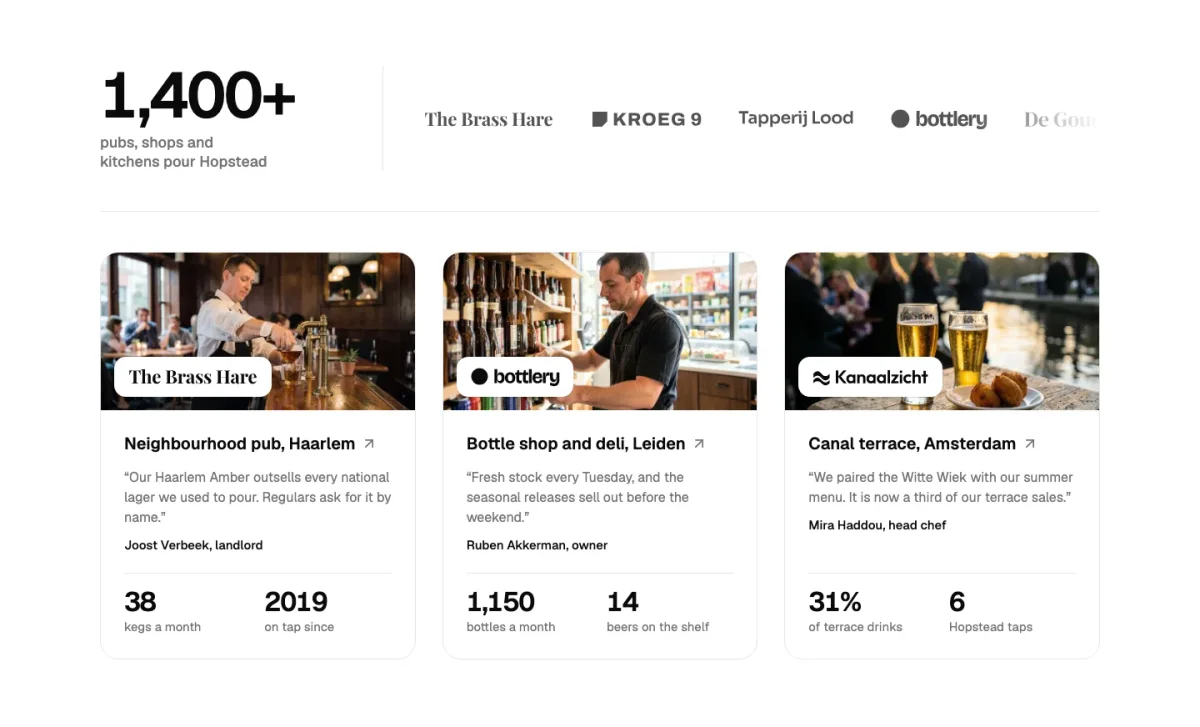
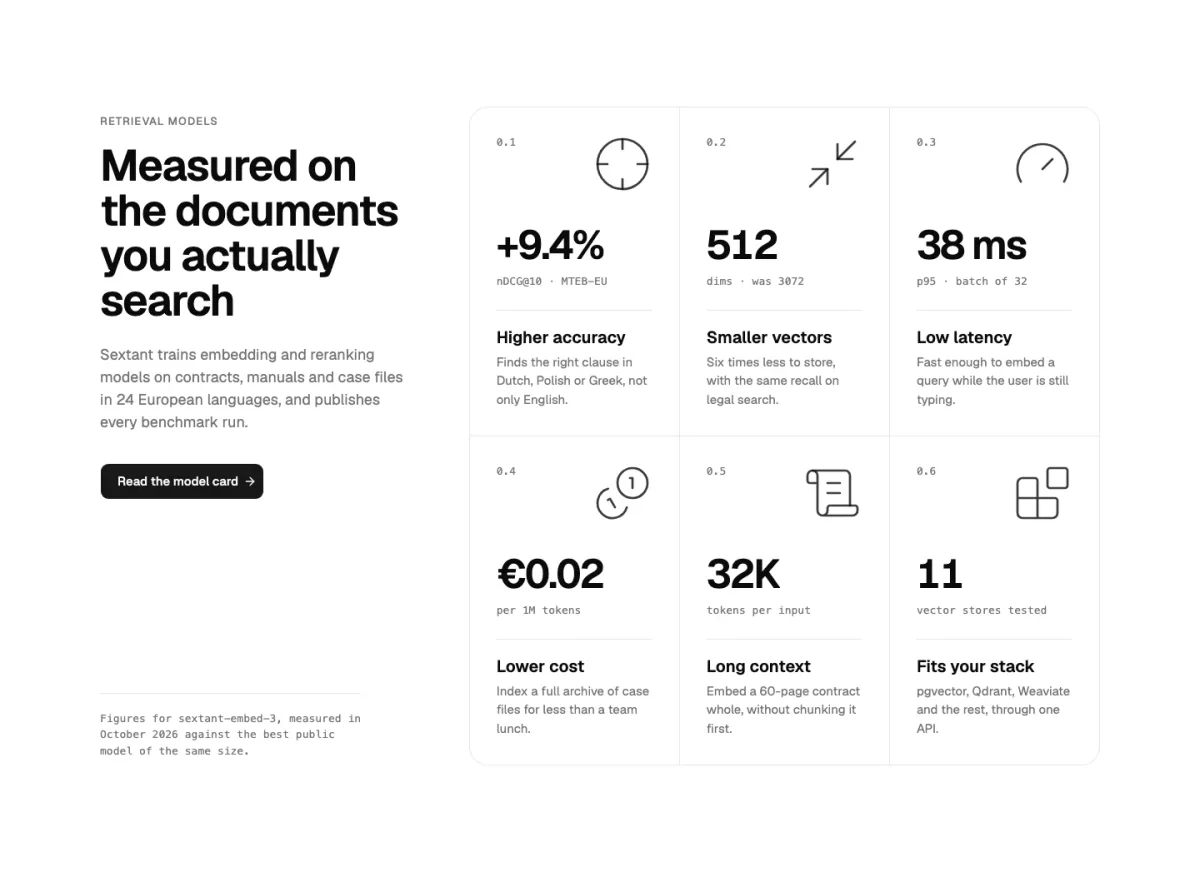
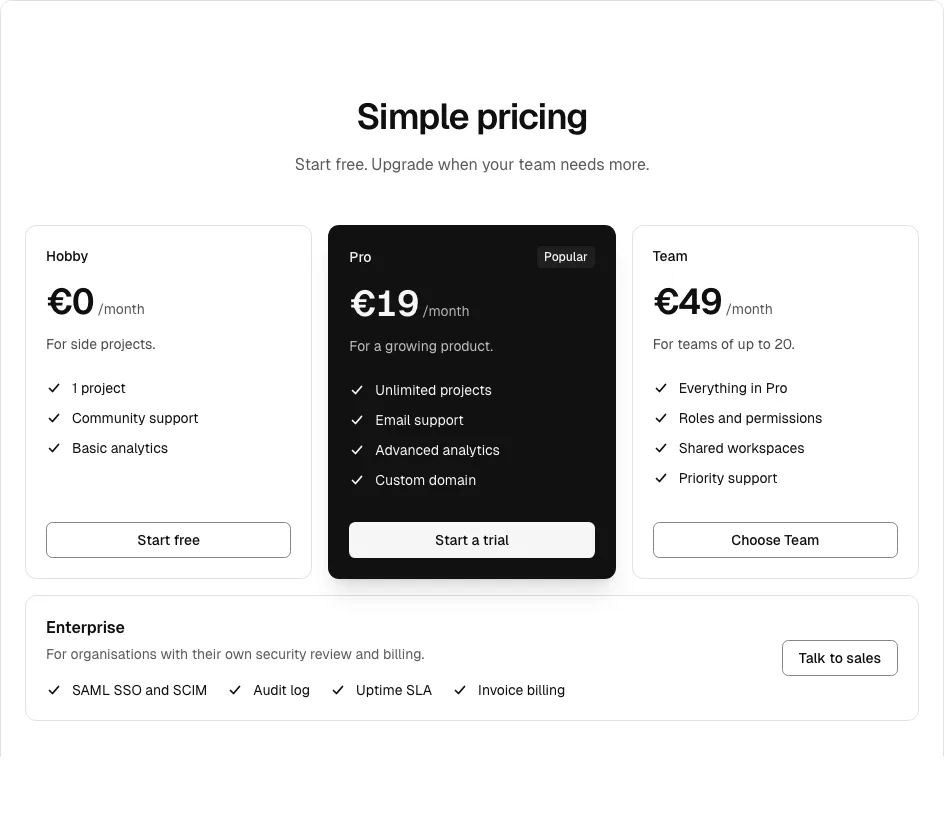
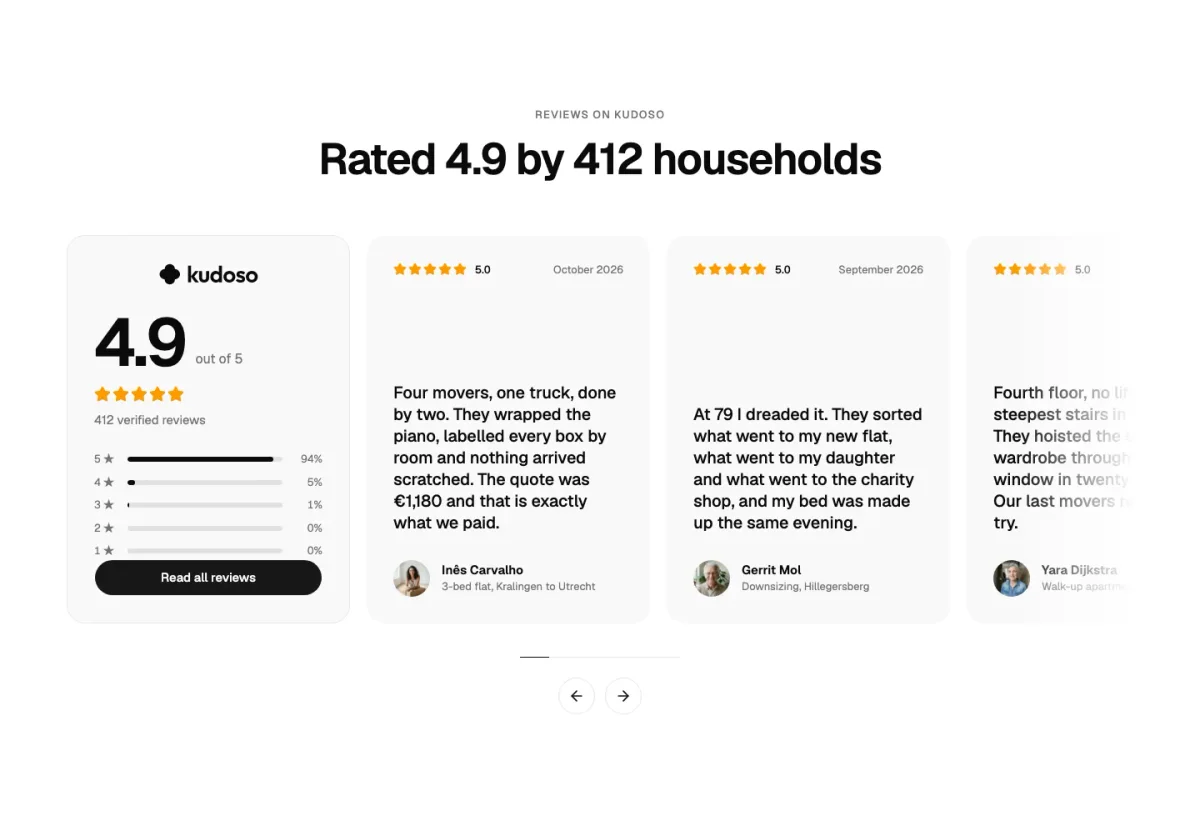
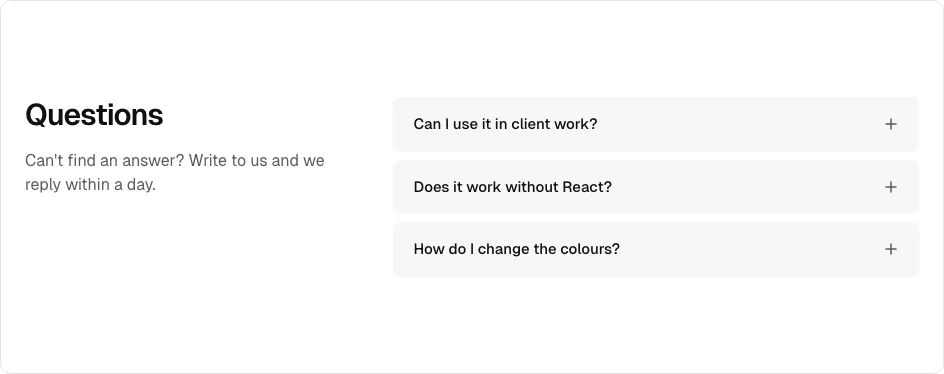
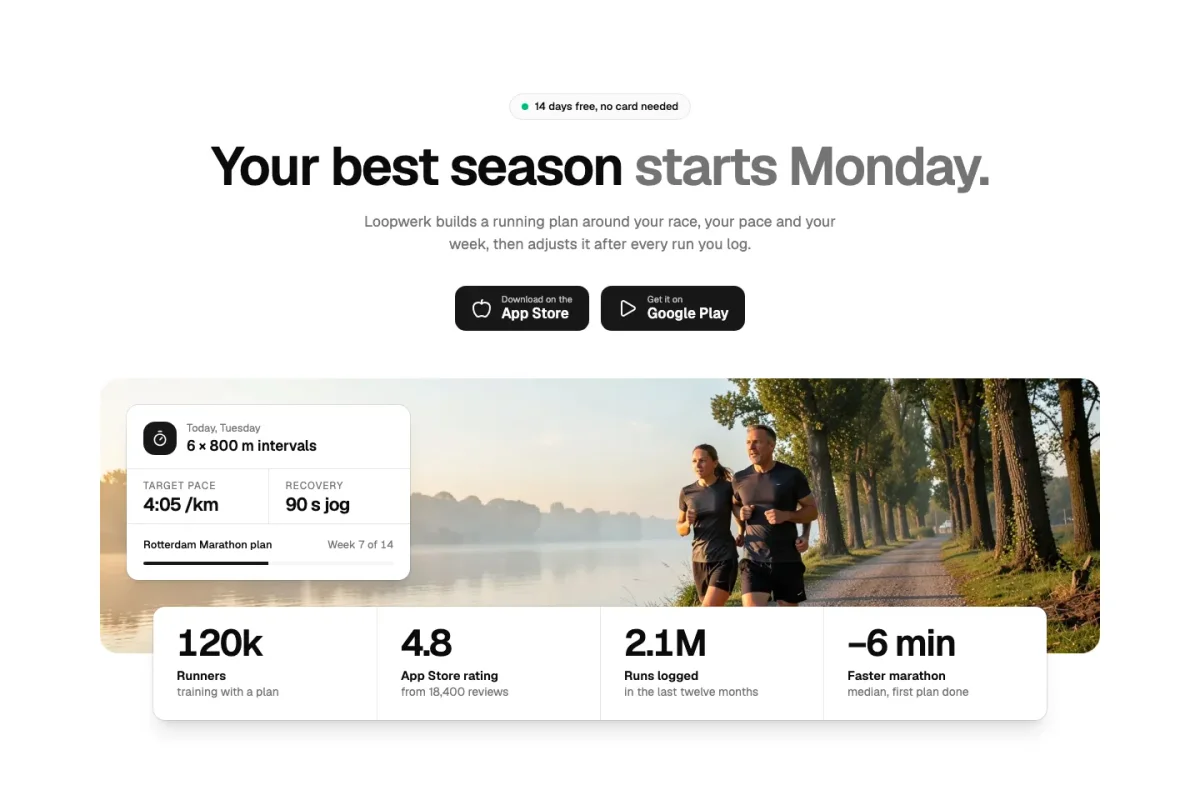
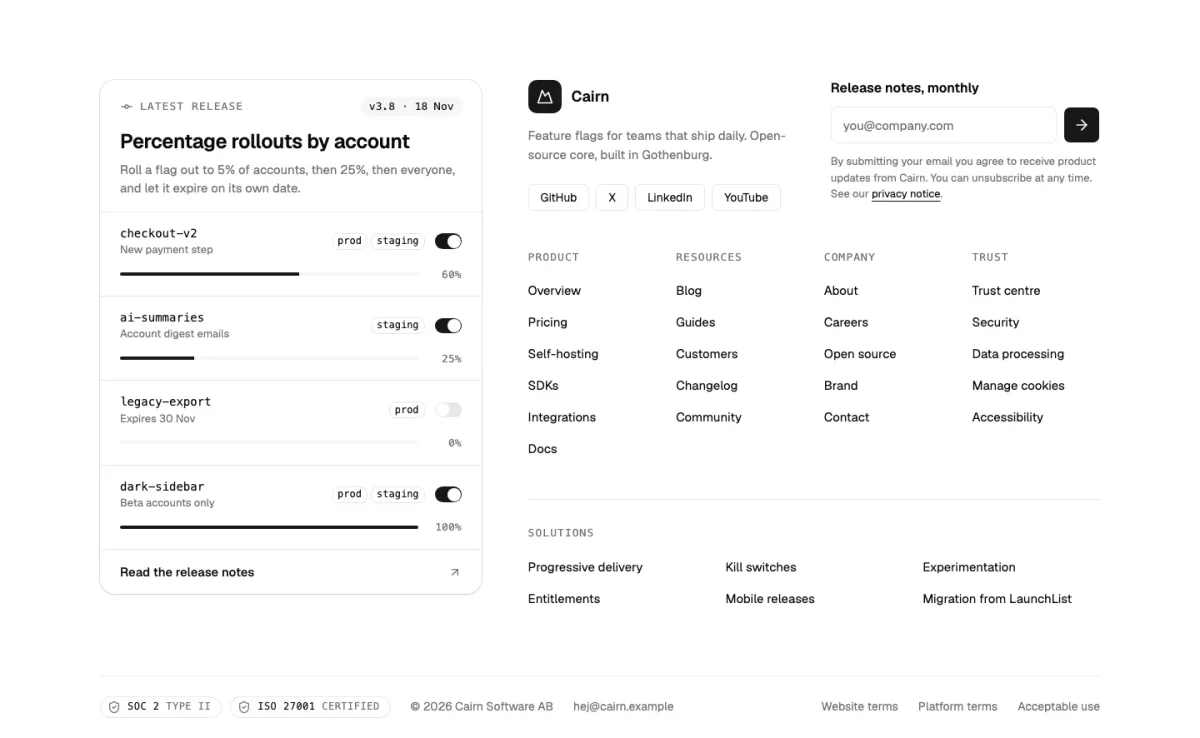
The landing page, in order
The order that works
Header and hero say what it is and who it’s for. A logo wall or a figure gives the first proof. Features show how it works; pricing answers the question everyone scrolls for. Testimonials and an FAQ handle the doubts, and the call to action repeats the one thing you want people to do.
Leave out what you can’t back up. A landing page without customer logos is better than one with logos you borrowed.
Putting it together in code
Install each block, then import them into one page in the order above. Every block takes its copy and images as props, so the page file reads like an outline of the page.
import { HeroHalyard } from "@/components/hero/hero-halyard"
import { PricingMurmur } from "@/components/pricing/pricing-murmur"
import { FaqTallyrow } from "@/components/faq/faq-tallyrow"

export default function Page() {
  return (
    <>
      <HeroHalyard title="…" />
      <PricingMurmur plans={plans} />
      <FaqTallyrow items={faqs} />
    </>
  )
}
How it works with shadcn
From the catalogue to your components folder
Add the registry
Once per project: the @themesdev entry in components.json, with your API key read from THEMESDEV_TOKEN. Making a key takes a UI Pro license.
components.json { "registries": { "@themesdev": { "url": "https://www.themes.dev/r/ui/{name}.json", "headers": { "Authorization": "Bearer ${THEMESDEV_TOKEN}" } } } }Install by number
Every item has a store number. This one is Landing page template; the CLI adds the shadcn/ui parts it needs first.
terminal npx shadcn@latest add @themesdev/template-landingEdit it as your code
The file lands in components/pages/ in your project. No package, no runtime, no lock-in: change the markup, the copy and the classes like anything else you wrote.
See it on the item’s own page: Landing page template. Set up your key in your account.
About shadcn landing page
Asked by people who were looking for the same thing. Something missing? Send us a message; we answer every one ourselves.
Is there a free shadcn landing page?
The free library has a free block for most landing sections: a hero, features, pricing, FAQ, a call to action and a footer among them, 29 free blocks in all. You need a free themes.dev account to copy or install the code.
Can I use it in Next.js?
Yes. The blocks are React components; put them in an App Router page as in the example. Blocks with state, like a monthly/yearly switch, are marked as client components.
How fast can I have a page up?
With the Landing template: install it, change the content object at the top and deploy. Building from single blocks takes longer but gives you exactly the sections you want.

Not sure it fits?
Tell us what you are building and we tell you honestly whether these blocks are a good fit.
UI Pro
Build it from finished shadcn/ui blocks
Every block, page template and website theme from €199, paid once, with every update and everything we add later. Not ready? The free blocks are open to everyone.
- blocks
- 860
- page templates
- 14
- website themes
- 26
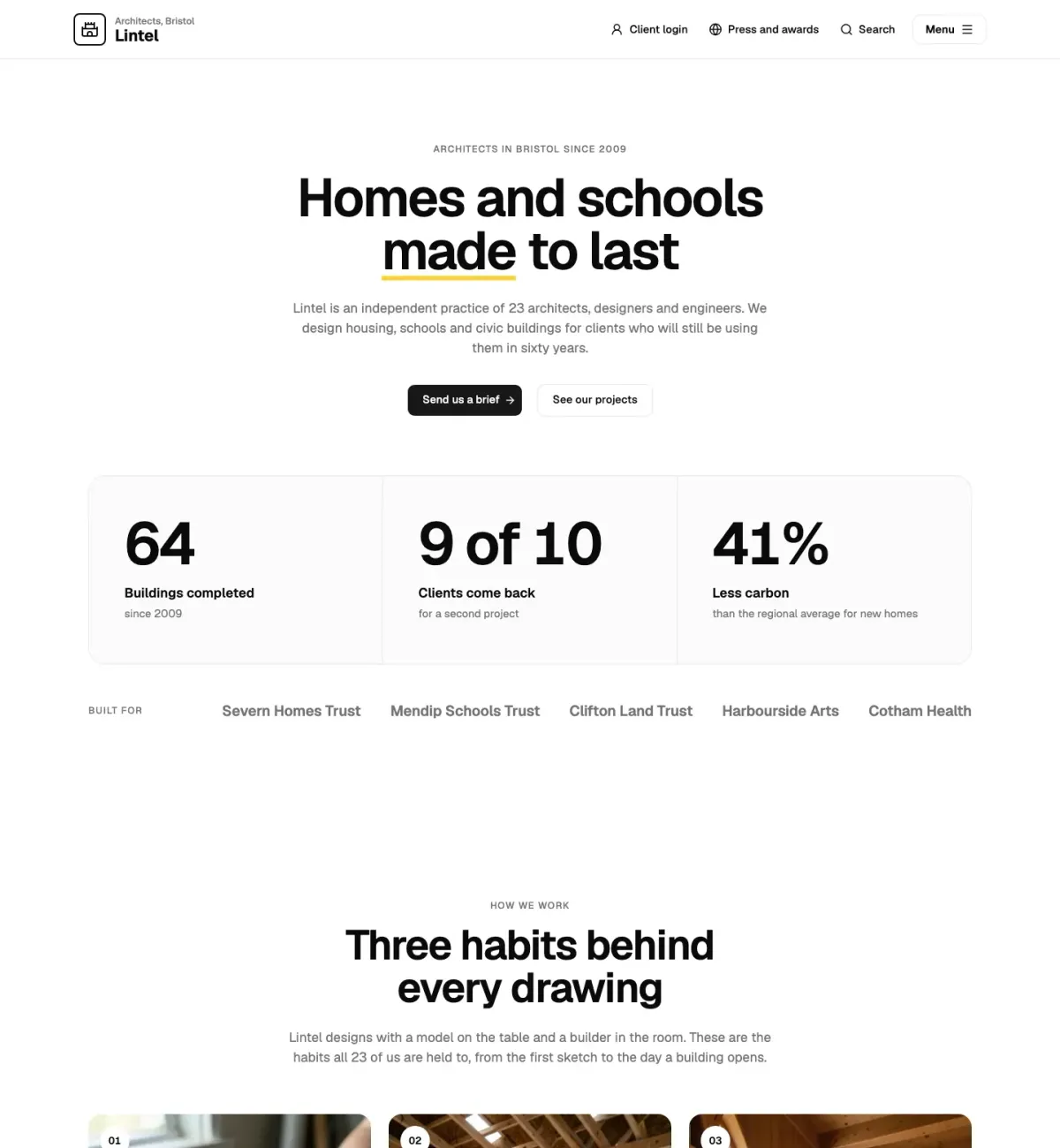
This page is built from UI Pro blocks: Straalnet (faq-10), Rooilijn (call-to-action-07).